AI Assistant for Field Service
Tell it what changed and it does the typing. Powered by Google Gemini — and it shows you every edit before anything is saved.
14-day free trial · No credit card required





Join 14,000+ pros

Built In AI Assistant
Powered by Google Gemini

Waiting for you
Update service address
👀 Review the change before it saves
Plain English
No Menus To Learn
Preview
Before Anything Saves
Your rules
Never More Access
Photos & PDFs
Just Send Them
Included in every plan — not an add-on, not a higher tier, no extra per-seat charge.
How the assistant works
Ask
Type what you want in plain English. No menus, no fields, no working out which screen it lives on.
Review
It comes back with the change it is about to make — old value, new value — and waits for you.
Confirm
You approve it and it saves. Nothing is written to your records until you say so.
What you can hand off to the assistant
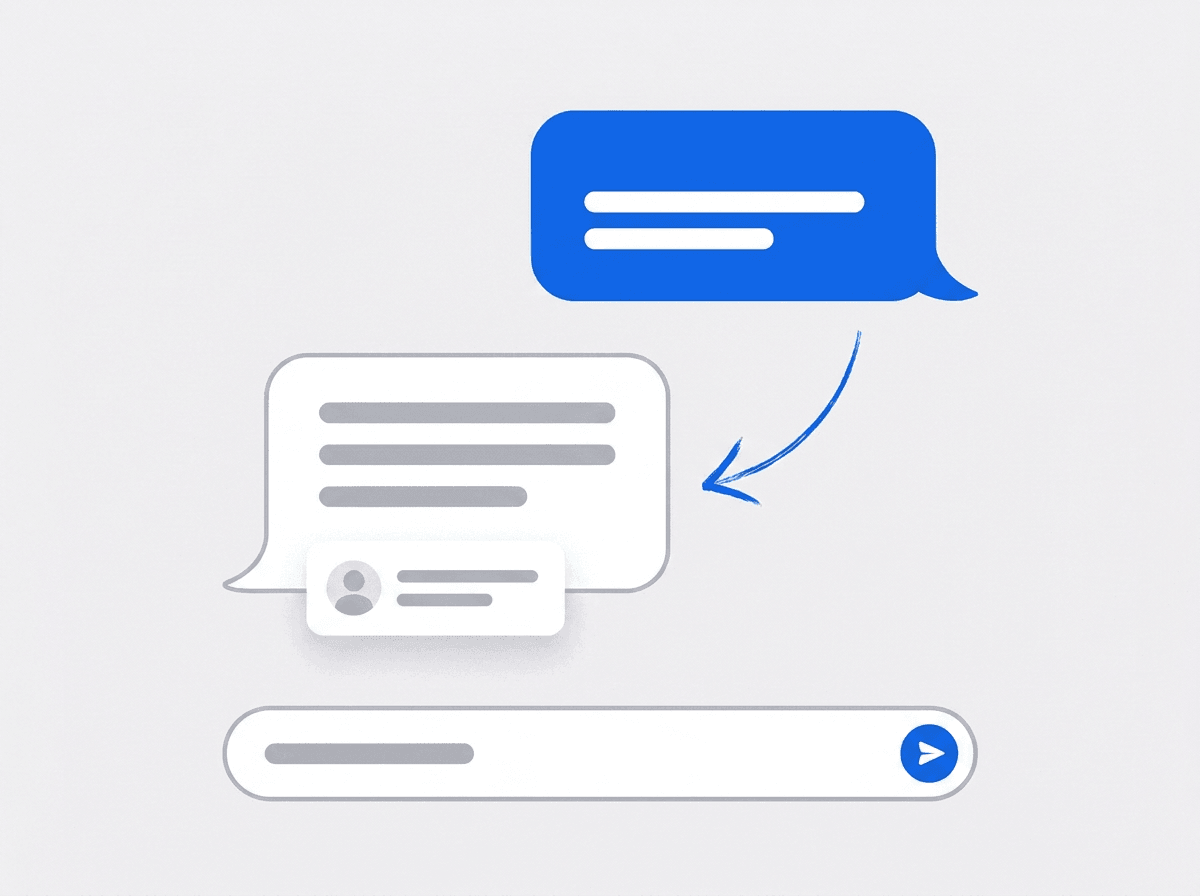
Say it the way you would say it out loud
Ask for a customer by name, add the second phone number they just gave you, or fix the address that has been wrong for a year. No menus, no fields, no hunting for the right screen.
- Find a customer without knowing how they were filed
- Add contacts, emails, phones, addresses, and notes by asking
- Look up a job or check what your company settings say
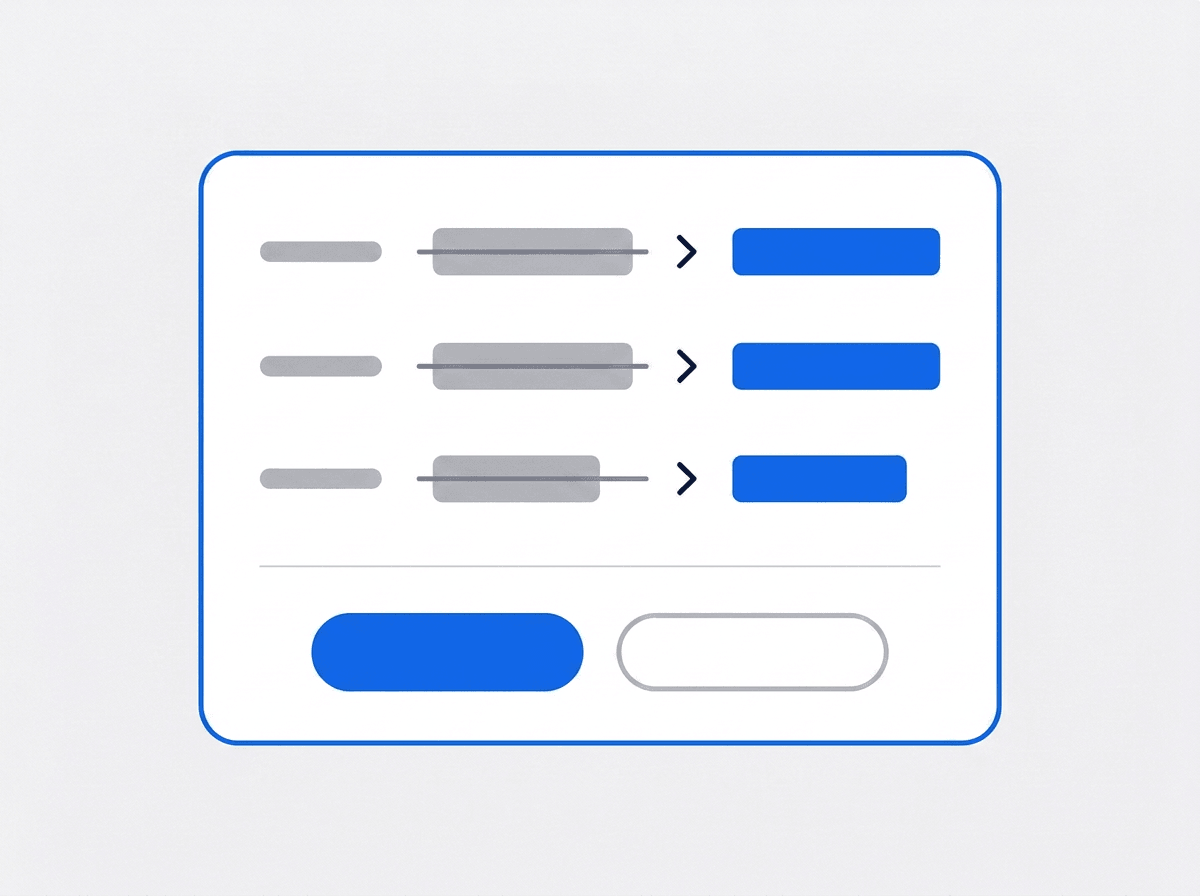
It shows you the change before it makes it
Nothing is saved on its word alone. Every edit comes back as a plain before-and-after so you can see exactly what is about to change — then you approve it or you do not.
- Old value and new value side by side, field by field
- Warns you when the customer looks like one you already have
- Nothing is written until you confirm
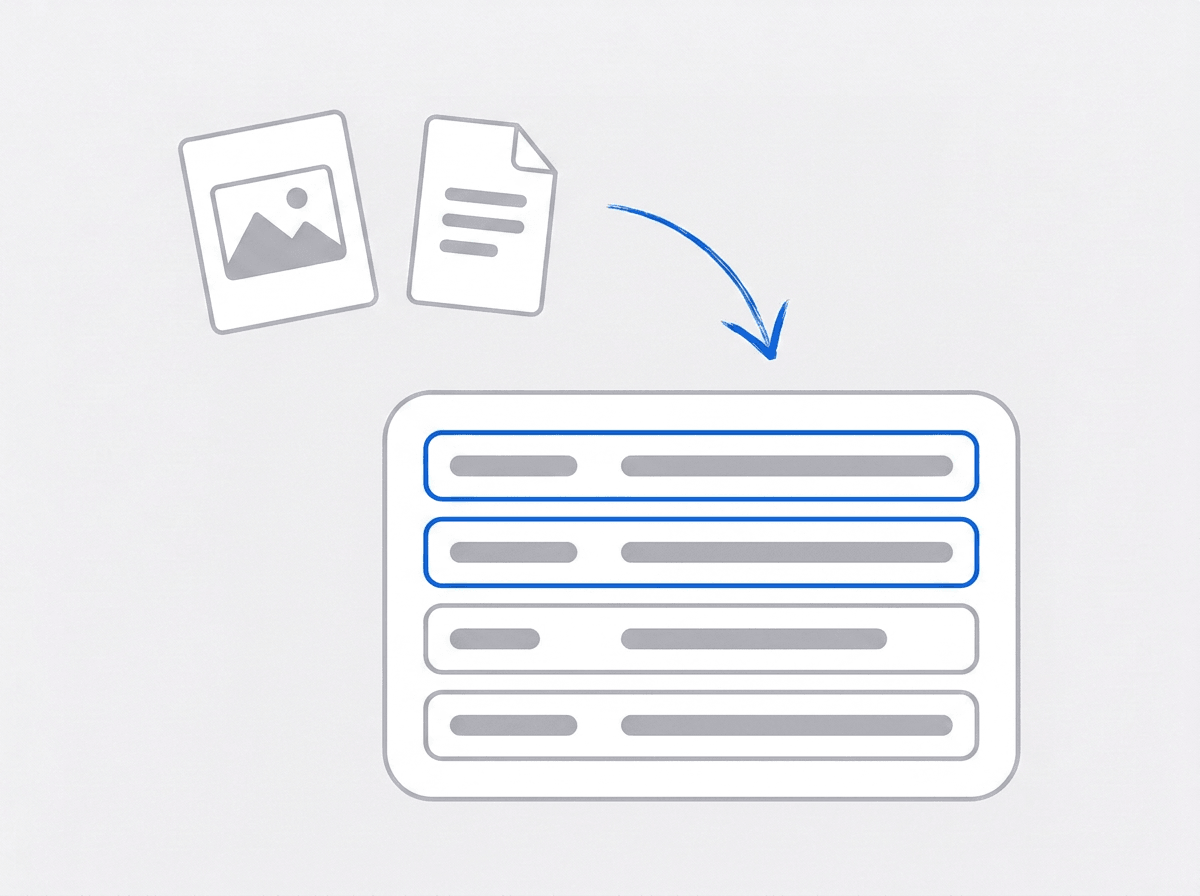
Send it a photo and ask about it
Attach a picture from the job or a PDF the customer sent over, and ask what you want to know. It reads what is in the file and answers in the same conversation.
- Send photos or a PDF straight into the chat
- Ask what a document says without opening it yourself
- Use what it finds to update the customer record
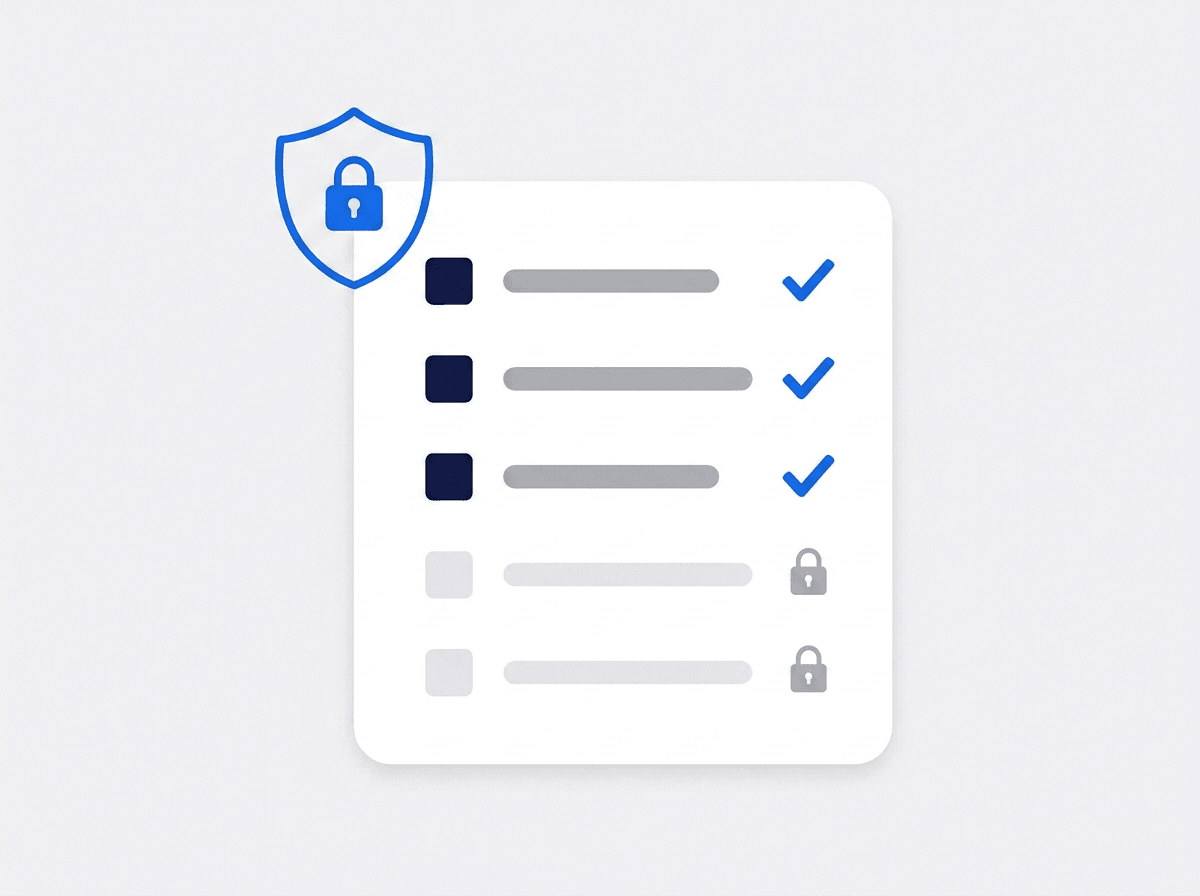
It can never do more than you can
The assistant runs on the same permissions as the person using it. If someone on your team cannot delete a customer in the app, they cannot get the assistant to do it either.
- Every action checked against that user’s own permissions
- Asks for missing details instead of guessing at them
- Works only inside your business — never another company’s data
“I fix the customer’s details from the truck now. It shows me what it’s changing, I tap yes, and I’m driving.”

David Chen
Owner, Chen Plumbing Co.
Ready to stop typing into forms?
Start your free trial and try it on a real customer record. No credit card, no feature limits.
14-day free trial · No credit card required
Beyond the assistant — everything built in
HR & Payroll
Employee records, time off, and payroll — with anyone on leave flagged before you build the crew.
Team Management
Color-coded crews with dated roster changes — reshuffle without touching your permanent setup.
Fleet Management
Itemized maintenance history and service-due reminders on every work vehicle.
Work Permits
Match permit requirements to the job address. Track the documents each issuer wants, through to approved.
Frequently asked questions
It is a chat box wired into your own business data. Instead of clicking through screens to find a customer and edit a field, you type what you want in plain English and it does the work. The useful ones show you what they are about to change before they change it, and they stay inside the permissions of whoever is asking.
Customer records, end to end. It can find customers, open one up, create new ones, and edit almost anything on them — contacts, phone numbers, email addresses, service addresses, and notes. It can also read your jobs and your company settings when you ask about them. It does not create jobs, estimates, or invoices yet.
No. Anything that writes to a record comes back to you first as a preview — the old value and the new value, field by field — and waits for you to approve it. If it thinks the customer you are adding already exists, it says so before creating a duplicate. If it is missing a detail it needs, it asks you rather than guessing.
No. Every action is checked against that user’s own permissions before it runs. If someone on your team cannot delete a customer in the app, asking the assistant to do it will not work either. And it only ever sees your business — never another company’s data.