Quoting Software That Wins Jobs
Stop writing quotes on the back of a business card. Build detailed estimates with line items and taxes, send a polished PDF, and convert to an invoice with one click when the customer says yes.
14-day free trial · No credit card required





Join 14,000+ pros

Built In AI Assistant
Powered by Google Gemini

Accepted
Kitchen Remodel · $4,800
EST-0042 · Ready to invoice
15+ hrs
Saved Per Week
2X
Faster Quotes
One-click
To Invoice
Pro
PDF Estimates
Quote faster, win more jobs, and never retype a line item again — all from one platform.
How quoting works in JobTrail
Build
Add line items from your service catalog, set your tax rate, and add an expiry date. Your estimate is ready in under a minute.
Send
Generate a professional PDF and share it with your customer. Track the status from Draft to Sent to Accepted.
Convert
When the customer says yes, convert to an invoice with one click. Line items and tax carry over — no retyping.
Everything you need to quote with confidence
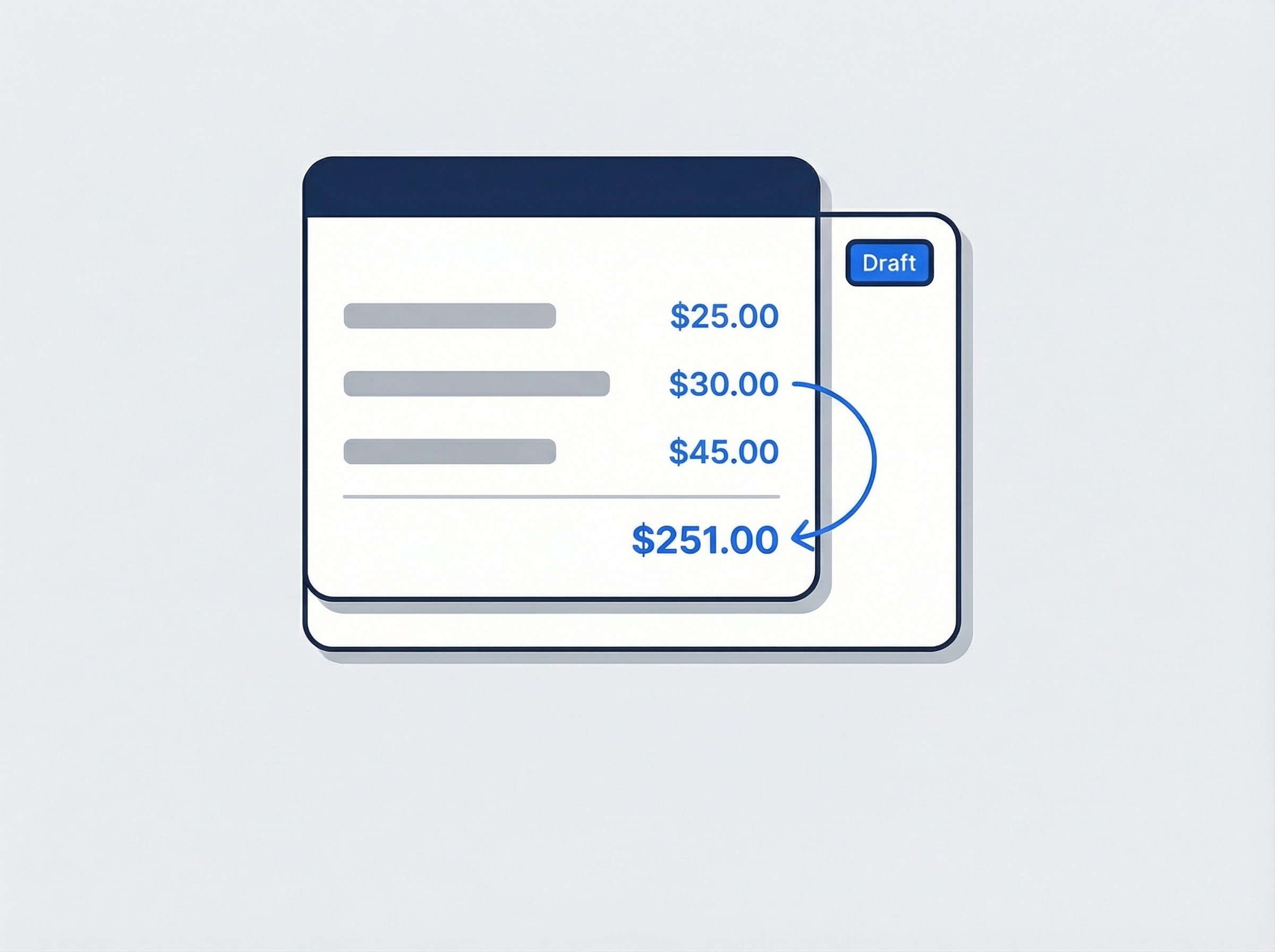
Build detailed estimates in minutes
Add line items with descriptions, quantities, and unit prices. Pull from your service catalog so you never retype the same item twice. Every estimate looks professional and consistent.
- Line items with description, quantity, and unit price
- Pull items from your service catalog instantly
- Assign a salesperson to every estimate
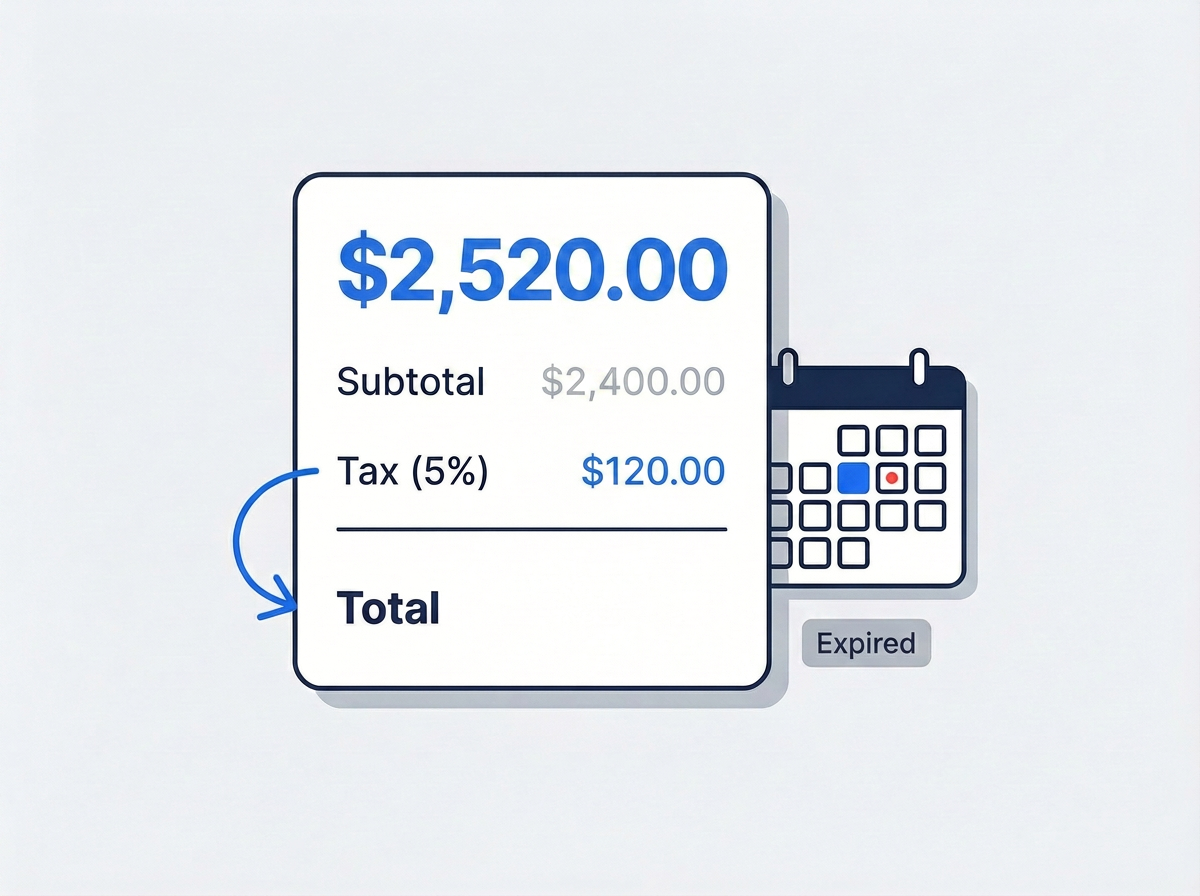
Taxes calculated, expiry tracked automatically
Set your tax rate as inclusive or exclusive and let JobTrail handle the math. Add an expiry date and estimates automatically flip to "Expired" when the deadline passes — so you always know which quotes are still live.
- Tax inclusive or exclusive with automatic calculation
- Expiry dates with auto-triggered "Expired" status
- Custom notes and terms per estimate
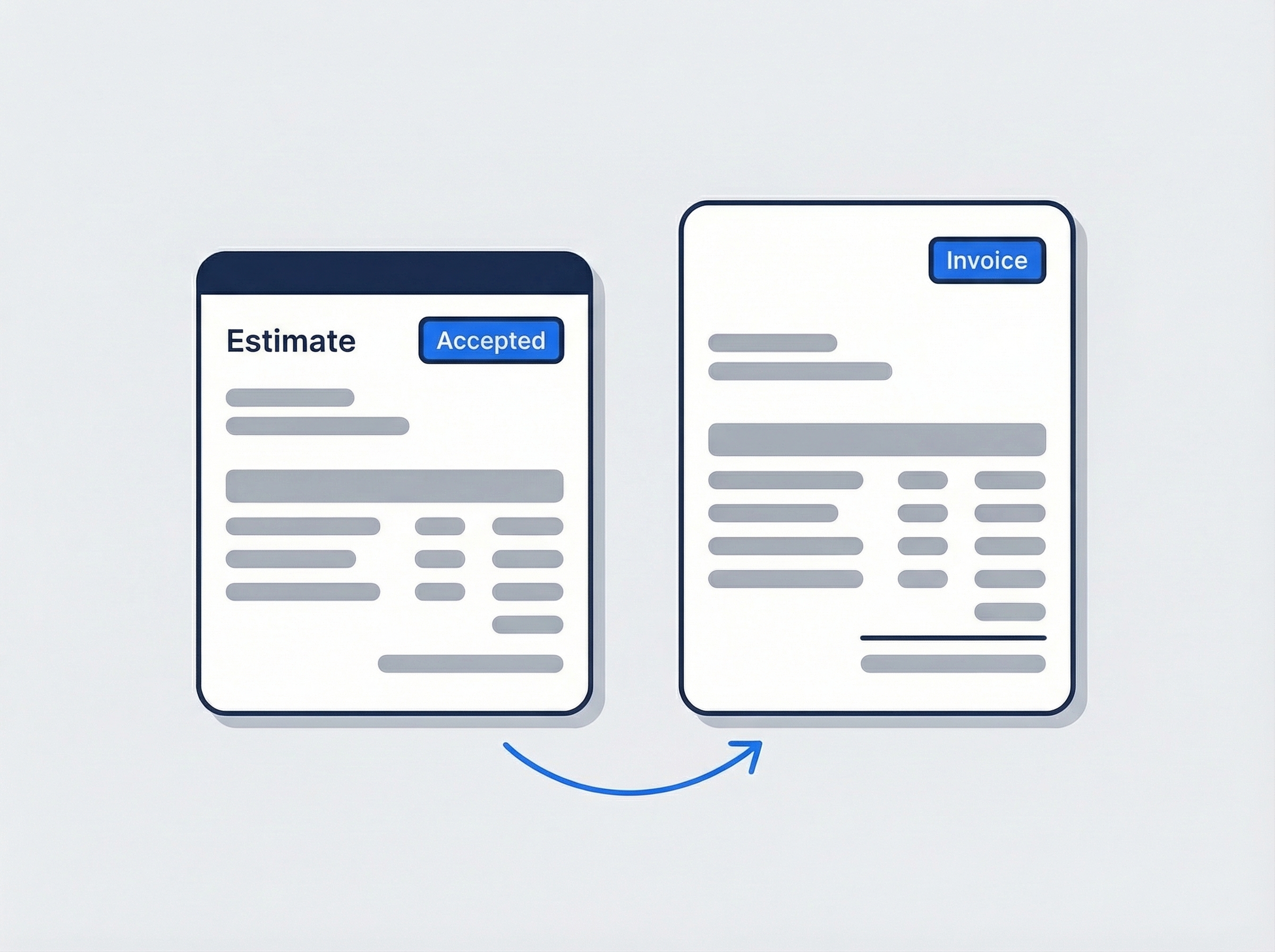
One click from estimate to invoice
When the customer says yes, convert your estimate to an invoice with one click. Line items, customer details, and tax settings carry over automatically — no retyping, no mistakes.
- One-click conversion pre-fills everything
- Line items, customer, and tax carry over
- Track which estimates became invoices
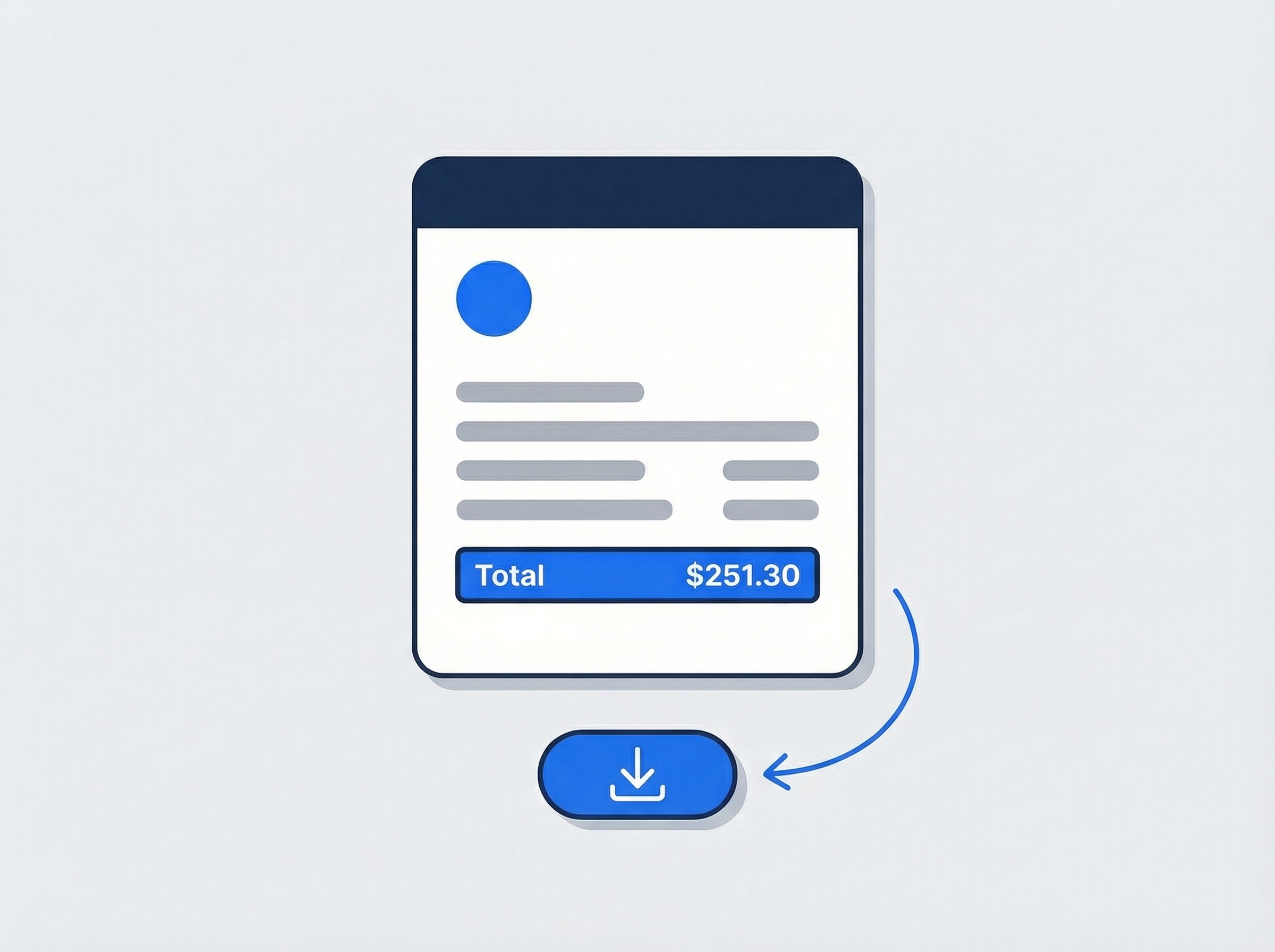
Send polished PDFs your customers will trust
Generate a professional PDF estimate with your company details and line items. Download it, email it, or share it however you prefer. Clone any estimate to create a new revision or adapt it for another customer.
- Generate and download branded PDF estimates
- Clone estimates for revisions or new customers
- View linked invoices, jobs, and requests
“I used to lose jobs because my quotes took too long. Now I pull up my service catalog, build the estimate on-site, and email the PDF before I leave the driveway.”

Jason Torres
Owner, Torres Electrical
Ready to win more jobs?
Start your free trial and see how fast you can go from estimate to invoice. No credit card, no feature limits.
14-day free trial · No credit card required
Beyond quoting — everything built in
AI Assistant
Powered by Google Gemini. Look up customers, check job details, and update customer records in plain English.
HR & Payroll
Track hours, run payroll, and manage leave — without a separate HR tool.
Fleet Management
Assign vehicles to crews, log maintenance, and set service reminders.
Work Permits
Match permit requirements to the job address. Track the documents each issuer wants, through to approved.
Frequently asked questions
Field service quoting software helps you create professional estimates for your customers — with line items, taxes, and expiry dates — without building spreadsheets or writing quotes by hand. When the customer approves, you convert the estimate to an invoice in one click.
Yes. One click converts any accepted estimate into an invoice. Line items, customer details, and tax settings carry over automatically — no retyping required. You can always see which estimates have been invoiced.
You set your tax rate once and choose whether prices are tax-inclusive or tax-exclusive. JobTrail handles the math automatically on every line item. You can also customize notes and terms per estimate.
Not through a customer login — JobTrail has no customer portal. You send the estimate as a PDF and mark it Accepted or Declined when they come back to you, which is how most field service businesses handle it anyway. The status is what matters downstream: an accepted estimate converts to an invoice in one click, carrying its line items and tax treatment across, and an expiry date keeps stale estimates from sitting in your pipeline forever.
Absolutely. JobTrail offers a 14-day free trial with full access to every feature — no credit card required. Start your trial today and see how much faster quoting gets when everything is in one place.