Incident Reporting Software
The worst time to go looking for what happened is a year later, when somebody is asking. Log it the day it happens, with the photos and the job attached, and follow it through to closed.
14-day free trial · No credit card required





Join 14,000+ pros

Built In AI Assistant
Powered by Google Gemini
Incident logged
Linked to JOB-118
📎 Suggested from that day’s schedule
6 types
Injury To Complaint
Photos
Attached On Site
Suggested
Job From The Schedule
Tracked
Open Through Closed
Written down the day it happened, which is the only version anyone will trust later.
How incident tracking works in JobTrail
Log
Record what happened, when, who was there, and how serious it was — with the photos, before they vanish off a phone.
Act
Write down what you did on the day and what still needs doing. Follow-up notes stack up with names and times.
Close
Move it from Open to In Progress to Resolved to Closed. JobTrail records who signed it off and when.
Everything you need when something goes wrong

Get it written down while it is fresh
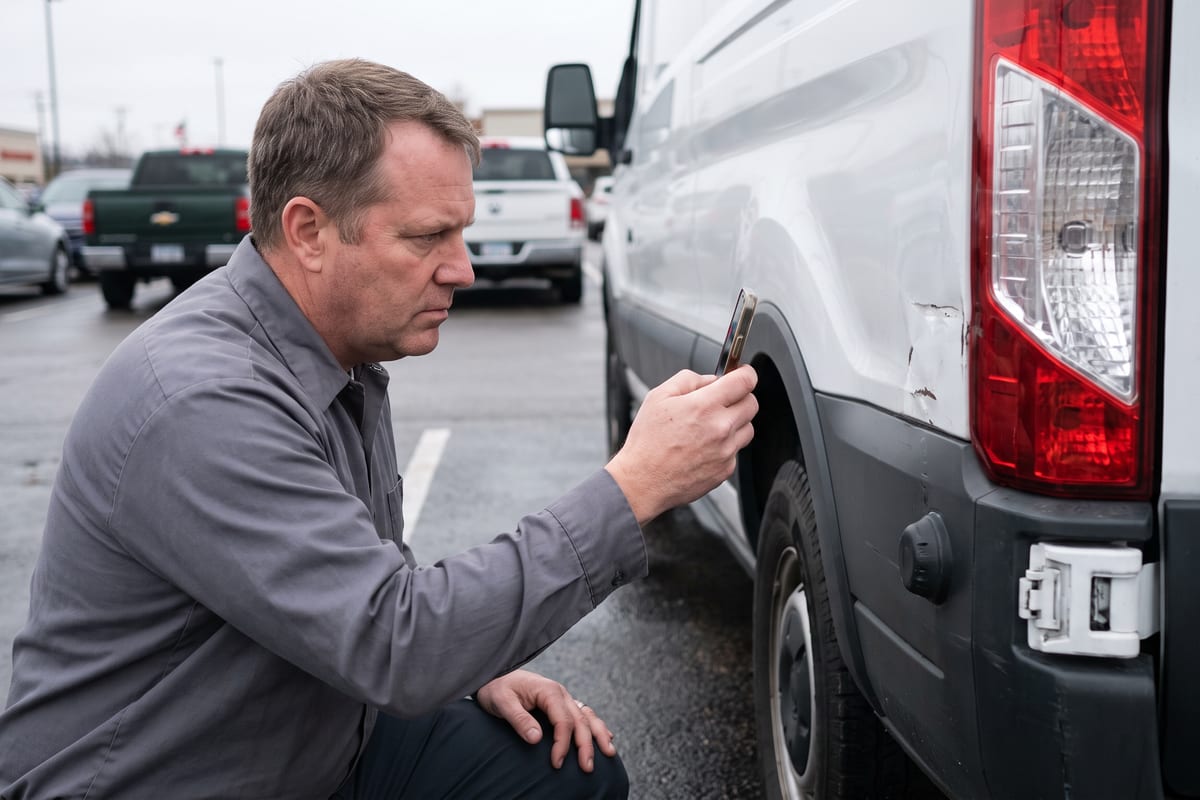
An injury, a cracked windshield, a customer who is furious about the driveway — all of it goes in the same place. Say what happened, where, who was involved, and how serious it is, and put the photos in before anyone deletes them off a phone.
- Injury, equipment damage, customer complaint, work issue, and discipline
- Four severity levels from low through critical
- Photos attached to the incident, plus location and witnesses
JobTrail knows where your crew was
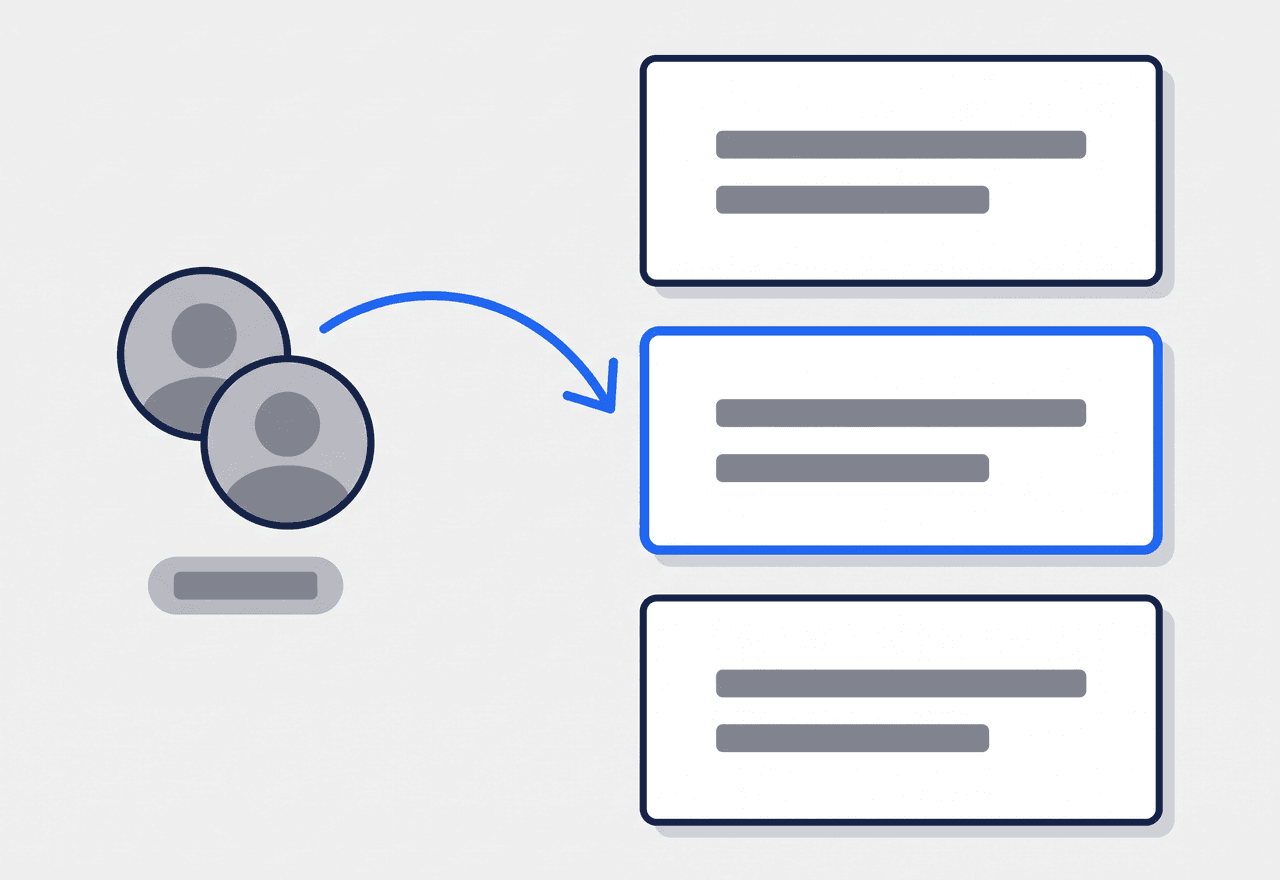
Pick the people involved and the date it happened, and JobTrail offers up the jobs they were actually scheduled on that day. Choose one and the incident is tied to the job — no digging through the calendar to work out where anybody was.
- Suggested jobs pulled from that day’s schedule for those employees
- Job number and customer shown so you can pick the right one
- The incident and the job stay linked for whoever reads it later
What you did about it, on the record
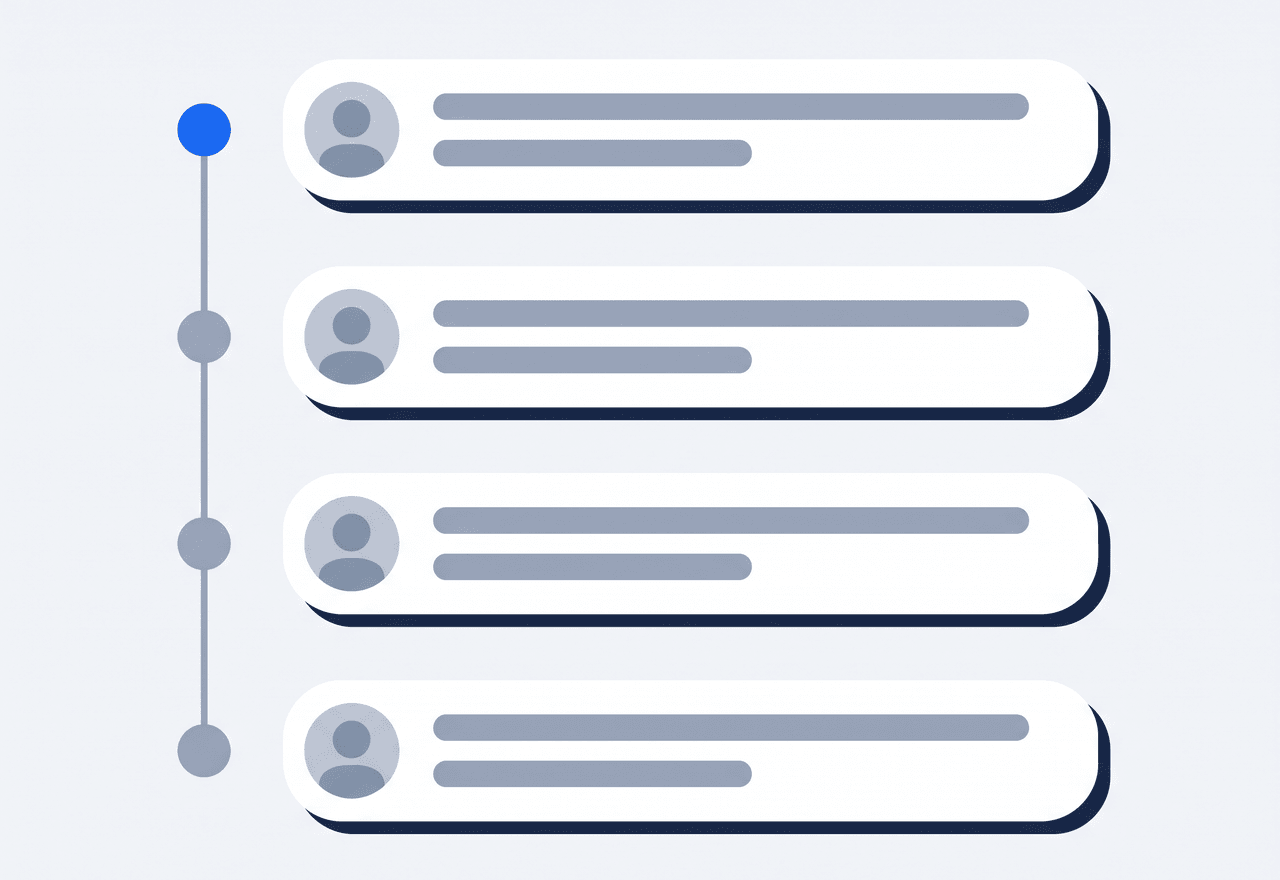
Note the action you took on the day, list what still needs doing, and add follow-up notes as things move. Each note carries who wrote it and when — so three months on, the story is complete rather than remembered.
- Immediate actions recorded separately from open follow-ups
- Follow-up notes stamped with the author and the time
- The full history stays on the incident, not in someone’s inbox
Nothing quietly disappears
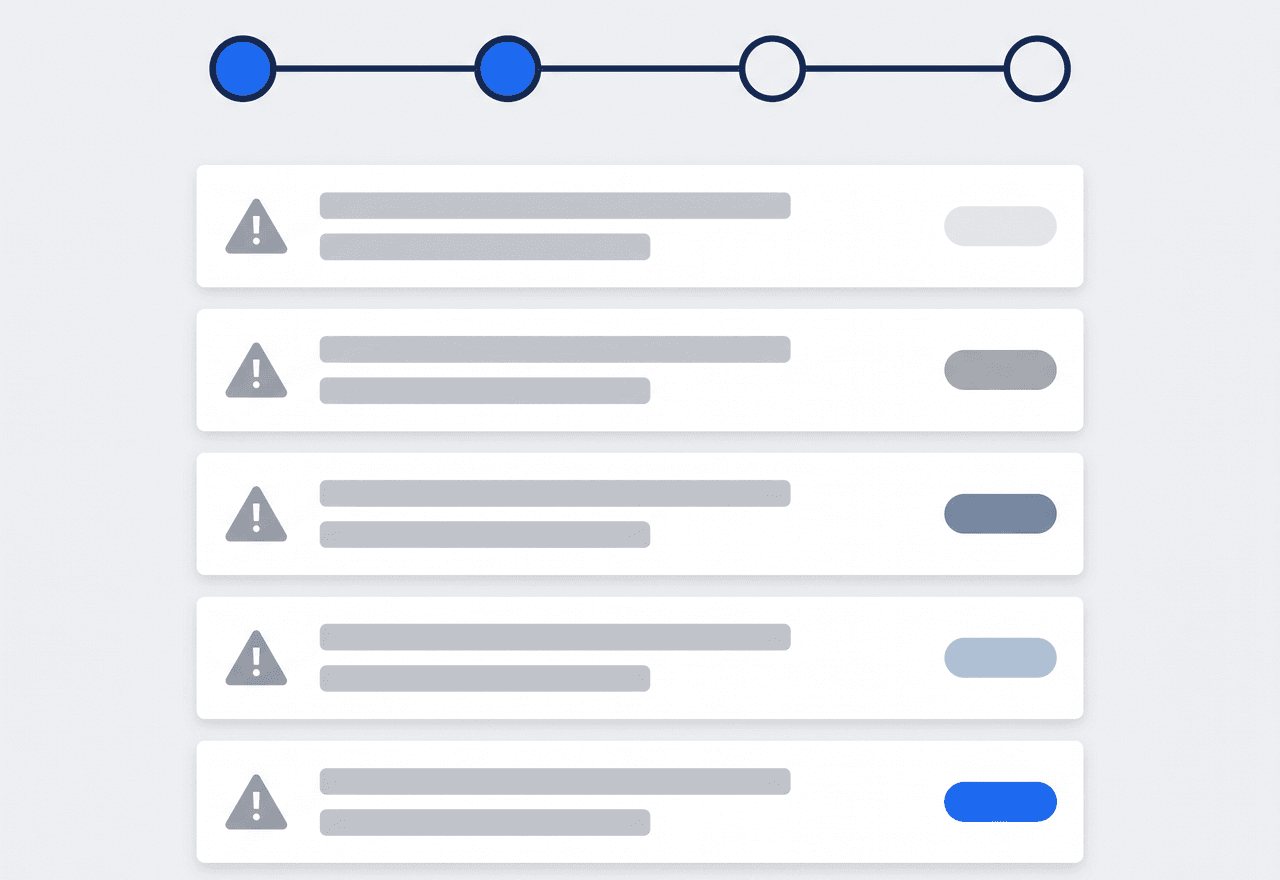
An incident moves from Open to In Progress to Resolved to Closed, and JobTrail records who resolved it and when. The crew it belongs to is worked out from who was on that team on the day it happened — not who is on it now.
- Open, In Progress, Resolved, and Closed with the resolver recorded
- Crews resolved from the roster as it stood on the incident date
- Incidents sit beside site assessments for a full view of a team
“A customer came back about damage eight months after the fact. I pulled up the incident, the photos, and the note my foreman wrote that afternoon. Conversation over.”

Jason Torres
Owner, Torres Electrical
Stop relying on everyone remembering
Start your free trial and log your first incident properly. No credit card, no feature limits.
14-day free trial · No credit card required
Beyond incidents — everything built in
AI Assistant
Powered by Google Gemini. Look up a job, create or update a customer, and ask about a photo — in plain English.
Site Assessments
Score every visit on your own checklist, in the same workforce area.
Fleet Management
Vehicle accidents and repairs tracked against the truck itself.
HR & Payroll
The people in your incidents are the same records that hold their documents, leave, and pay — not a separate system.
Frequently asked questions
It is a proper home for the things that go wrong on a job — an injury, damaged equipment, an unhappy customer — instead of a text message and a promise to sort it out. You record what happened while it is fresh, attach the photos, and track it through to closed, so nothing gets dropped and you have the account in writing if it is ever questioned.
Injuries, equipment damage, customer complaints, general work issues, and discipline matters — with an Other type for anything that does not fit. Each one gets a severity from low through critical, so a scratched van and a hospital trip do not look the same in your list.
It checks the schedule. Once you pick the employees involved and the date, JobTrail looks at what those people were booked on that day and suggests those jobs, with the job number and customer name. You pick the right one and the incident is linked — no scrolling back through a calendar to work out where anybody was.
The incident keeps the crew it actually happened to. JobTrail works out the team from who was on that roster on the incident date, not from who is on it today — so a reshuffle next month does not rewrite what happened last month.