Facility Management Software
JobTrail runs your contract work across every client site — the weekly rounds, the urgent call from a property manager, the inspection score, and the monthly statement. Payroll, leave, and the vans come built in.
14-day free trial · No credit card required





Join 14,000+ pros

Built In AI Assistant
Powered by Google Gemini

Ongoing
Site walk · Building C · 9:30 AM
Suite 200 lighting · 5 of 8 scope lines
15+ hrs
Saved Per Week
2X
Faster Invoicing
47%
Revenue Growth
14,000+
Pros On JobTrail
Built for the way facility services run — from the Monday morning round to the monthly statement.
Based on JobTrail customer data, 2026.
Everything a facility services business needs
A facility contract is a hundred small jobs across a handful of buildings, billed to one account. Most tools see only the calendar. JobTrail sees the sites, the crews, the inspections, and the balance — in every plan.
Scheduling
Team rows across every site, weekly rounds set once, and a My Schedule view for each tech.
Customers
One business account, many sites, a contact person per building — and what the account still owes.
Estimates
Price the out-of-scope repair a property manager asked for, then convert it to an invoice in a click.
Invoicing
Invoice by job or by site, record partial payments, and pull a statement with a running balance.
Job reports
Turn the crew’s photos into a branded PDF for the property manager, shared by link with an expiry.
Crews & teams
Color-coded crews per site or service line, dated roster changes when someone is out.
Assessments
Score a site walk against your own template — restrooms, lighting, common areas — item by item.
Job conversations
A thread on every job and every account, with mentions and an inbox, instead of a dispatcher’s texts.
Incidents
Log a slip in a lobby, damaged equipment, or a tenant complaint, and track it through to closed.
How a facility job runs in JobTrail
Book the work
Pick the account, pick the site, set the crew. A weekly restroom round, a two-day lighting retrofit, or an urgent leak — each is one job.
Walk the site
The crew opens Field Mode, reads the access hours and alarm contact on the address, and ticks off the scope. Photos and flags land on the job.
Bill the account
Invoice the job or convert the approved estimate, record payments as they arrive, and pull one statement for the account with a running balance.
The parts of a facility contract that eat your week
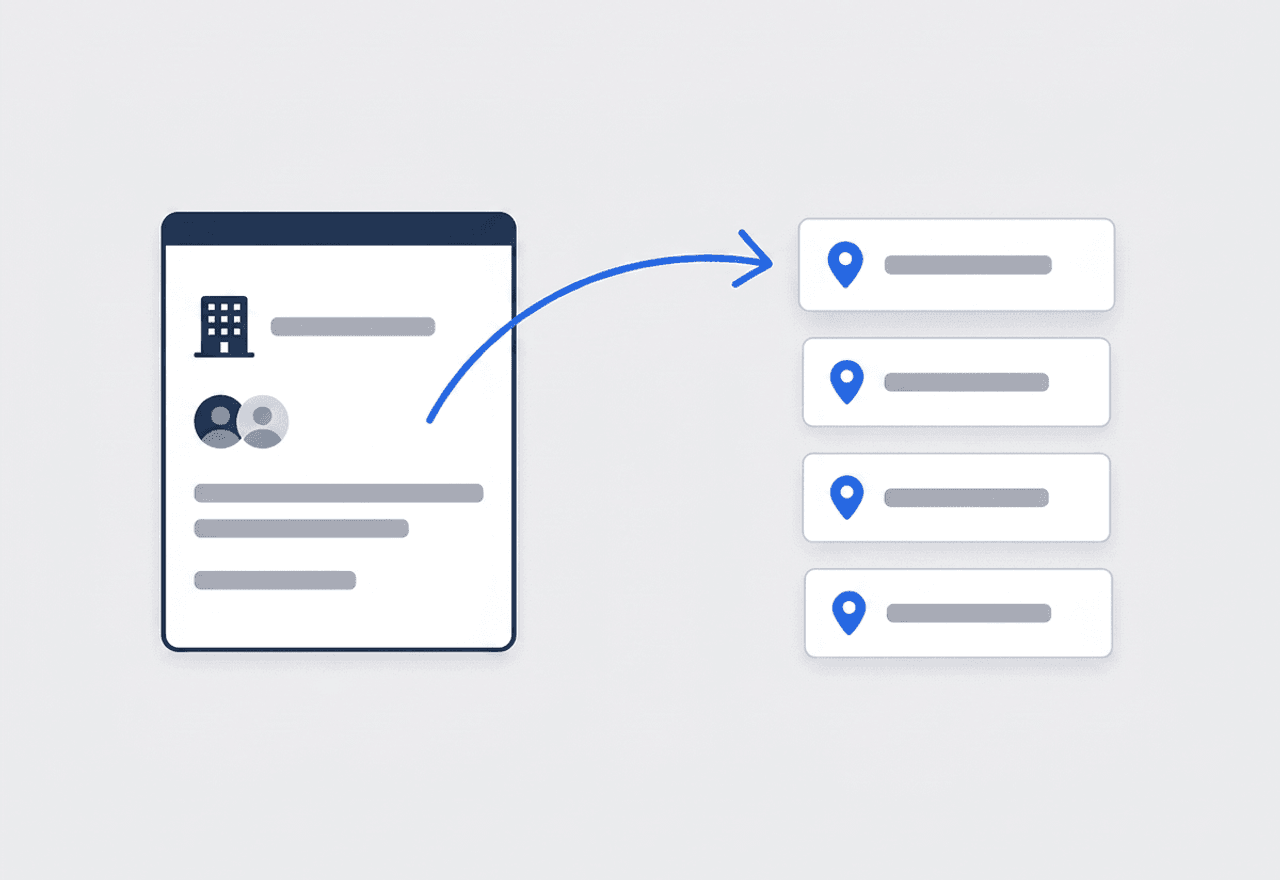
One account, every building on it
Set up the property management company once as a business customer. Add each site as its own address, with a contact person for the building and Property Details for access hours, loading dock, and alarm contact. Every job at every site rolls up to the same account.
- Multiple addresses and contact persons under one customer
- Property Details per site — gate code, dock hours, roof access
- Jobs, estimates, and invoices for every site in one history
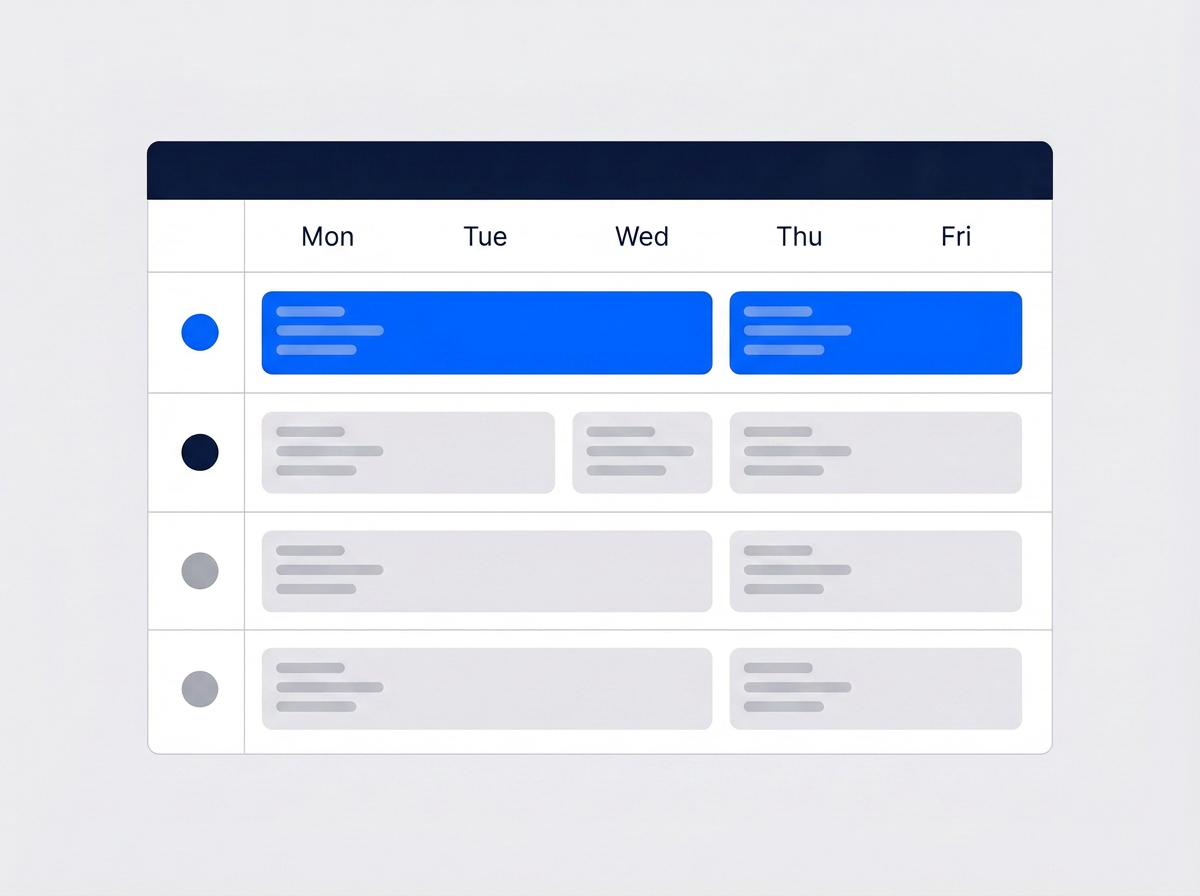
See every crew across every site
Switch the calendar to the Schedule view and each crew gets its own row. You see who is at the medical building on Tuesday and who is free for the retail center on Thursday. Weekly rounds sit on the grid before the week starts, and conflicts show before you save.
- One row per crew, color-coded, across the whole week
- Weekly mode drops the recurring rounds onto the grid once
- Conflict warnings before you double-book a crew
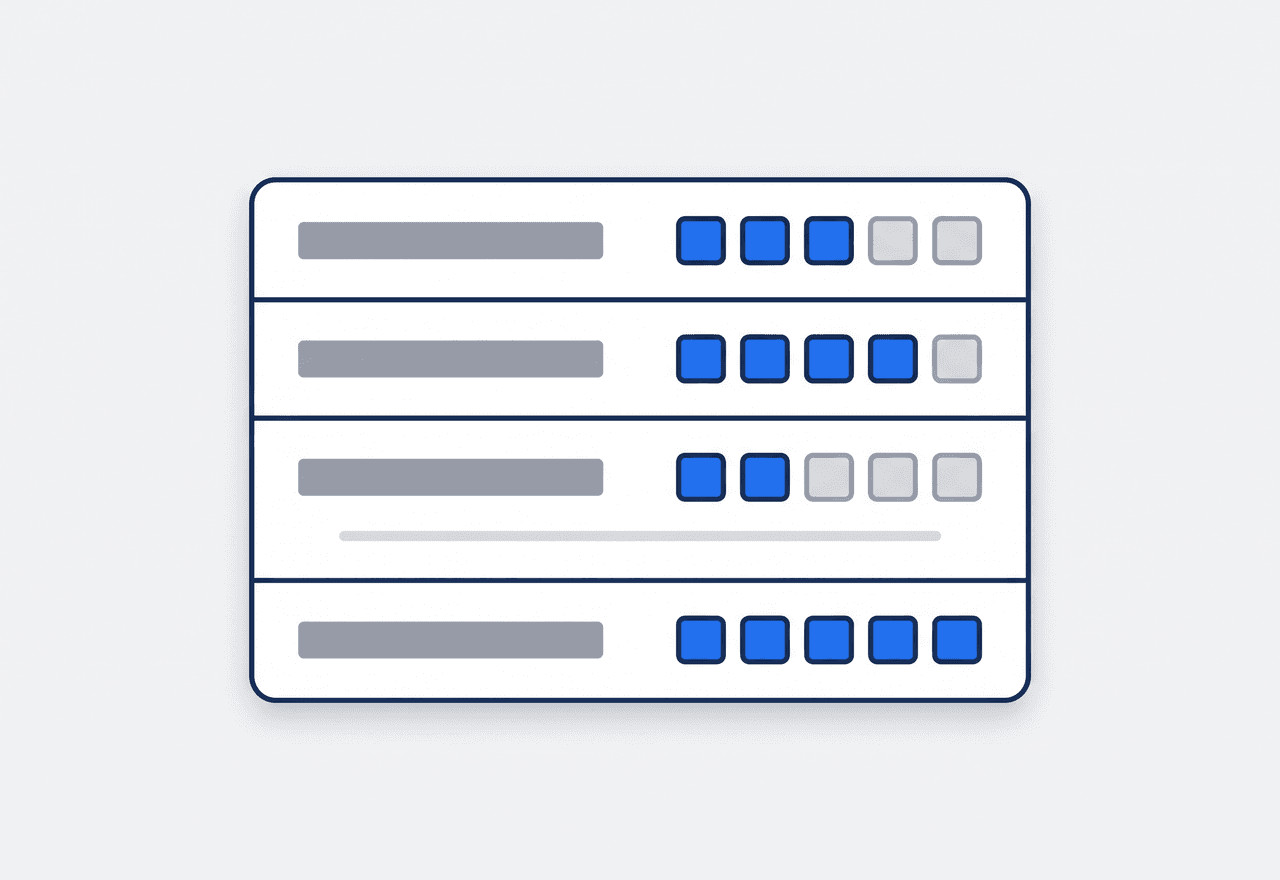
Score the site walk, not just do it
Build an inspection template once — restrooms, lobby, lighting, exterior, life safety — with a maximum score per item. Your supervisor scores each item on the visit and JobTrail totals it into a percentage. Compare this month to last month with a number, not a feeling.
- Reusable templates with a score per checklist item
- Total, possible, and percentage worked out for you
- Records the team and the people present on the visit

One statement for the whole account
A property manager does not want twelve invoices in a pile. Pull a statement for the account across any date range and it lists every invoice and payment with a running balance. Aging shows what is current and what has drifted past 30, 60, or 90 days.
- Customer statement with a running balance and date range
- Current, 30, 60, and 90+ day aging on the account
- Partial payments and credits recorded against each invoice

Many sites, one account, nothing falls between them
A facility contract is one customer and a portfolio of buildings. JobTrail keeps it that way. The management company is one business customer with as many addresses as it has sites, and a contact person for each one. Every address carries its own Property Details — badge access hours, dock height, alarm contact, where the roof hatch key lives. The crew reads them in Field Mode before they walk in. Every job at every site sits on the same customer record, under sub-tabs for jobs, estimates, invoices, and payments. When the account manager asks what you did at Building B in March, it is one click, not a search through three inboxes.
- One customer, many sites, a contact per building
- Property Details read on the phone at the door
- Full site history under one account record

Score the site and log what went wrong
Contract renewals are won on evidence. Run a scored site inspection from a reusable template — each item carries its own maximum score, and JobTrail totals the visit into a percentage you can put in front of the property manager. When something goes wrong on site, log it as an incident: injury, equipment damage, customer complaint, work issue — with severity, location, witnesses, and the immediate action taken. Track it from Open to Closed with follow-up notes stamped by author and time. Out on a job, the crew raises a flag with a photo or video for a defect or a safety hazard. The office comments on the flag without a phone call.
- Scored inspections from templates, totaled to a percentage
- Incident log with severity, witnesses, and follow-up
- Flags with photo and video straight from the job

Roster changes, leave, and payroll for a large crew
Facility work runs on headcount, and headcount moves. Build a crew per site or per service line and give it a color. When a tech is out next week, set a dated roster change for that window and the default crew stays untouched. Approved time off is flagged in the crew builder before you assign, so nobody is booked onto a Monday round they already took off. Payroll runs in one grid. Base pay and allowances come from each employee profile, unpaid leave is deducted for you, and you add overtime and site allowances as columns. Employee records, leave policies with accrual, and the pay run all live in the same place as the schedule.
- Dated roster changes that leave the default crew alone
- Leave conflicts shown while you build the crew
- Pay run in one grid with leave already deducted
“We look after eleven buildings for one management company, and I used to keep the site notes in my head. Now every address has its access hours and alarm contact on it — and the crew reads them on the phone before they badge in.”

Angela Ruiz
Operations Manager, Ruiz Facility Services
Ready to run every client site from one place?
Start your free trial and load a real account with its buildings, crews, and weekly rounds. No credit card, no feature limits, nothing held back for a bigger plan.
14-day free trial · No credit card required
Beyond facility scheduling — everything built in
AI Assistant
Powered by Google Gemini. Look up a job, create or update a customer, and ask about a photo — in plain English.
HR & Payroll
Employee records, leave that accrues itself, and a pay run in one grid.
Fleet Management
Assign vans to crews, log every service, and set service reminders.
Work Permits
Match permit requirements to the job address. Track the documents each issuer wants, through to approved.
What is facility management software?
The system a facility services company runs its client sites on. The real question is how much of a multi-site contract the software actually covers.
| What a facility services company runs on | SheetsCalendar + spreadsheets | Sched. onlyScheduling-only tools | JobTrailJobTrail |
|---|---|---|---|
| Many sites under one accountAddresses, contacts, and property details per site | No | Partly | Yes |
| Planned rounds across sitesWeekly repeat on chosen weekdays, dated | No | Yes | Yes |
| Scored site inspectionsReusable templates, score per item, percentage | No | Partly | Yes |
| Account statements with balanceEvery invoice and payment, running balance, aging | No | Partly | Yes |
| Payroll, leave and attendancePeople on leave flagged as you build a crew | No | No | Yes |
| Vehicle maintenance and work permitsService reminders, permit paperwork by address | No | No | Yes |
Yes CoveredPartly Varies by productNo Not covered
Why the last two rows decide what you really pay
Scheduling tools tend to stop at the calendar and the invoice. A facility services company then needs a payroll app for a crew of thirty, a leave tracker, and a vehicle log for the vans. Add something to hold the permit paperwork each building demands. Each one is another subscription and another login, and together they are the real price. JobTrail puts all of them in every plan, so the number on the pricing page is the whole number.
A facility contract is never one kind of work either. The same week holds a Monday restroom round, a two-day lighting retrofit at the retail center, and an urgent leak in a medical suite. Software that covers only the planned half pushes the reactive half back onto phone calls and paper.
The site notes nobody wrote down cost the contract
A tech shows up at the office park at 6 AM and the loading dock is locked until 7. Nobody recorded the alarm contact, so a false alarm brings security to the door. A tenant complains about a restroom and there is no inspection score to answer with. A callback goes to a different crew that has never seen the building. Every one of those is a record-keeping failure before it is a service failure.
Facility services companies also run two operations at once — planned rounds that keep crews busy every week, and reactive requests that arrive by phone at any hour. The planned side quietly decays, because rebuilding a quarter of rounds by hand keeps getting pushed. Pick the weekdays, set the date range, and every round for the quarter lands on the calendar in one pass.
Facility management software questions, answered
The one that treats a customer as an account with many sites, not a single address, and does not charge per module. A three-crew contractor looking after a few office parks needs the same things a thirty-tech operation does. Sites and contacts under one account, a team-row calendar, a scored inspection, and a statement the property manager will accept. Judge the shortlist on the total cost with payroll, leave, and fleet switched on, and on whether a tech can work it from a phone at the door.
Yes. Set the management company up as a business customer, then add each building as its own address with its own contact person. Property Details sit on the address — access hours, dock notes, alarm contact, equipment on site — and show in Field Mode on the crew’s phone. Every job, estimate, and invoice at any of those sites lands on the same customer record, and the statement covers the whole account.
Yes. Switch the job schedule to Weekly, tick the weekdays with Repeat On, and set a start and end date. Every matching visit is created for that range and listed before you save. Rounds are scheduled, not billed automatically — you still raise the invoice, or a statement, when the period is done. There is no monthly or quarterly repeat mode; use Weekly for rounds and multiple time slots on one job for a quarterly plan.
Yes. Build an inspection template once — numbered items, each with a description and a maximum score. On the visit your supervisor records the date, the team, the people present, and a score and note per item. JobTrail works out the total, the possible total, and the percentage. Assessments carry no photos; put photos on the job under stage tags or on a flag instead, and build a photo report from there.
Log it as a Request the moment the call comes in — link the account and mark it urgent. Reserve a tentative calendar block so nobody books that crew elsewhere. The block shows in orange until you convert the request into a job or raise an estimate from it. A request moves from New to Contacted, Quoted, Invoiced, and Converted — or Lost. There is no customer portal or online booking; your office enters the request.
Yes, and you choose the range. Open the customer, pick the dates, and JobTrail lists every invoice and payment on the account with a running balance and the aging breakdown. Download it as a PDF and send it however you already send documents. JobTrail does not email statements or invoices for you, and there is no online payment or automatic reminder — you record the payment when it lands.
Define a work permit process for the building or the community — who issues it (facility management, the security desk, a residents association) and any fee. List the documents they want: permit form, worker IDs, insurance, vehicle registration. JobTrail matches the process to a job from its address and tracks the permit as Needed, Requested, or Obtained. The office sees which jobs still need paperwork before the crew is on the road.
No. JobTrail runs the service company, not the building’s asset register. There is no equipment inventory, meter reading, or preventive maintenance calendar per asset. What you get is the contractor side: sites and contacts, the crew calendar, scope checklists, photos, inspections, incidents, invoicing, payroll, and your own vans. Equipment notes for a site — rooftop unit models, panel locations — live on the address as Property Details.
Plans start at $39 a month for a solo operator and scale with your team. Every plan includes every feature — scheduling, jobs, estimates, invoicing, HR and payroll, fleet, permits, and the AI assistant. There are no add-on modules and nothing is locked behind a higher tier, so the price you see is for the whole platform. The tiers run Solo at $39 a month for one user, Team at $139 for up to five, Growth at $199 for up to ten, and Scale at $299 for up to fifteen, each with a 14-day free trial.
Yes. JobTrail offers a 14-day free trial with full access to every feature and no credit card required. Set up your customers, put a week of real jobs on the calendar, and send a live invoice before you decide.
Put your next facility contract in JobTrail
Every feature, every plan. Load an account with its buildings, drop a weekly round onto the team rows, and score a site inspection — inside the trial.
14-day free trial · No credit card required