Security Company Software
JobTrail runs the whole security job from one place — the three-day camera install, the panel service call, the site audit, and the invoice that follows. Sensitive site details stay with the people who need them.
14-day free trial · No credit card required





Join 14,000+ pros

Built In AI Assistant
Powered by Google Gemini
Completed
Access control install · 4:15 PM
Certificate signed · 12 photos
15+ hrs
Saved Per Week
2X
Faster Invoicing
47%
Revenue Growth
14,000+
Pros On JobTrail
Built for the way security companies run — from the site survey to the completion certificate signed on site.
Based on JobTrail customer data, 2026.
Everything a security company needs
A camera install, a reader that stopped reading, a quarterly site audit, and an incident on site all land in the same week. JobTrail keeps every one of them in one system, and every plan includes every piece.
Scheduling
Book installs and service calls on one calendar, with team rows and a warning before you double-book a tech.
Customers
Every site, contact, and system detail on the customer record — with the balance they still owe you.
Estimates
Price cameras, readers, panels, and labor as line items. Clone for a revision, then convert to an invoice.
Invoicing
Take partial payments on a big install, and see which commercial accounts have slipped past 30 days.
Job reports
Turn camera placement and wiring photos into a branded PDF, then share it by a link that expires.
Crews & teams
Install crews with their own colors, dated roster changes when a tech is out, and leave flagged as you assign.
Job conversations
Keep the panel question, the site photo, and the answer on the job thread — not in a group text nobody can find.
Incidents
Record an injury, damaged equipment, or a customer complaint with location, witnesses, and follow-ups to closed.
Assessments
Score a site audit against your own template — item by item, with a total and a percentage at the end.
How a security job runs in JobTrail
Book the site
Pick the customer and site address, then set the slots — one visit for a service call, or a Range for a three-day install. Assign the crew on the same screen.
Work the install
Techs open Field Mode, read the site details they are allowed to see, and tick off the scope. Photos upload by stage — Before, During, After, Final.
Hand over and bill
The site contact signs the completion certificate on the phone. Convert the accepted estimate to an invoice, record the payment, and watch the receivables age.
The parts of a security job that eat the day
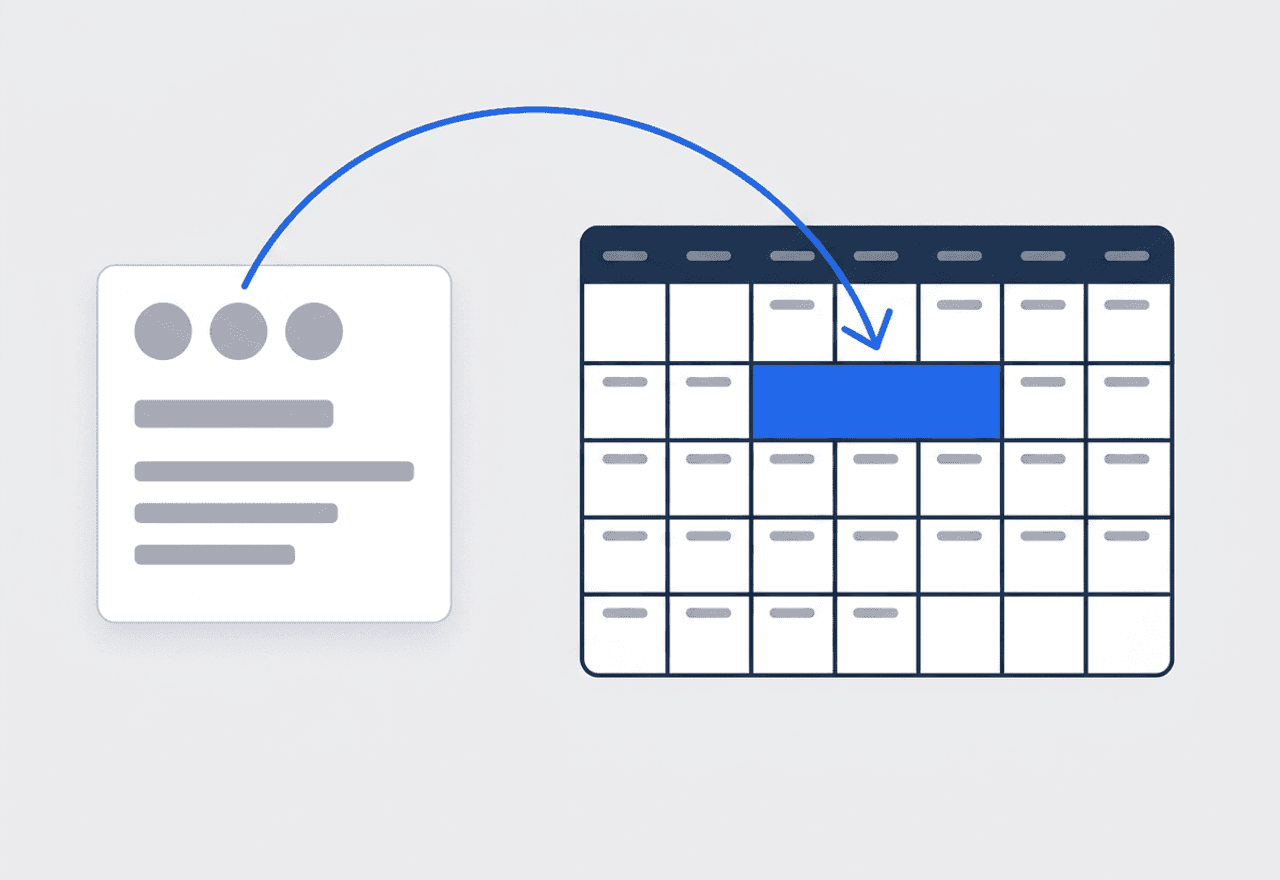
One job for the whole install
A sixteen-camera install does not fit in one afternoon. Use Range mode to book consecutive days on one job, or add several slots for the rough-in, the trim-out, and the final programming visit. Service calls drop into open slots on the same calendar, and JobTrail warns you before a tech is booked twice.
- Range mode for consecutive days, extra slots for revisits
- One job, one photo history, one signed certificate
- Conflict warnings before you save the schedule
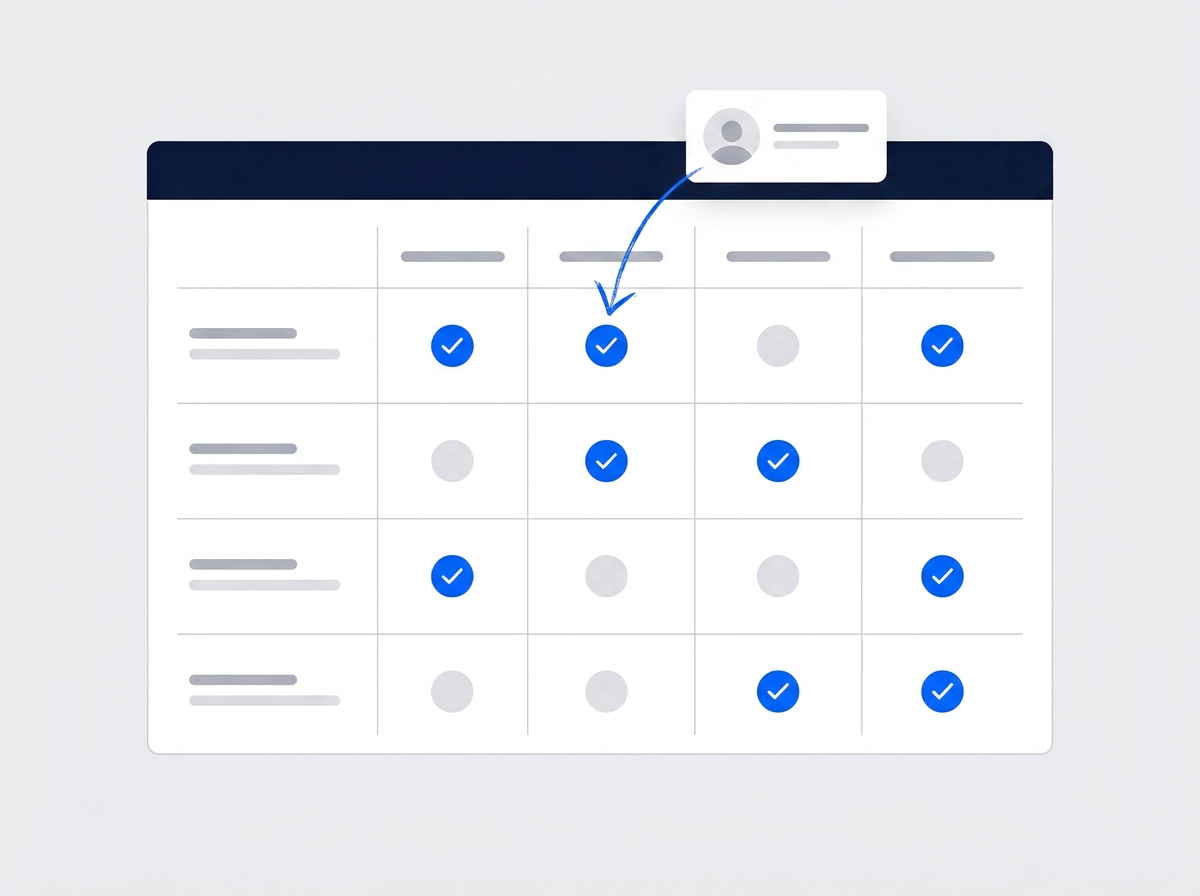
Site details only for those who need them
Add Property Details to each site address — system model, panel location, zone list, site contact, lockbox spot. Then build custom roles and hide specific fields from the roles that should not see them. A tech sees what they need in Field Mode; a bookkeeper never sees the panel location.
- Property Details as text, number, or dropdown fields
- Field visibility per role, not just per module
- The right fields show in Field Mode on the phone
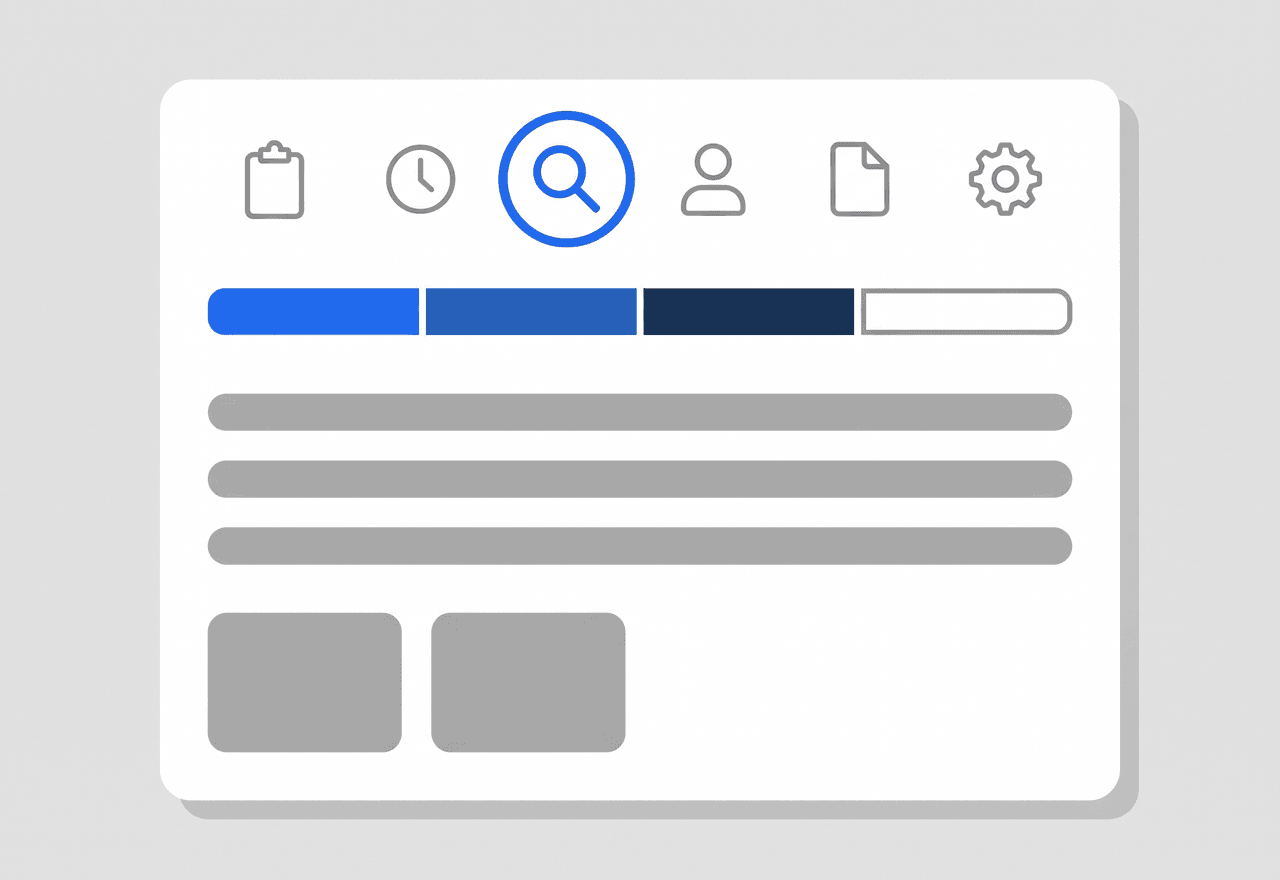
Log what happened, then close it
A tech gets hurt pulling cable, a scissor lift damages a ceiling tile, a site manager files a complaint. Log it as an incident with a type and severity, note the location and witnesses, and record the immediate actions taken. Add follow-up notes until the status reaches Closed.
- Types: injury, equipment damage, complaint, discipline, more
- Status runs Open, In Progress, Resolved, Closed
- Suggested jobs from what the crew was booked on
Score every site audit the same way
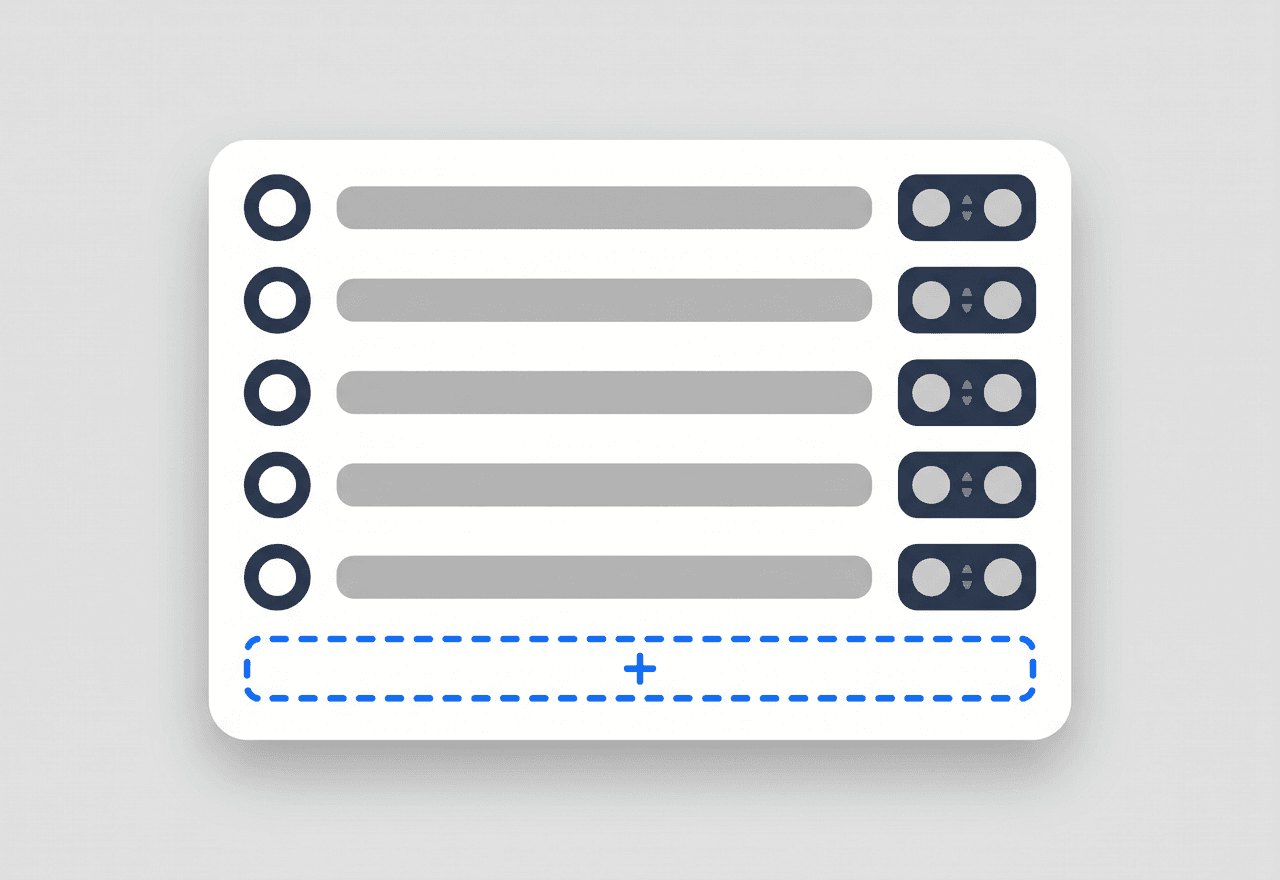
Build an assessment template once — camera coverage, door hardware, panel condition, lighting, signage — with a max score per item. Run it on a site visit, score each line, add a note, and get a total and a percentage. Templates track how often they have been used.
- Numbered items, each with its own max score
- Total, possible score, and percentage computed for you
- The team and the employees present are recorded on it

Sensitive site information on a need-to-know basis
A security company holds details most customers would rather nobody wrote down. Where the panel sits, how the zones are laid out, who to call after hours, where the spare key lives. Put those on the site address as Property Details, defined once in Settings. Then create custom roles and hide the fields each role does not need. Your install techs see the panel location in Field Mode when they arrive. Your office staff see the contact and the balance, nothing more. Questions about a site go on the job thread with an @mention, so the answer never sits in a group text on someone’s personal phone.
- Property Details per site: model, zones, panel, contact
- Custom roles hide specific fields, not whole screens
- A thread on the job instead of a group text
An incident log that carries its own follow-ups
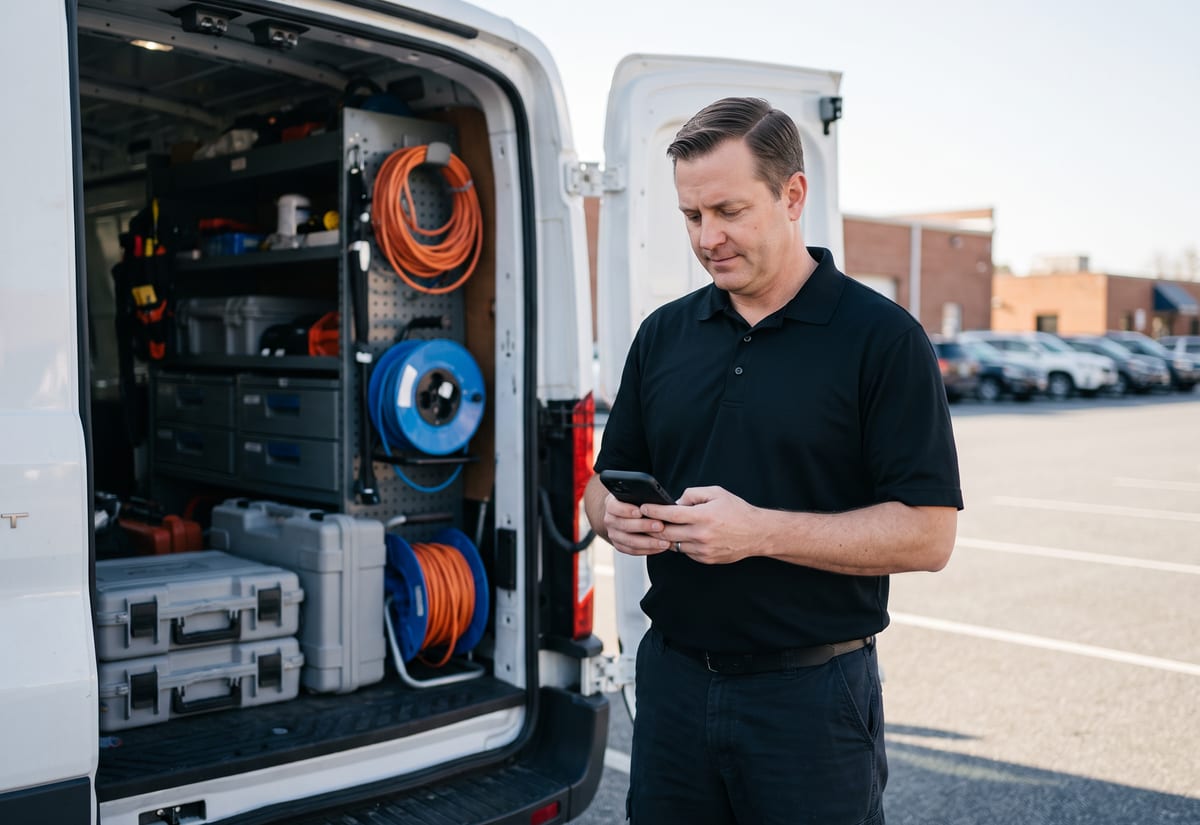
Things go wrong on a job site. A tech cuts a hand stripping cable, a ladder scrapes a lobby wall, a property manager complains about a camera angle. Log it the same day as an incident. Pick a type and severity, record where it happened, who saw it, and what was done on the spot. JobTrail suggests the jobs the crew was actually booked on that day, so the incident lands against the right site. Follow-up notes stack up with the author and time on each, and the status moves from Open through In Progress and Resolved to Closed. Nothing lives in an email nobody can find later.
- Type, severity, location, witnesses, immediate actions
- Jobs suggested from that day’s schedule
- Follow-up notes stamped with author and time
Installs, service calls, and the signed certificate
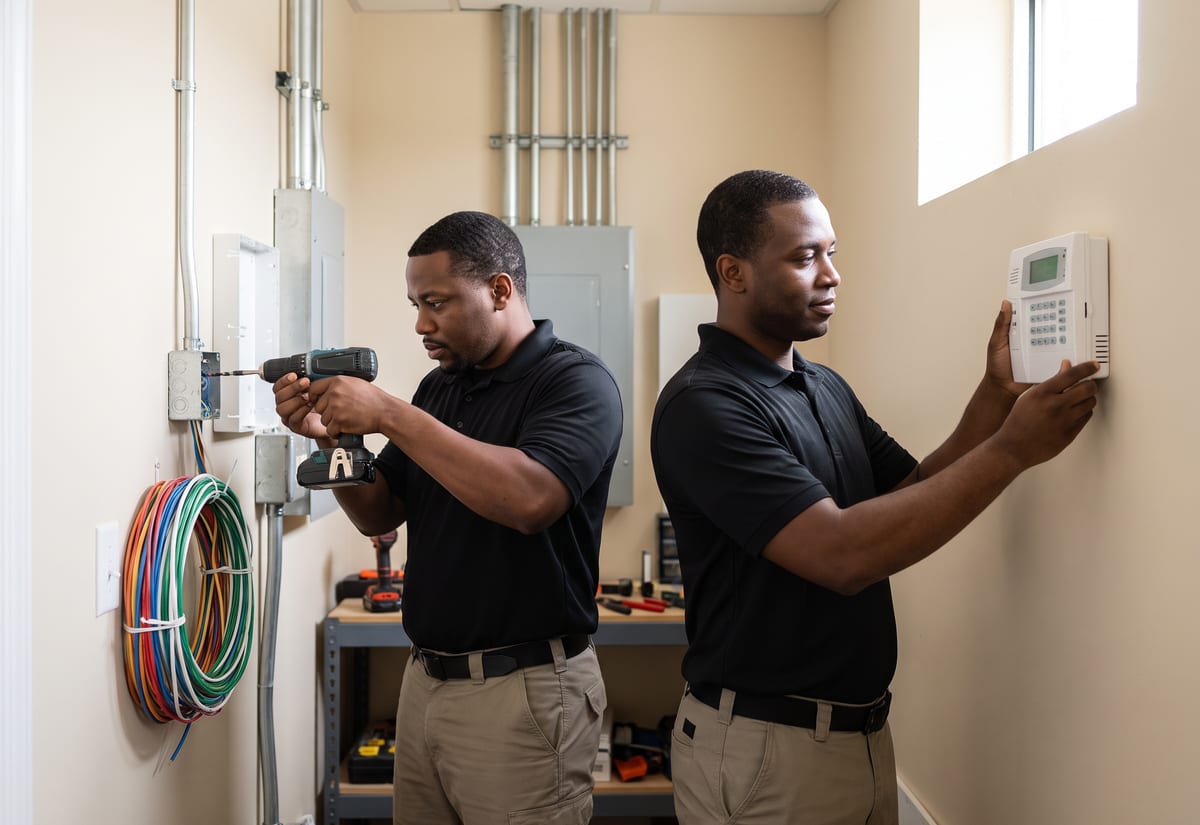
Book the install as one job with a slot for each day, and assign the crew per slot. In Field Mode the tech works down the scope — mount cameras, pull cable, terminate at the NVR, program the panel — and ticks each line as it is done. Photos upload by stage, so the wall before the conduit went in sits next to the finished run. Found a cut alarm loop or a door that needs a new strike? Raise a flag with a photo or video and mark it as needing a quote. When the system is live, the site contact signs the completion certificate on the phone, drawn or typed. A callback later becomes a revisit linked to the original job.
- Scope lines ticked in Field Mode, status advances itself
- Flags with photo or video for defects and work to quote
- Completion certificate signed on site by the customer
“We used to keep panel codes and zone lists in a shared spreadsheet, and everybody had it. Now those fields are on the site record and hidden from the roles that don't need them — the techs see it on the phone, and nobody else does.”

Derek Washington
Owner, Sentinel Security Systems
Ready to run your security company from one place?
Start your free trial and put a real install, a service call, and a site audit into it. No card on file, no feature caps, and no upsell to a higher tier.
14-day free trial · No credit card required
Beyond security jobs — everything built in
AI Assistant
Powered by Google Gemini. Look up a job, create or update a customer, and ask about a photo — in plain English.
HR & Payroll
Employee records, leave that accrues itself, and a pay run in one grid.
Fleet Management
Assign vans to crews, log every service, and set service reminders.
Work Permits
Match permit requirements to the job address. Track the documents each issuer wants, through to approved.
What is security company software?
The software a security system installer or service company runs its work on. The categories differ in how much of the job — and how much of the site — they actually hold.
| What a security systems company runs on | SheetsCalendar + spreadsheets | Sched. onlyScheduling-only tools | JobTrailJobTrail |
|---|---|---|---|
| Need-to-know site detailsHide sensitive fields from roles that don’t need them | No | No | Yes |
| Multi-day installs as one jobA three-day camera install keeps one history | No | Partly | Yes |
| Scored site auditsReusable templates, score per item, percentage | No | Partly | Yes |
| Incident log with follow-upsLocation, witnesses, actions, notes to Closed | No | No | Yes |
| Payroll, leave and attendancePeople on leave flagged as you build a crew | No | No | Yes |
| Vehicle maintenance and work permitsService reminders, permit paperwork by address | No | No | Yes |
Yes CoveredPartly Varies by productNo Not covered
Why the last two rows set the real price
Most field service tools cover the calendar and the invoice and stop. Payroll, leave, the vans, and permit paperwork each turn into another subscription, another login, another export. When you add those up, the cheap tool is rarely the cheap option. JobTrail ships all of it in every plan, so the total is the number on the pricing page.
A security company also does more kinds of work than most trades. One week holds a two-day access control install and three service calls for cameras that dropped offline. Add a quarterly site audit for a property manager and an incident report from a scissor lift that scraped a wall. Software that only handles part of that week pushes the rest onto paper and text messages.
The site nobody documented is the one that calls back
A tech programs a panel, never records the zone layout, and leaves. Six months later a different tech gets the trouble call and starts from zero. A customer asks which cameras were replaced last spring, and the answer is in someone’s photo roll. A property manager wants proof the audit happened. Each of those is a record problem long before it is a technical one.
The other half of the pain is who can see what. Site details for a security customer are sensitive by definition — the panel location, the after-hours contact, the zones. Spreadsheets and group texts share everything with everyone. JobTrail puts those details on the site record and lets you hide specific fields from any role. The install tech reads them on the phone; the rest of the office never does.
Security company software questions, answered
The one that fits the work you actually do — installs, service calls, and site audits — without a separate app for each. A two-van installer and a fifteen-tech integrator both need a calendar, a job record with photos, and invoicing. But the smaller company feels the add-ons more: payroll, a vehicle log, an incident log, and a messaging tool each cost money and attention. Compare the shortlist on the total price with everything switched on, and on whether a tech can work from a phone without a training day.
Yes. Site details live on the address as Property Details — fields you define once in Settings as text, number, or dropdown, such as system model, panel location, zone list, and site contact. Then build custom roles and use field visibility to hide specific fields from any role. Field techs see the panel location in Field Mode when they are on site; the office sees only what they need for billing. It is a per-field setting, not an all-or-nothing module switch.
No. JobTrail is built for the install and service side of a security business — cameras, access control, alarm panels, intercoms — plus scheduled site visits and audits. It does not run guard shift rosters, receive alarm signals, or dispatch to alarm events. If your company also runs a scheduled patrol check at a site, book it as a job on the calendar and tick off the checklist in Field Mode. There is no GPS or patrol tracking behind it.
Yes. A job can carry several time slots. Use Range mode for consecutive days — a three-day camera install stays one job with one scope, one photo history, and one completion certificate. Add separate slots when the rough-in, the trim-out, and the final programming happen weeks apart. Each slot can have its own crew. When the customer calls back later, raise a revisit and it links to the original job so the next tech sees what was done.
Yes. Log an incident with a type — injury, equipment damage, customer complaint, discipline, work issue, or other — and a severity from low to critical. Record the location, the witnesses, and the immediate actions taken. JobTrail suggests the jobs the crew was booked on that day, so it lands against the right site. Follow-up notes are stamped with author and time, and the status moves from Open through In Progress and Resolved to Closed.
Yes. An assessment is a scored checklist for a site visit, built from a template you reuse. Set up a template with numbered items — camera coverage, door hardware, panel condition, exterior lighting — each with its own max score. On the visit, score every line, add a note, and JobTrail computes the total and the percentage. The team and the employees present are recorded on it. Note that assessments do not carry photos; site photos belong on the job itself, tagged by stage.
Yes. Define a work permit process for each building or community that requires one. Set the issuer type — facility management, a security desk, a residents association, or a government authority. List the required documents — permit form, worker IDs, insurance, vehicle registration — and any fee. JobTrail matches the process to a job by its address and tracks it from Needed to Requested to Obtained, so nobody arrives at a lobby without the paperwork.
Yes, and most field service tools do not touch either one. Employee records hold identity documents and licenses with expiry dates, so a lapsed one shows on the record before a customer notices. Fleet records each van’s registration and insurance expiry, logs maintenance against a parts and services catalog, and reads the amounts off a scanned invoice. Service-due reminders work by date and mileage. There is no live GPS on the vans — you track what each one costs, not where it is.
Plans start at $39 a month for a solo operator and scale with your team. Every plan includes every feature — scheduling, jobs, estimates, invoicing, HR and payroll, fleet, permits, and the AI assistant. There are no add-on modules and nothing is locked behind a higher tier, so the price you see is for the whole platform. The tiers run Solo at $39 a month for one user, Team at $139 for up to five, Growth at $199 for up to ten, and Scale at $299 for up to fifteen, each with a 14-day free trial.
Yes. JobTrail offers a 14-day free trial with full access to every feature and no credit card required. Set up your customers, put a week of real jobs on the calendar, and send a live invoice before you decide.
Put your next security install in JobTrail
The whole platform, on every plan. Book a multi-day install, hide the panel location from a role, and score a site audit — all inside the trial.
14-day free trial · No credit card required