Plumbing Business Software
JobTrail runs the whole plumbing week from one screen — the 7 AM leak call, the water heater swap, the photos, the invoice. Payroll and your vans live in the same system, not a second subscription.
14-day free trial · No credit card required





Join 14,000+ pros

Built In AI Assistant
Powered by Google Gemini
Ongoing
Water heater swap · 10:15 AM
Before photos up · Permit obtained
15+ hrs
Saved Per Week
2X
Faster Invoicing
47%
Revenue Growth
14,000+
Pros On JobTrail
Built for the way plumbing work lands — from the emergency call at breakfast to the invoice paid in the driveway.
Based on JobTrail customer data, 2026.
Everything a plumbing business needs
Most plumbing tools cover the calendar and the invoice, then leave your people, your vans, and your permits to other apps. JobTrail carries all of it, and no plan hides a piece behind an upgrade.
Scheduling
Drop a drain call between two jobs, assign the crew, and get warned if that plumber is already booked.
Customers
Business and residential customers, every address and contact, and the balance each one still owes you.
Estimates
Line items and tax priced at the kitchen table, then one click turns the estimate into an invoice.
Invoicing
Record a check in the driveway, take partial payments on a repipe, and see who is 60 days out.
Job reports
Turn the before-and-after photos of the repair into a branded PDF the homeowner opens from a link.
Crews & teams
Color-coded crews, dated roster changes when someone is out, and leave flagged as you build.
Time off
Plumbers request days off, balances accrue by policy, and the crew builder shows who is out before you book.
Job conversations
Ask about the part, tag the office, and keep the answer on the job — not buried in a group text.
Incidents
Log an injury, a damaged jetter, or a customer complaint with photos, and follow it through to closed.
How a plumbing job runs in JobTrail
Log the call
Log the request, flag it urgent, and hold a tentative block on the calendar. When the customer says go, convert it into a job with the schedule already set.
Fix it and prove it
Your plumber opens Field Mode, reads the shutoff location, and works down the scope. Photos of the leak go up before the repair and after it.
Invoice from the driveway
Turn the estimate into an invoice in one click and record the check on the spot. What that customer still owes is right there.
Where the plumbing day usually goes sideways
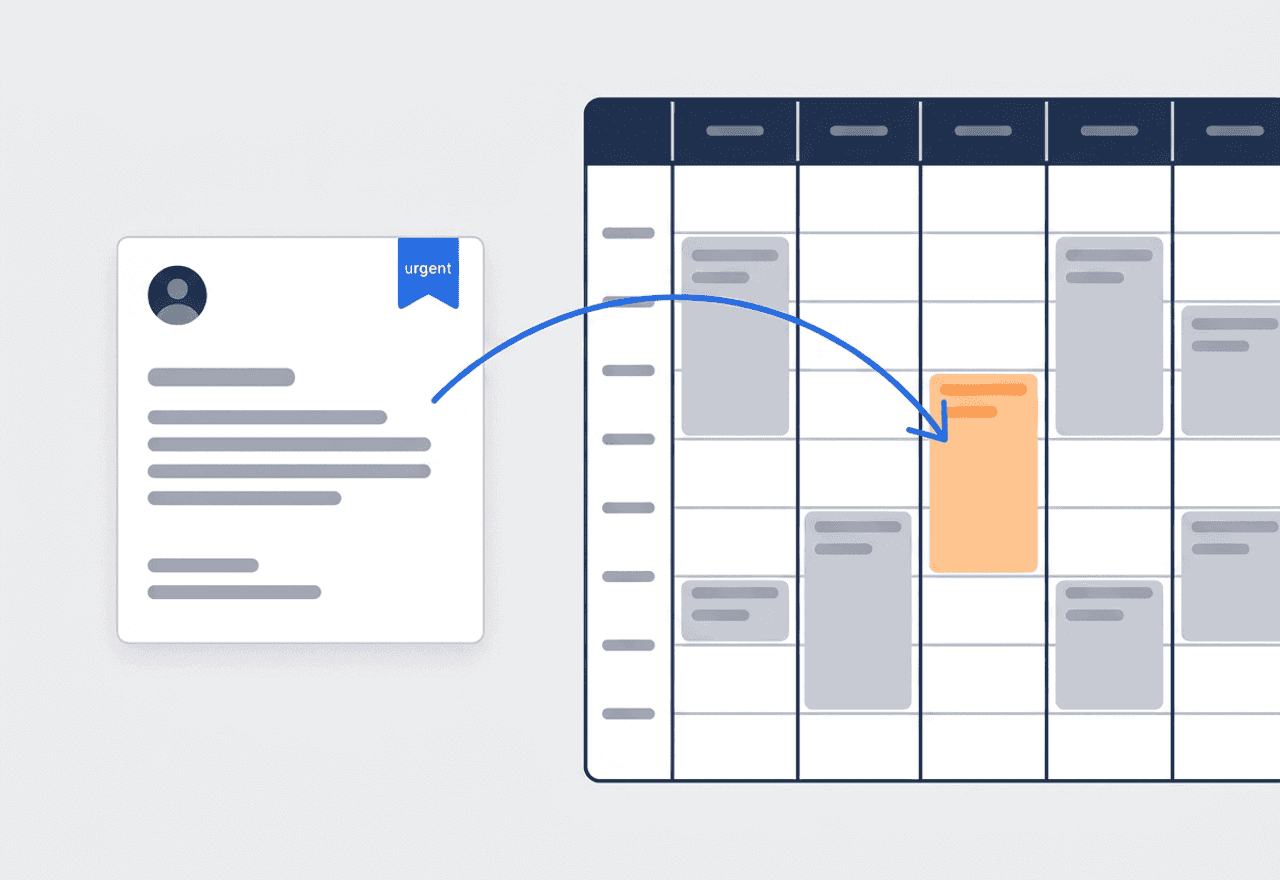
Hold the slot before you commit
A no-hot-water call comes in at 7:40. Log it as a Request, flag it urgent, and reserve a tentative block on the calendar. The block shows in orange, so nobody books that plumber twice. Convert it to a job or write the estimate from the same record.
- Requests move New, Contacted, Quoted, Invoiced, Converted — or Lost
- Tentative blocks in orange stop double-booking a plumber
- Urgent flag so the burst pipe stands out from the drip
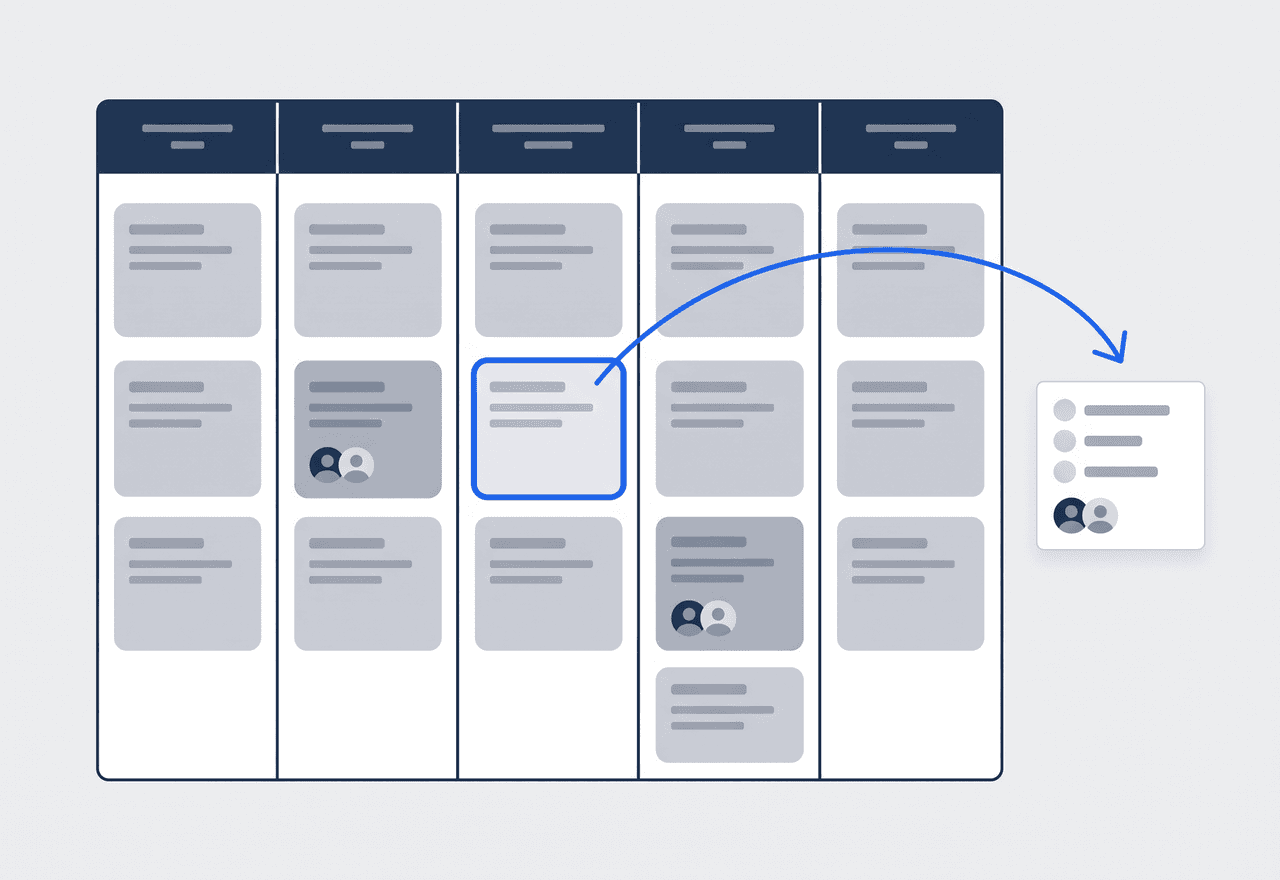
Every truck, every plumber, one screen
Day, 3-day, week, month, or team rows — plan the way your operation actually runs. Slot a drain call between two scheduled jobs and assign the crew from the same view. If that plumber is already on a call, JobTrail warns you before you save.
- Team rows put each crew on its own line of the week
- A double-booking warning while you assign, not after the truck leaves
- Each plumber sees their own day in My Schedule
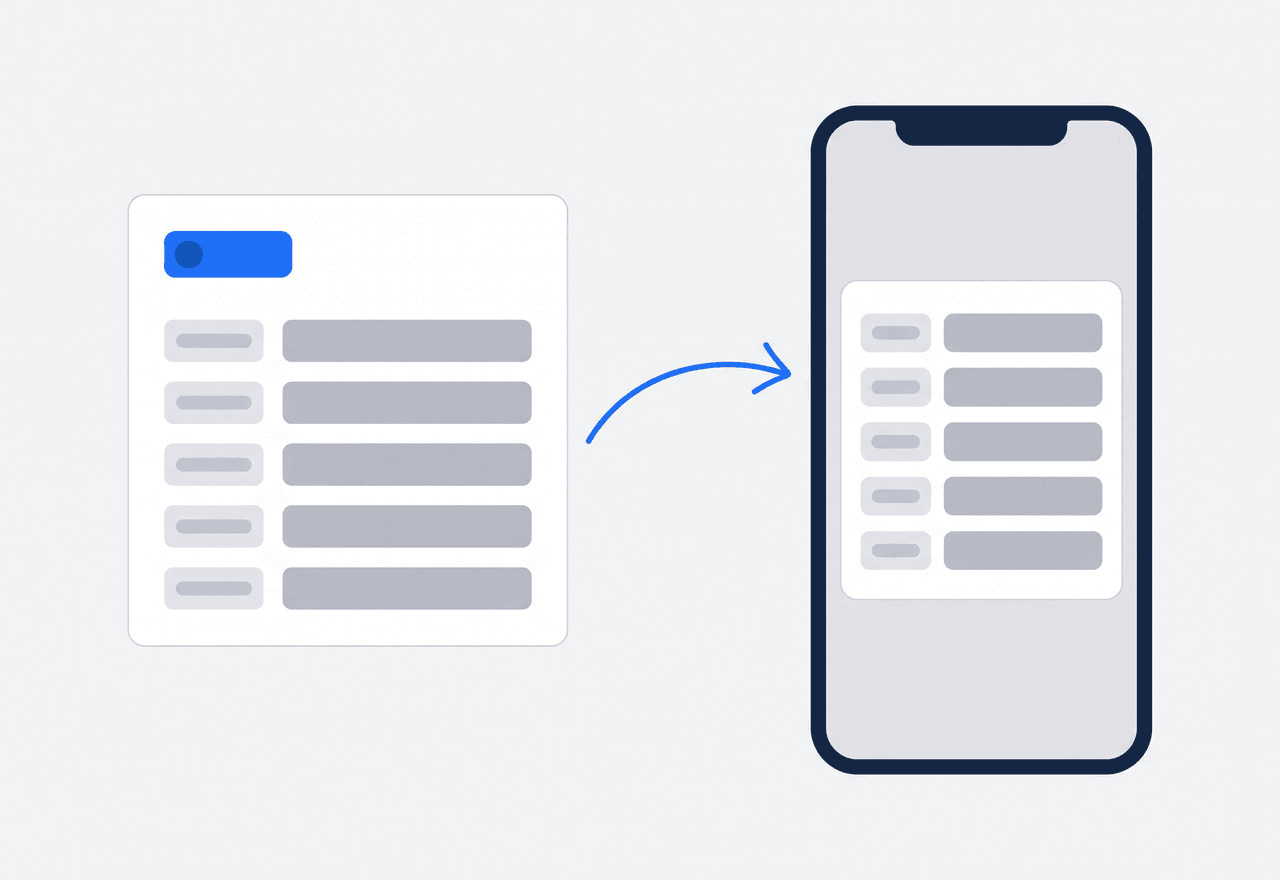
The shutoff location lives on the address
Add Property Details to any address — main shutoff, water heater model and install year, gate code, the dog’s name. Define the fields once in Settings and every property you serve gets them. Your plumber reads them in Field Mode before ringing the bell.
- Text, number, or dropdown fields you define once
- Water heater age on file the day the customer calls
- Every past job at that address on the customer record
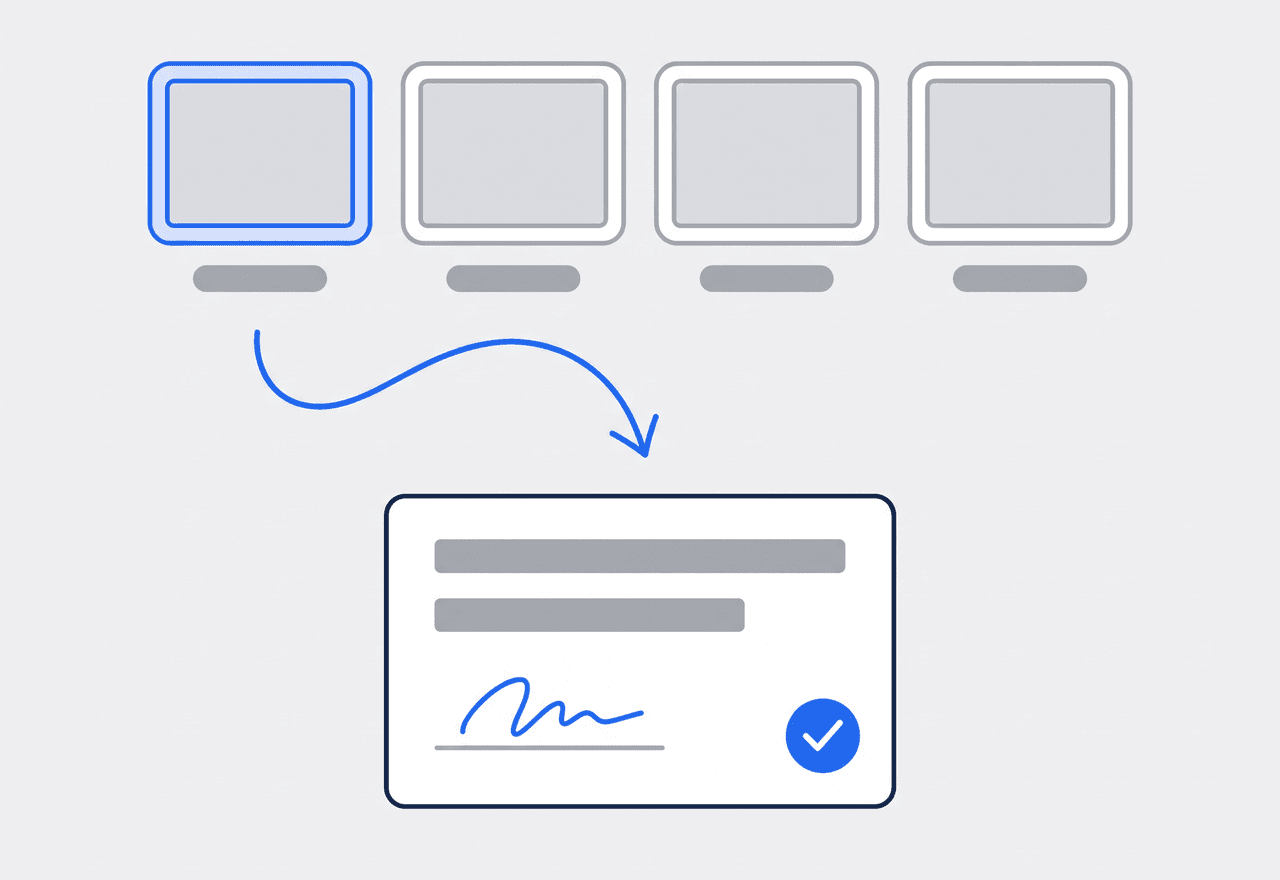
Photos of the leak, then a signature
Tag photos Before, During, After, and Final — the corroded supply line, the new one, the dry cabinet floor. Spot a failing water heater while you are there? Raise a flag with a photo so the office can quote it. Then the customer signs the completion certificate on your phone.
- Photo stages that tell the story of the repair
- Flag a defect, a safety issue, or work worth an estimate
- Completion certificate signed on the phone, drawn or typed

Take the emergency without double-booking a plumber
A burst pipe does not wait for an open slot. Log the call as a Request, mark it urgent, and reserve a tentative block on the calendar right there. That block shows in orange, so the dispatcher sees the hold before booking anyone else into it. If the homeowner says go, convert the Request into a job with the schedule already filled in. If they want a price first, create the estimate from the same Request. Either way the customer, address, and services carry over, and nothing gets retyped. Lost the call to someone else? Mark it lost with a reason and keep the record for next time.
- Urgent flag and tentative block from one screen
- Convert to a job or an estimate — details carry over
- Conflict warnings before you book a busy plumber
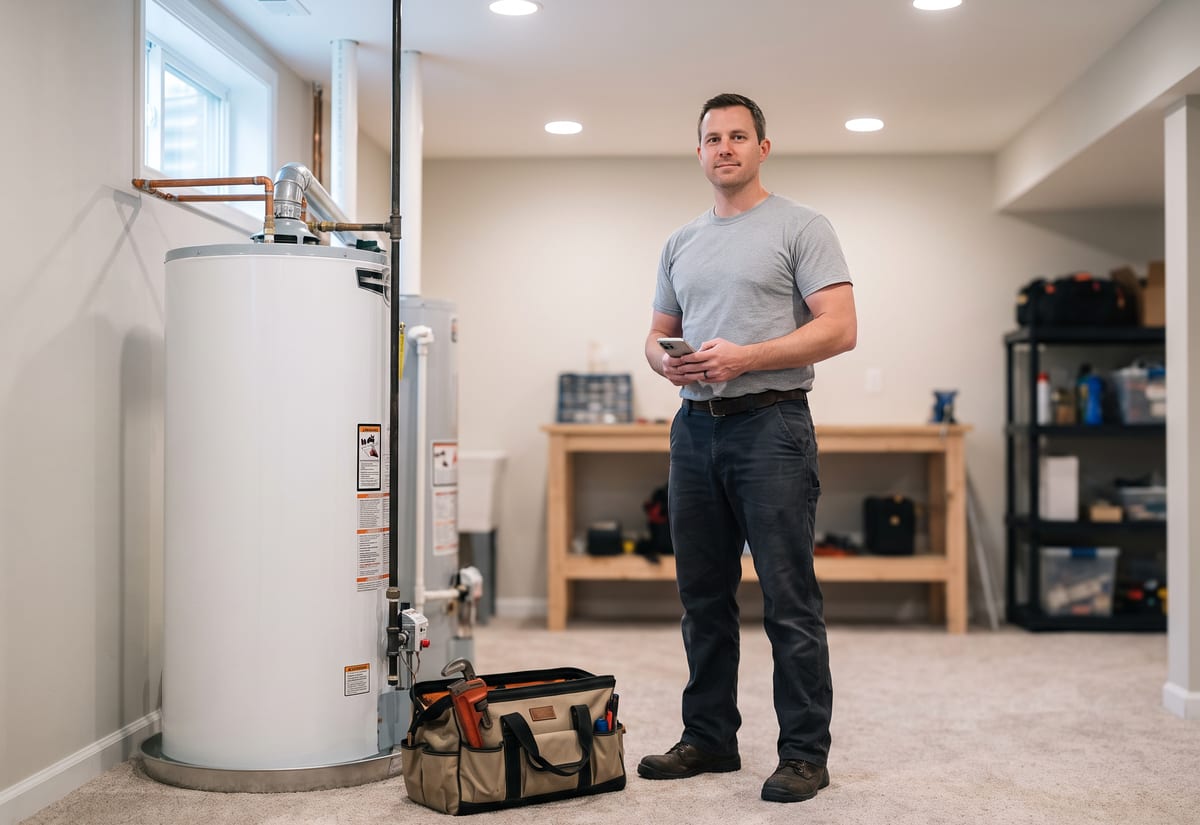
The plumber’s phone shows the job, not the whole app
Field Mode strips the app down to the plumber’s own jobs. They open the water heater swap and read the Property Details for that address — shutoff location, unit model, gate code. Then they work the scope line by line: drain the tank, pull the old unit, set the new one, test. Status moves itself from Scheduled to Ongoing to Completed, so the office sees progress without calling the truck. Each photo lands under its stage tag. When the water is back on, the customer signs the completion certificate on the phone, drawn or typed. Then the plumber drives to the next call.
- Today's jobs, the scope, and the photos on one screen
- Status moves on its own as lines get ticked
- Completion certificate signed at the water heater
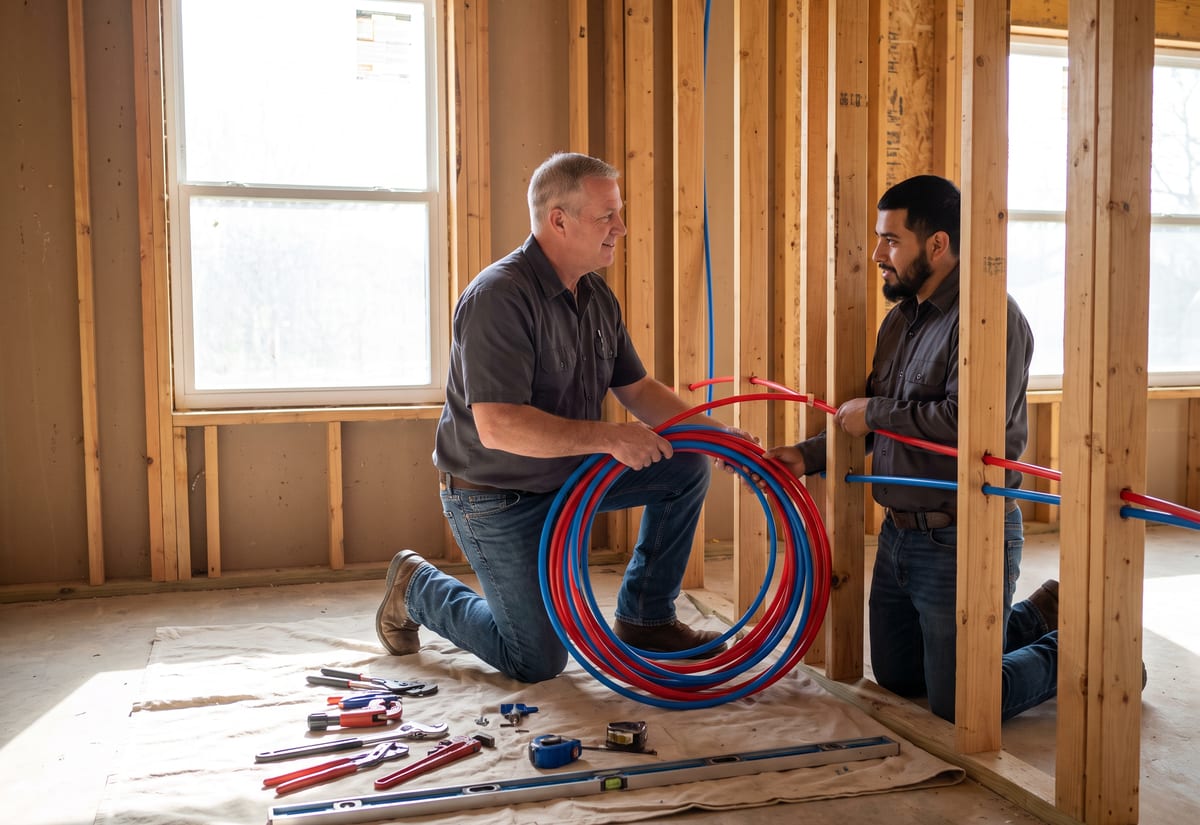
A four-day repipe stays one job
A whole-house repipe runs three or four days. A remodel rough-in might have a rough phase in March and a trim phase in May. In JobTrail that is one job with several time slots — Range mode for the consecutive days, separate slots for the return trips. The photos, scope, flags, and conversation stay in one history. The matching permit process is flagged for that job by its address, and the status is tracked from Needed to Requested to Obtained. When a warranty callback lands six months later, raise a revisit from the original. The first crew’s photos and notes are one click away for whoever picks it up.
- Range mode for consecutive days, slots for return trips
- Permit status tracked on the job by its address
- Warranty revisits linked back to the original job
“We used to double-book somebody every week because a callback was sitting on a napkin. Now the request holds an orange block the second the call ends — and when the homeowner says yes, it's a job with the time set.”

David Chen
Owner, Chen Plumbing Co.
Ready to run your plumbing business from one place?
Start the free trial with your own customers and a real week of calls. Every feature is on from day one — no card, no upgrade wall, no per-module fees.
14-day free trial · No credit card required
Beyond plumbing scheduling — everything built in
AI Assistant
Powered by Google Gemini. Look up a job, create or update a customer, and ask about a photo — in plain English.
HR & Payroll
Employee records, leave that accrues itself, and a pay run in one grid.
Fleet Management
Assign vans to crews, log every service, and set service reminders.
Work Permits
Match permit requirements to the job address. Track the documents each issuer wants, through to approved.
What is plumbing software?
The system a plumbing contractor runs its calls, installs, and billing on. The real difference between products is how much of a plumber’s week they cover.
| What a plumbing contractor runs on | SheetsCalendar + spreadsheets | Sched. onlyScheduling-only tools | JobTrailJobTrail |
|---|---|---|---|
| Same-day calls held on calendarUrgent request reserves an orange tentative block | No | Partly | Yes |
| Multi-day repipes as one jobConsecutive days or return trips, one history | No | Partly | Yes |
| Shutoff and heater on fileProperty Details read from the phone on site | No | Partly | Yes |
| Warranty callbacks linkedRevisit raised from the original, history kept | No | Partly | Yes |
| Payroll, leave and attendancePeople on leave flagged as you build a crew | No | No | Yes |
| Vehicle maintenance and work permitsService reminders, permit paperwork by address | No | No | Yes |
Yes CoveredPartly Varies by productNo Not covered
Why coverage decides what you really pay each month
Most plumbing software stops at the calendar and the invoice. Then payroll needs one app and the vans need another. Leave lives in a spreadsheet, and permits sit in a folder on the dash. Each is a subscription and a login. Add them up and that is the real monthly bill, not the headline price. JobTrail includes every one of them in every plan, so the comparison is one number against one number.
Plumbing is not one kind of week. A two-truck operation might clear six drain calls on Monday and start a repipe on Tuesday. By Wednesday a slab leak pulls a plumber off it. Software that only handles the planned half leaves the reactive half on the phone and the whiteboard. Cover both, and the office stops entering the same call three times.
Callbacks nobody documented are the ones that cost you
A plumber replaces a supply line and never notes the heater’s install year. Six months later a leak shows up under the same sink and the customer says the repair failed. Without before photos, there is no way to show it was a different joint. A different plumber takes the callback and starts from zero. Each of those started as a missing record, not a bad repair.
The reactive half of the business is where records break down. Same-day calls get booked by text, the address goes on a sticky note, and the shutoff location lives in one plumber’s head. Put the call in as a Request, hold the block, and convert it. The customer, address, and Property Details ride along to the job, and the photos land on it from the field.
Plumbing software questions, answered
The one that covers both halves of your week without charging per module. A one-truck plumber and a twelve-plumber service company need the same core things. A place to log the call, a calendar that warns before a double-booking, a job record with photos, and invoicing. A smaller operation feels every gap, because each one means another app and another bill — payroll here, the van log there, messaging somewhere else. Price the shortlist with every piece you need turned on. Then check whether a plumber can work their part from a phone in a crawlspace.
Yes. Log the call as a Request and mark it urgent while you are still on the phone. Reserve a tentative block on the calendar at the same time. The block shows in orange and stops anyone else being booked into it. When the customer confirms, convert the Request into a job with the schedule and services carried over. Or create an estimate from it first. Note that customers cannot book themselves online — your office logs the request, so you keep control of the day.
Yes. Field Mode is the crew’s own mobile screen, stripped down to the job. A plumber opens it to their own jobs — nobody else’s — with the scope, the Property Details for that address, and the photo upload. They tick off scope lines as they finish. The status walks itself from Scheduled to Ongoing to Completed. Photos are tagged Before, During, After, or Final as they go up. The customer signs the completion certificate on the same phone.
On the address, as Property Details. Set the fields up once in Settings — main shutoff location, water heater model, install year, gate code, pets — and every property you serve gets them. Each is a text, number, or dropdown field. Field Mode shows them too, so the plumber reads the shutoff location on their phone before opening a wall. Past jobs, estimates, and invoices at that customer sit on the customer record beside them.
Yes. A job can carry multiple time slots. Use Range mode for a repipe that runs Tuesday through Friday. Add separate slots for a rough-in in March and the trim visit in May. It stays one job with one history — the same scope, photos, flags, and conversation across every visit. The crew can differ per slot. There are no saved job templates, so each job starts from the customer and address. The schedule builder makes that quick.
Yes, and it does the matching for you. Define a work permit process — the coverage area, who issues it, and any fee. Add the documents they want: permit form, worker IDs, insurance, vehicle registration. When you create a job, JobTrail matches the process to the job address. The status is tracked on the job from Needed to Requested to Obtained. It does not submit the permit to the issuing authority for you. You still file it, but the job shows whether it is done.
Yes. Build the estimate at the kitchen table with line items, tax, and an expiry date. When the customer agrees, one click converts it into an invoice with everything carried across. Record the payment right there — cash, card, check, or bank transfer — in full or in part. Anything outstanding shows in your receivables with aging. JobTrail records payments; it does not process cards. You run the card on your own reader and log the amount.
What each van costs, yes; where it is right now, no. JobTrail keeps each vehicle’s registration, insurance expiry, and mileage. Every service is logged against a parts and services catalog. Service-due reminders fire from date and mileage, and accident records live on the vehicle. Scan a maintenance invoice and it lands as itemized lines without typing. There is no GPS or live location tracking, so it will not tell you which van is closest to a call.
Plans start at $39 a month for a solo operator and scale with your team. Every plan includes every feature — scheduling, jobs, estimates, invoicing, HR and payroll, fleet, permits, and the AI assistant. There are no add-on modules and nothing is locked behind a higher tier, so the price you see is for the whole platform. The tiers run Solo at $39 a month for one user, Team at $139 for up to five, Growth at $199 for up to ten, and Scale at $299 for up to fifteen, each with a 14-day free trial.
Yes. JobTrail offers a 14-day free trial with full access to every feature and no credit card required. Set up your customers, put a week of real jobs on the calendar, and send a live invoice before you decide.
Put your next plumbing call in JobTrail
Nothing is held back in the trial. Log an urgent request, schedule a two-day repipe, and issue a real invoice, all on your own customers.
14-day free trial · No credit card required