Locksmith Software
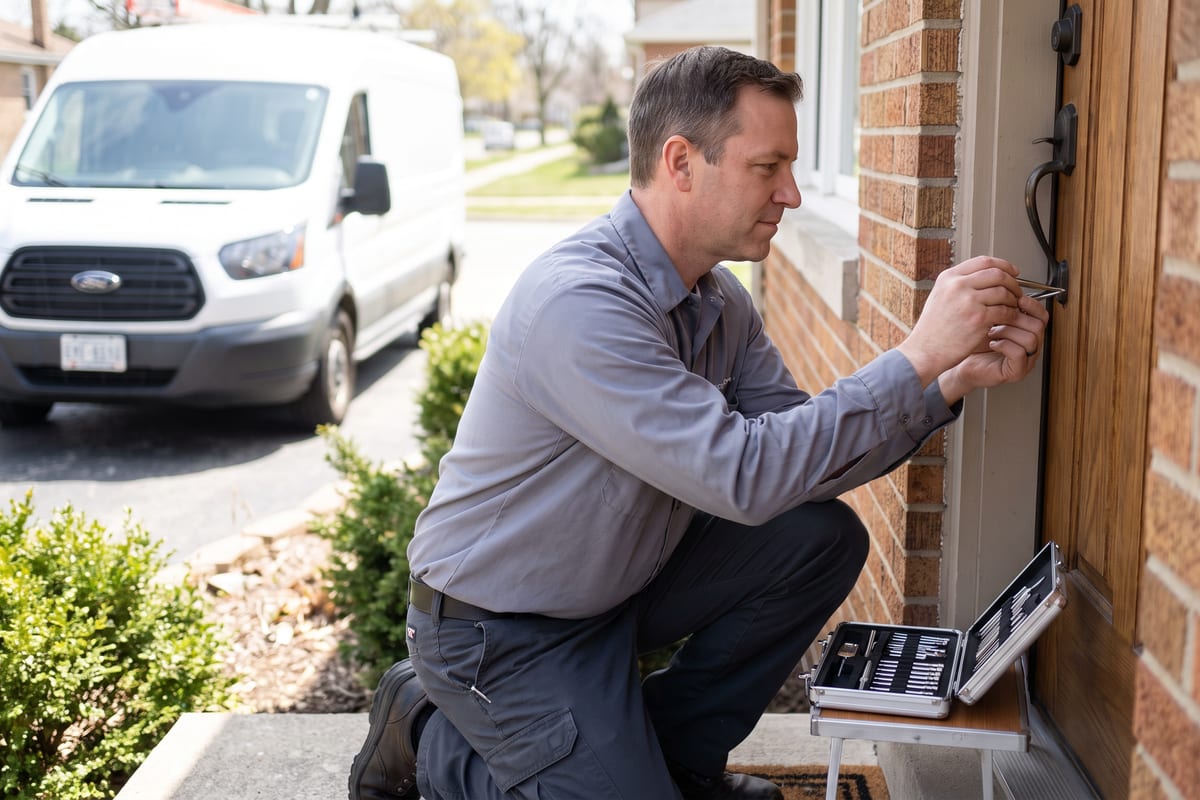
JobTrail logs the lockout call, holds the slot, and puts the job on your tech’s phone with the door details in hand. Photos, the customer’s signature, and the payment are all recorded before the van pulls away.
14-day free trial · No credit card required





Join 14,000+ pros

Built In AI Assistant
Powered by Google Gemini
Completed
Rekey · 3:15 PM
Signed on site · Card payment recorded
15+ hrs
Saved Per Week
2X
Faster Invoicing
47%
Revenue Growth
14,000+
Pros On JobTrail
Built for the way locksmith work runs — from the panicked lockout call to the keys handed over and paid for.
Based on JobTrail customer data, 2026.
Everything a locksmith company needs
A locksmith’s week is emergency calls in the morning and rekeys, installs, and account work in the afternoon. JobTrail holds all of it — the call, the job, the payment, the people, the vans — in every plan.
Scheduling
Day, week, and team-row views, a busy flag before you assign a tech who is already out, and a My Schedule view for each one.
Customers
Every storefront, unit, and homeowner on one record — contacts, addresses, and the balance they still owe.
Estimates
Line items and tax for a deadbolt swap or a full storefront install. Convert to an invoice in one click.
Invoicing
Record cash, card, or check as it lands, apply credits, and see which accounts are past due at a glance.
Job reports
Turn install photos into a branded PDF for the property manager, with before and after side by side.
Crews & teams
Give each crew or solo tech a color, swap who rides along for a date range, and see who is free before you assign.
Job conversations
A thread on every job and customer, with mentions and an inbox — nothing lost in a tech’s text messages.
Incidents
Log a customer complaint, a damaged door frame, or an injury with photos, and track it through to closed.
Documents
Scan employee licenses and IDs, let OCR pull the details, and get warned before one of them expires.
How a locksmith job runs in JobTrail
Take the call
Log the lockout as a request, flag it urgent, and hold a tentative block on the calendar. Convert it to a job the moment the customer confirms.
Work the door
The tech opens Field Mode and reads the property details for that address. They tick off the scope and shoot photos of the hardware before and after.
Sign and get paid
The customer signs the completion certificate on the phone. Record the cash, card, or check against the invoice on the spot, and the balance updates.
Where a locksmith’s day actually goes
From the call to a job in minutes
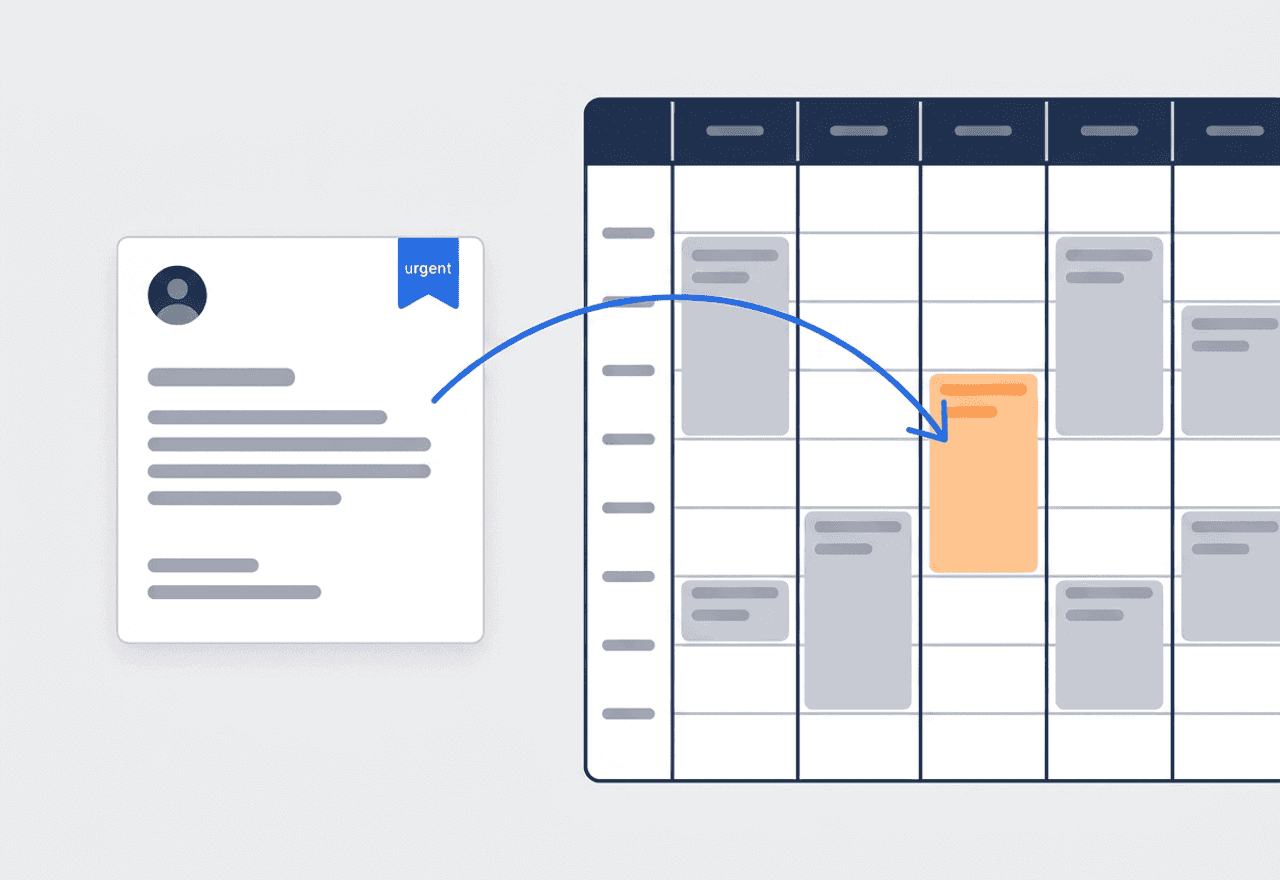
A lockout comes in by phone. Log it as a request, flag it urgent, and reserve a tentative block on the calendar so nobody else takes that slot. When the customer confirms, convert it to a job with the customer, address, and time already filled in.
- Urgent flag on the request so nobody misses it
- Tentative block in orange keeps the slot from being double-booked
- Convert to a job or an estimate in one step
One account, every door you service
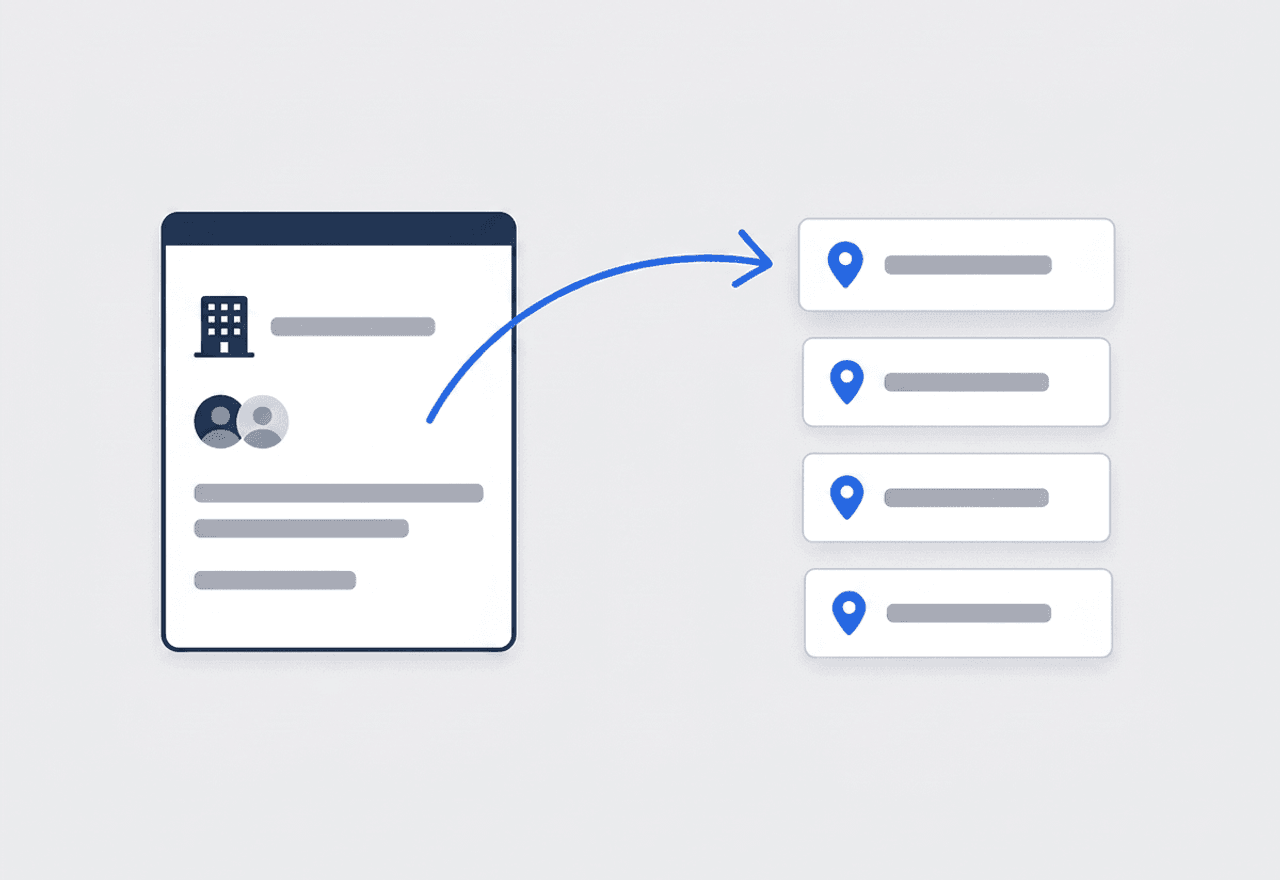
A property manager can hand you thirty storefronts or a whole apartment complex. Keep them under one customer with an address for each site. Add Property Details to every address — lock hardware, key system, door notes. Then restrict the sensitive fields to the roles that should see them.
- One customer record, one address per site or unit
- Hardware and key-system notes stored on the address itself
- Field visibility hides key-system details from roles that do not need them
Proof the customer authorized the work
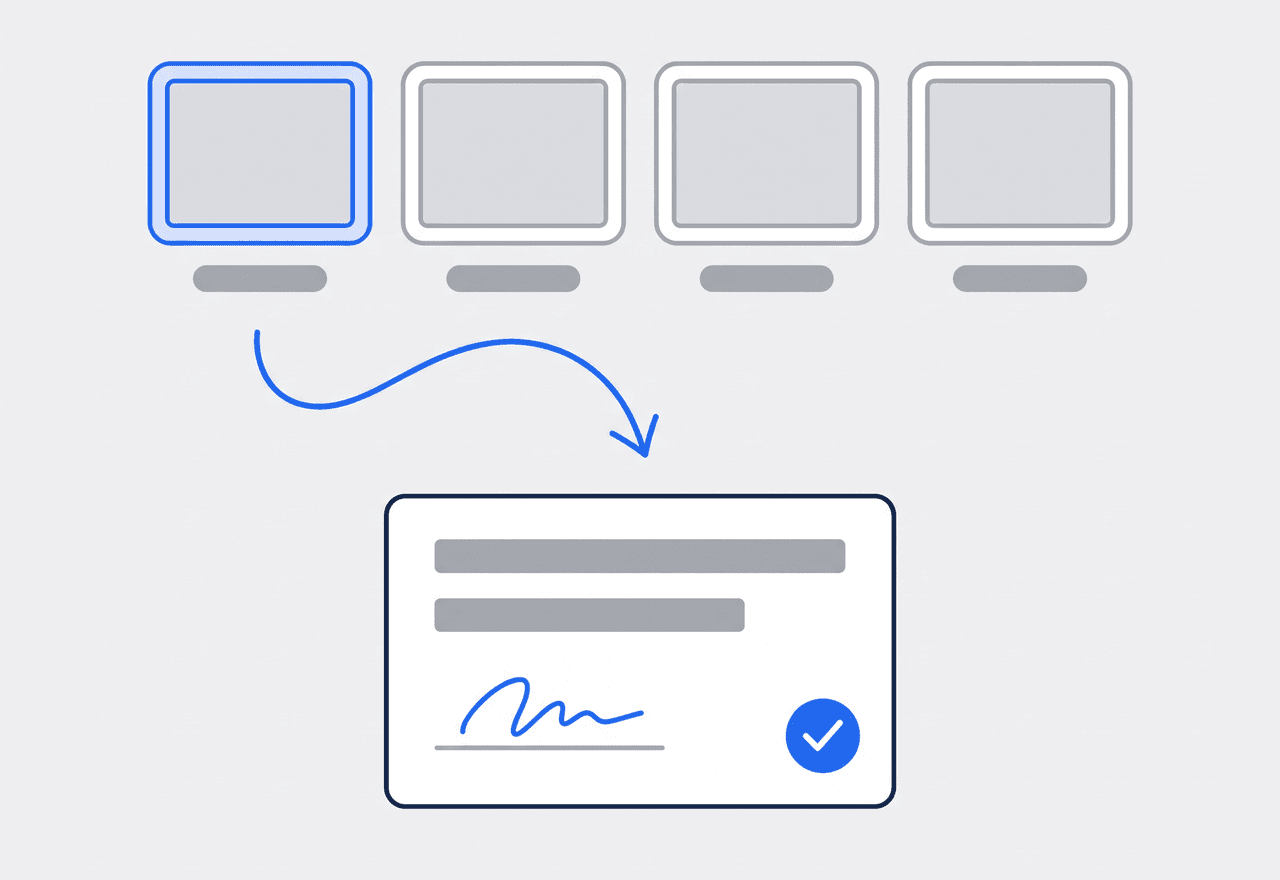
Locksmiths get asked to prove authorization more than most trades. Photos tagged Before and After show the door and the hardware as you found and left it. The completion certificate is signed on the phone, drawn or typed, before your tech leaves. The payment is recorded against the invoice right there.
- Photos tagged by stage build the record while the tech works
- Completion certificate with customer and technician signatures
- Cash, card, or check recorded on the invoice on site
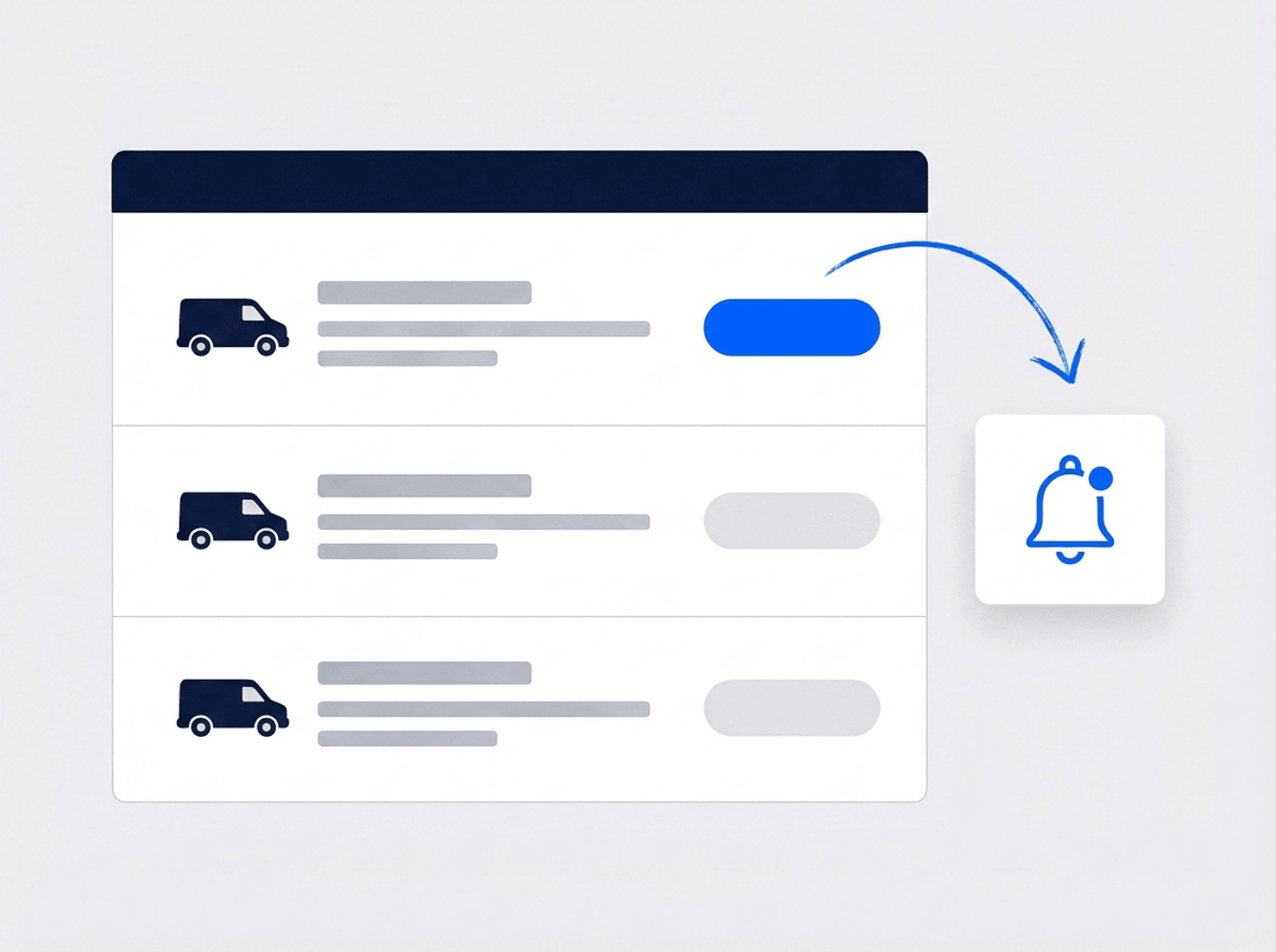
Know when each van is due
Your vans are where the work lives. Log every oil change, brake job, and tire set against a parts and services catalog. Or snap the garage invoice and let OCR fill in the lines. Set service reminders by date or mileage, and get an alert before registration or insurance lapses. No GPS — just the maintenance record.
- Maintenance log per vehicle with parts and services
- Service-due reminders by date and by mileage
- Registration and insurance expiry alerts 30 days out
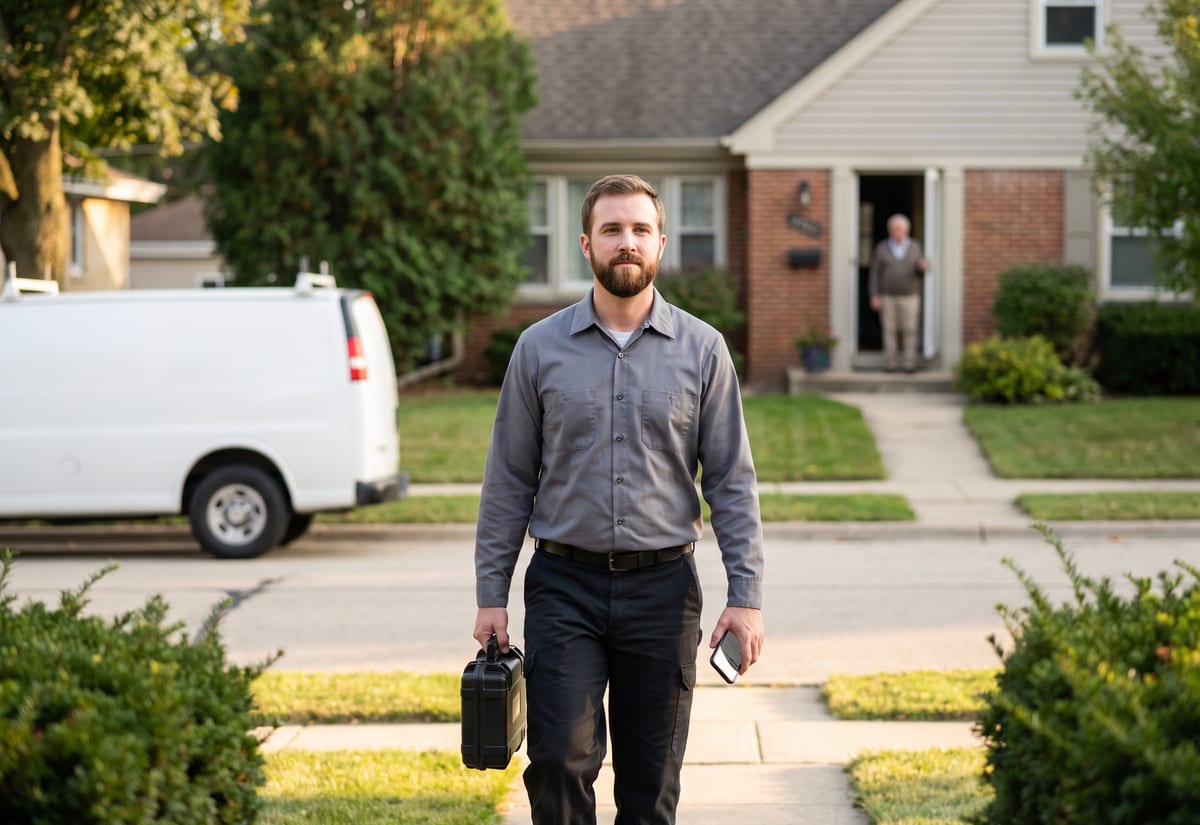
A lockout goes from phone to calendar fast
The customer is standing outside their house or car and does not want to wait on hold. Log the request with their name, phone, and address, flag it urgent, and reserve a tentative block on the calendar. That block shows in orange, and JobTrail will not let anyone book over it. Convert the request to a job and the customer, address, and time slot carry over. No retyping while the phone is still ringing. Your tech sees the job in Field Mode and reads the property details for that address on the way. If the same customer calls next month for a rekey, the history is already on their record.
- Request with an urgent flag and a held time slot
- Convert to a job with everything carried across
- Tentative blocks in orange stop double-booking

Every site, its hardware, and who can see it
A property manager with forty units is one customer, but every unit is its own address with its own hardware. Property Details record the lockset, cylinder type, key system, and door notes on each address. You define the fields once in Settings. Your tech reads them in Field Mode before touching the door. Key-system details are sensitive, so custom roles with field visibility let you hide those fields from anyone who does not need them. Past jobs, estimates, and invoices for the account sit on the customer record. When the manager asks what was done at unit 12 last spring, the answer is one click away.
- One customer, many addresses, hardware noted per address
- Sensitive hardware fields hidden by role
- Every job at every site on one customer record

Signed, photographed, and paid before you leave
A locksmith opens doors for a living, so the paper trail matters more than in most trades. Photos tagged Before, During, After, and Final show the door and the hardware at every stage. The customer and the technician sign the completion certificate on the phone, drawn or typed, while everyone is still at the door. Record the payment right there — cash, card, check, or bank transfer — against the invoice, and the customer’s balance updates. If a customer disputes a charge later, the photos, the signature, and the payment record are all on the job. Raise a flag with a photo if you find a damaged frame or a door that needs a quote.
- Completion certificate signed on site, drawn or typed
- Payment recorded against the invoice on the doorstep
- Photos by stage and flags for anything you found
“Lockouts used to be a sticky note on the dash and an invoice I typed up that night. Now the call’s a request, the request’s a job, and the customer signs on my phone — I’ve recorded the payment before I’ve even packed up the pick set.”

Mike Petrov
Owner, Petrov Lock & Key
Ready to run your locksmith company from one place?
Start the free trial and run a real week through it — the lockouts, the rekeys, the storefront install. No credit card, and every feature switched on from day one.
14-day free trial · No credit card required
Beyond locksmith dispatch — everything built in
AI Assistant
Powered by Google Gemini. Look up a job, create or update a customer, and ask about a photo — in plain English.
HR & Payroll
Employee records, leave that accrues itself, and a pay run in one grid.
Fleet Management
Assign vans to crews, log every service, and set service reminders.
Work Permits
Match permit requirements to the job address. Track the documents each issuer wants, through to approved.
What is locksmith software?
The system a lock and key company uses to take calls, run jobs, and get paid. The real difference between tools is how much of the week each one actually holds.
| What a locksmith company runs on | SheetsCalendar + spreadsheets | Sched. onlyScheduling-only tools | JobTrailJobTrail |
|---|---|---|---|
| Emergency calls without double-bookingUrgent request holds a tentative calendar block | No | Partly | Yes |
| Hardware notes per addressLockset, key system, door notes on the site | No | Partly | Yes |
| Sensitive fields restricted by roleHide key-system fields from a role | No | No | Yes |
| Signature and payment on siteSigned certificate, payment recorded on the doorstep | No | Yes | Yes |
| Payroll, leave and attendancePeople on leave flagged as you build a crew | No | No | Yes |
| Vehicle maintenance and work permitsService reminders, permit paperwork by address | No | No | Yes |
Yes CoveredPartly Varies by productNo Not covered
Why the last two rows set the real price
Most locksmith tools stop at the calendar and the invoice. Payroll, leave, van maintenance, and permits for the buildings you work in each turn into another app and another monthly charge. Add those up before you compare prices, because that total is what you actually pay. JobTrail includes every one of them in every plan, so a two-van company and a ten-van company get the same platform.
Locksmith work does not fit one shape. The morning might be three lockouts and a broken key extraction. The afternoon could be a rekey after a tenant moves out and a lever lockset install on a storefront. A property manager might book a whole floor for next week. Software that only holds part of that week leaves the rest on a notepad in the van.
The calls that hurt are the ones nobody recorded
A tech rekeys a back door and never notes the cylinder type. The next visit starts from scratch. A tenant claims you damaged the frame and there are no photos from before you touched it. A property manager asks who authorized the entry at unit 8. The answer lives in a text thread on a phone that got replaced. Each of those is a record problem long before it is a locksmith problem.
Most locksmith companies also carry two kinds of customer at once. Homeowners who call once and may never call again, and commercial accounts with dozens of doors and their own paperwork. The account work is where the money is steady, and it is where a missing hardware note costs the most. Put the details on the address, and every tech reads the same thing before they knock.
Locksmith software questions, answered
The one that handles both halves of your week without a per-module bill. A one-van operator and a ten-tech company both need a way to take an emergency call, put it on the calendar, get the tech there with the details, and record the payment on the doorstep. The smaller company feels the extras more — a separate payroll app, a separate van log, a separate messaging tool. Compare the total cost with everything you need turned on, and check that a tech can use it from a phone without a training day.
In a couple of minutes, from the phone. Log the request with the caller’s name, number, and address, flag it urgent, and reserve a tentative block on the calendar so nobody books over it. When the customer confirms, convert the request to a job — the customer, address, and time slot carry across. There is no GPS dispatch: JobTrail does not track vans or pick the closest tech. You choose who goes; JobTrail makes sure the slot is held and the details reach them.
On the address, in Property Details. You set the fields up once in Settings — lockset brand, cylinder type, key system, door notes, gate code — as text, number, or dropdown. Every address you service then carries them, and they show in Field Mode, so the tech sees the cylinder type on the phone before opening the tool case. Note that this is a per-address note, not a key-code database or a master-key system designer. Use it to remember what is on the door, not to cut keys from.
Yes. Custom roles include field visibility, so you can hide specific fields from a role rather than hiding the whole customer record. Put the key-system details in their own Property Details field and hide it from your newest hire or your office staff, while a senior tech and the owner still see it. That way the account record stays useful to everyone, and the sensitive line stays with the people who need it.
They can record it on site. When the door is open and the customer is happy, record the payment against the invoice — cash, card, check, or bank transfer, with a reference number — and the customer’s balance updates right away. JobTrail does not process card payments itself. There is no card reader integration and no online checkout. You take the payment however you take it today, and JobTrail keeps the record straight, down to the excess that becomes a customer credit.
Yes. A property manager or a retail chain is one customer with as many addresses as they have doors. Each address holds its own Property Details, and every job, estimate, invoice, and payment for the account sits on the customer record with a sub-tab for each. Multi-day work — a full rekey of an apartment building, say — stays one job with several time slots and one history. Work permits can be tracked by address for buildings that require them, and customer statements show the account’s running balance.
Yes. The completion certificate carries the customer’s and the technician’s signatures, drawn or typed on the phone before your tech drives off. Photos tagged by stage — Before, During, After, Final — show what the door and hardware looked like at each point. Both live on the job for good, next to the request that started it and the invoice that closed it. If someone disputes the work or the charge later, you open the job and everything is there. Note that estimates are not signed — signatures live on the completion certificate only.
JobTrail tracks each van’s upkeep, not its location. Every vehicle gets a record with registration and insurance expiry alerts, a maintenance log against a parts and services catalog, and service-due reminders by date and mileage. Snap the garage invoice and OCR fills in the itemized lines. Accident records live on the vehicle too, with photos and the other party’s details. There is no live GPS and no location tracking of any kind — you always know what the van needs, never where it is parked.
Plans start at $39 a month for a solo operator and scale with your team. Every plan includes every feature — scheduling, jobs, estimates, invoicing, HR and payroll, fleet, permits, and the AI assistant. There are no add-on modules and nothing is locked behind a higher tier, so the price you see is for the whole platform. The tiers run Solo at $39 a month for one user, Team at $139 for up to five, Growth at $199 for up to ten, and Scale at $299 for up to fifteen, each with a 14-day free trial.
Yes. JobTrail offers a 14-day free trial with full access to every feature and no credit card required. Set up your customers, put a week of real jobs on the calendar, and send a live invoice before you decide.
Put your next lockout in JobTrail
Every feature, every plan. Log a lockout as a request, add hardware notes to a storefront address, and sign a completion certificate on your phone — all inside the trial.
14-day free trial · No credit card required