Invoicing Software That Gets You Paid
Create invoices from estimates in one click, record payments as they come in, and see who's overdue at a glance. JobTrail handles the billing so you can focus on the work.
14-day free trial · No credit card required





Join 14,000+ pros

Built In AI Assistant
Powered by Google Gemini

Payment received
INV-1089 · $2,350
Paid in full · Bank transfer
15+ hrs
Saved Per Week
2X
Faster Billing
Zero
Missed Payments
Real-time
Overdue Alerts
Bill faster, track every payment, and never chase an overdue invoice blindly — all from one platform.
How invoicing works in JobTrail
Invoice
Create an invoice from scratch, from an estimate, or from a customer. Add line items, set payment terms, and you're done.
Track
Record payments as they come in — cash, card, check, or transfer. The balance and status update automatically.
Collect
See overdue invoices at a glance. Generate customer statements and keep your receivables under control.
Everything you need to get paid on time
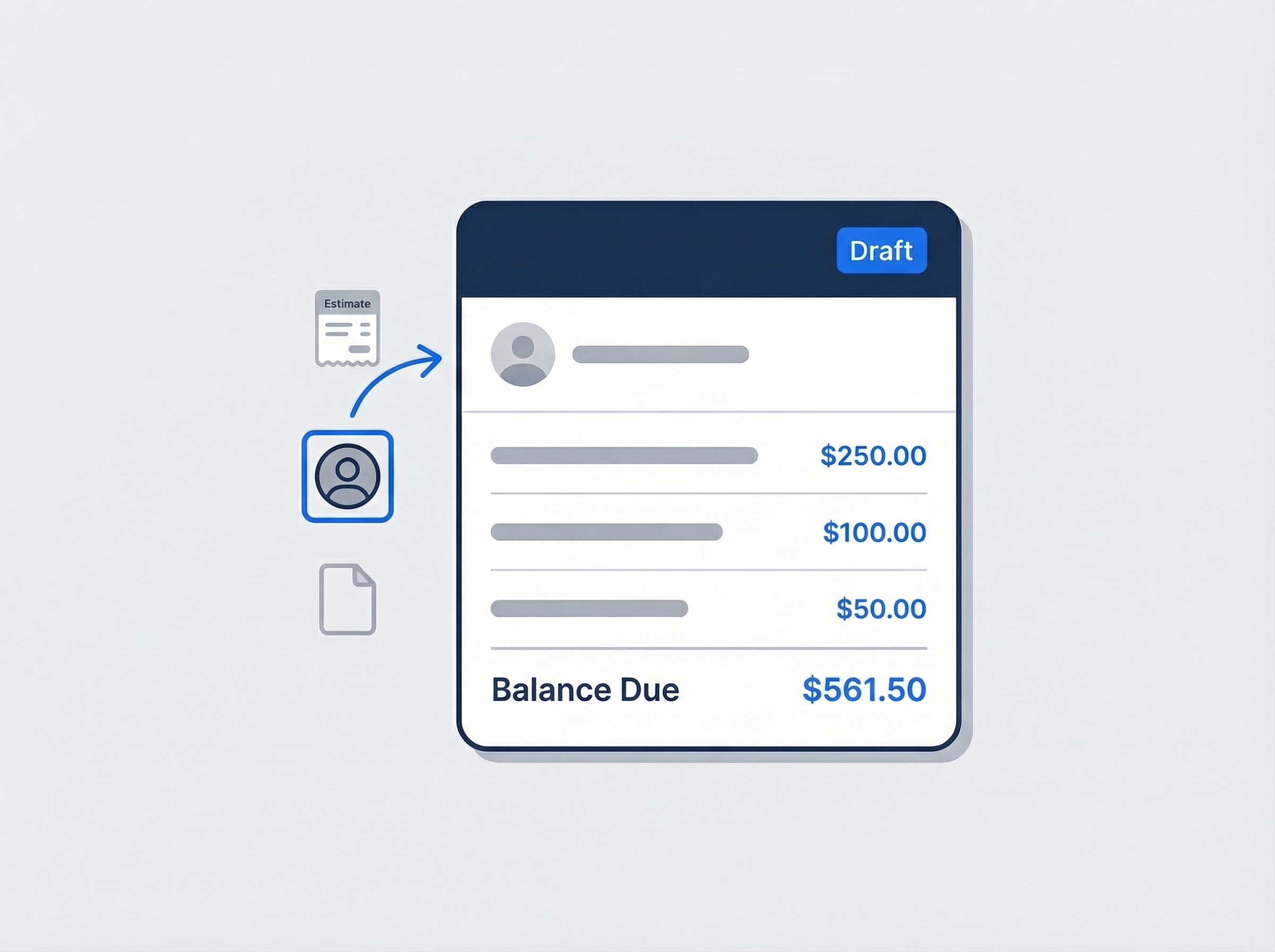
Create invoices from scratch or from an estimate
Start a new invoice from scratch, convert an accepted estimate in one click, or create one directly from a customer profile. Line items, tax settings, and payment terms are ready to go — just review and send.
- Create from scratch, from estimate, or from customer
- Line items with description, quantity, and unit price
- Payment terms auto-calculate the due date
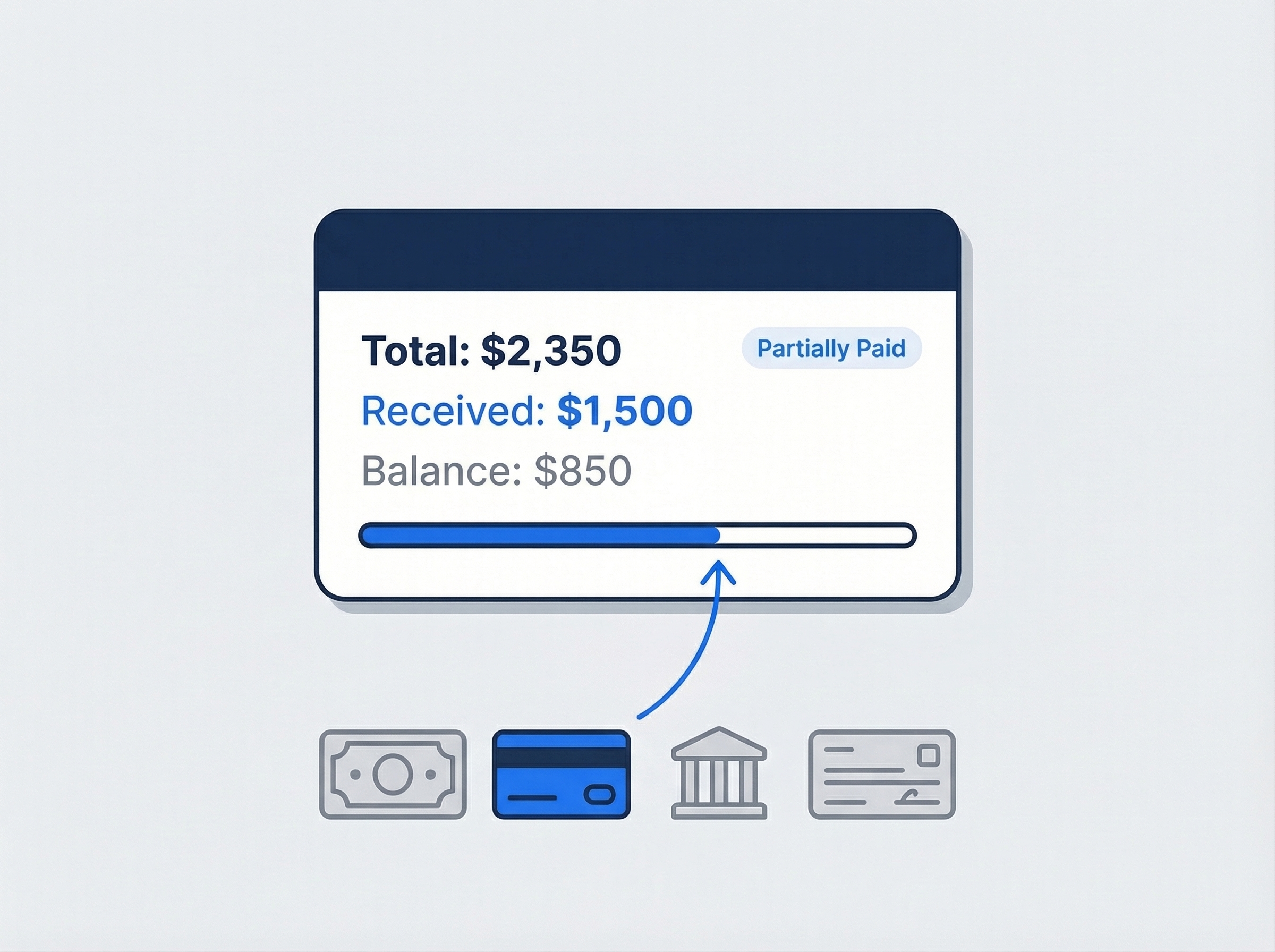
See every payment as it comes in
Record payments by cash, card, bank transfer, or check. JobTrail tracks the balance automatically — so you always know the amount due, the amount received, and whether the invoice is partially paid or paid in full.
- Record cash, card, bank transfer, or check payments
- Automatic balance tracking per invoice
- Status updates: Partially Paid → Paid
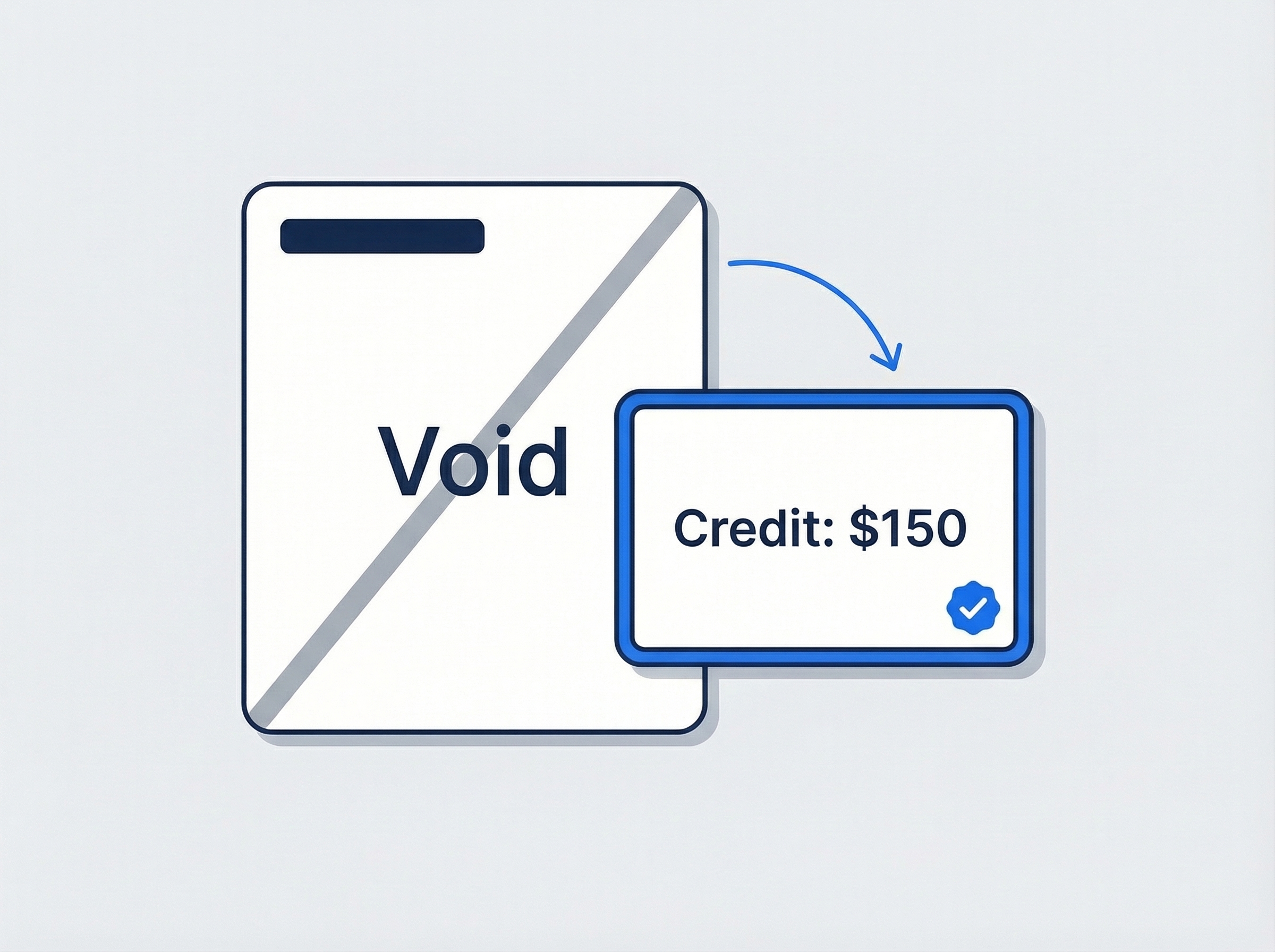
Handle overpayments and voids without the headache
Overpayments automatically create customer credits you can apply to the next invoice. Need to cancel an invoice? Void it with one click and it drops out of your receivables — clean and simple.
- Overpayments become customer credits automatically
- Void invoices to remove from receivables
- Clone invoices for repeat billing
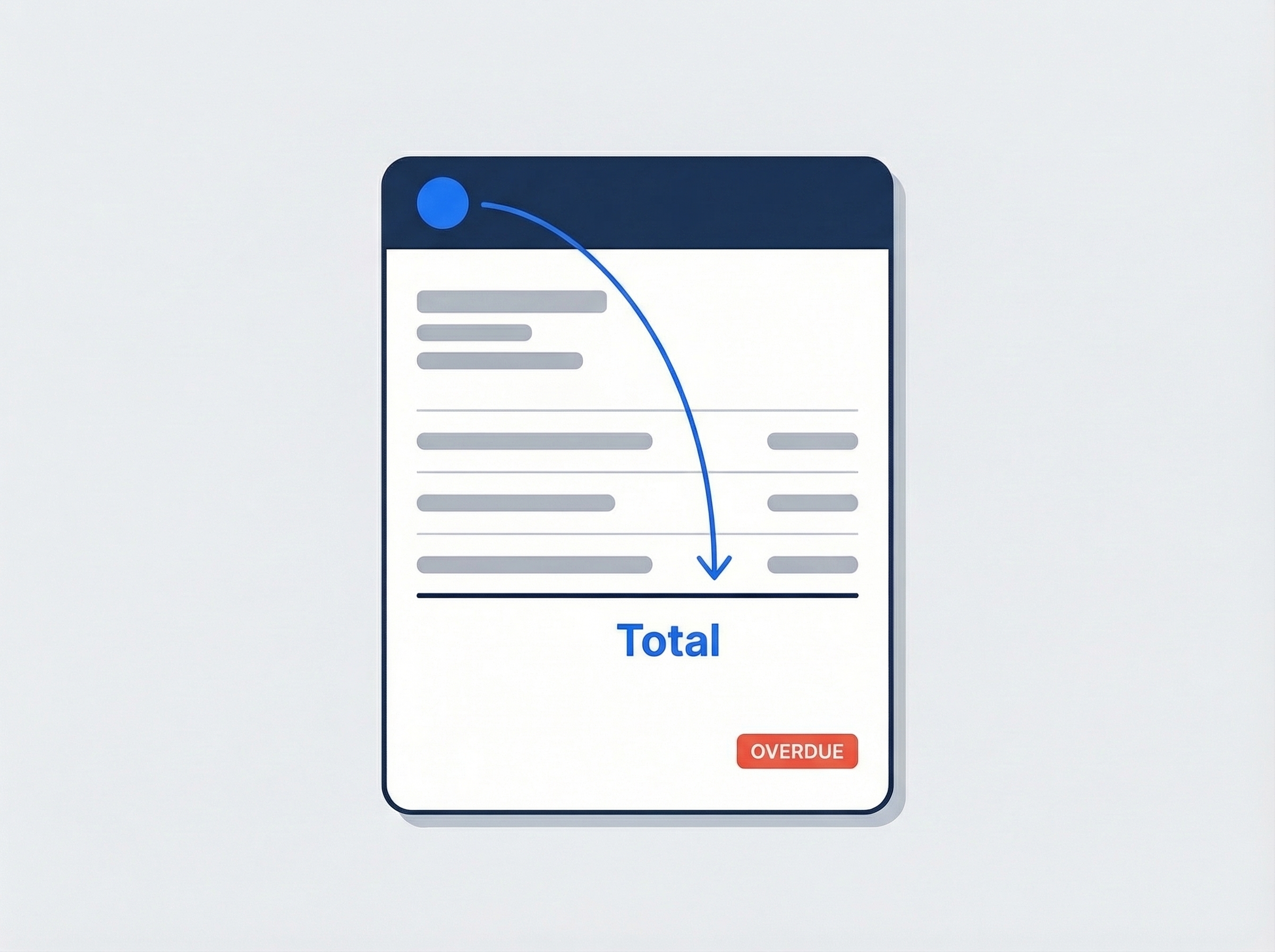
Send branded invoices your customers recognize
Generate professional PDF invoices with your company logo, line items, and payment details. Customize the invoice number prefix, format, and rounding rules in settings — every invoice matches your brand.
- Branded PDF with your company logo
- Customizable numbering prefix and format
- Overdue indicator on past-due invoices
“We went from chasing payments for weeks to getting paid the same day. Convert the estimate, send the invoice, record the payment — three clicks and it's done.”

David Chen
Owner, Chen Plumbing Co.
Ready to get paid faster?
Start your free trial and see how easy invoicing gets when everything is in one place. No credit card, no feature limits.
14-day free trial · No credit card required
Beyond invoicing — everything built in
AI Assistant
Powered by Google Gemini. Look up a customer, update their record, or ask about a PDF — in plain English.
HR & Payroll
Track hours, run payroll, and manage leave — without a separate HR tool.
Fleet Management
Assign vehicles to crews, log maintenance, and set service reminders.
Work Permits
Match permit requirements to the job address. Track the documents each issuer wants, through to approved.
Frequently asked questions
Field service invoicing software helps you create, send, and track invoices for jobs done in the field — plumbing, HVAC, electrical, cleaning, and more. Instead of handwritten bills or generic spreadsheets, you get professional invoices with automatic payment tracking and overdue alerts.
Yes. When a customer accepts your estimate, one click converts it into an invoice. Line items, customer details, and tax settings carry over automatically — so you never retype the same information twice.
When a customer pays more than the invoice balance, JobTrail automatically creates a customer credit. You can apply that credit to the next invoice — no manual bookkeeping needed.
Not yet. JobTrail records the payments you take — cash, card, bank transfer, or check — against the invoice, applies any credit the customer is carrying, and keeps the balance and aging up to date. What it does not do is process the card itself, so you take payment however you take it today and record it here. Everything downstream is the same either way: receipts, customer statements, and the aged receivables view all update as soon as the payment is recorded.
Absolutely. JobTrail offers a 14-day free trial with full access to every feature — no credit card required. Start your trial today and see how much faster invoicing gets when everything is in one place.