Leave Management Software
Time off should not live in a spreadsheet somebody forgets to update. JobTrail accrues every balance for you, keeps approvals to one tap, and flags the person who is off before you put them on a job.
14-day free trial · No credit card required





Join 14,000+ pros

Built In AI Assistant
Powered by Google Gemini

PTO approved
Balance updated on its own
🗓️ Flagged on the crew picker
Automatic
Balance Accrual
Half days
Morning Or Afternoon
Preloaded
Federal Holidays
Flagged
As You Build A Crew
Nobody gets scheduled on their day off, because the crew picker already knows who asked for it.
How time off works in JobTrail
Request
An employee picks a leave type and dates — a full day, a morning, or an afternoon — and sends it.
Approve
It lands with their manager. HR can see every request across the company and filter down to what matters.
Update
Balances recalculate on their own, the leave calendar fills in, and unpaid days carry into the pay run.
Everything you need to run time off
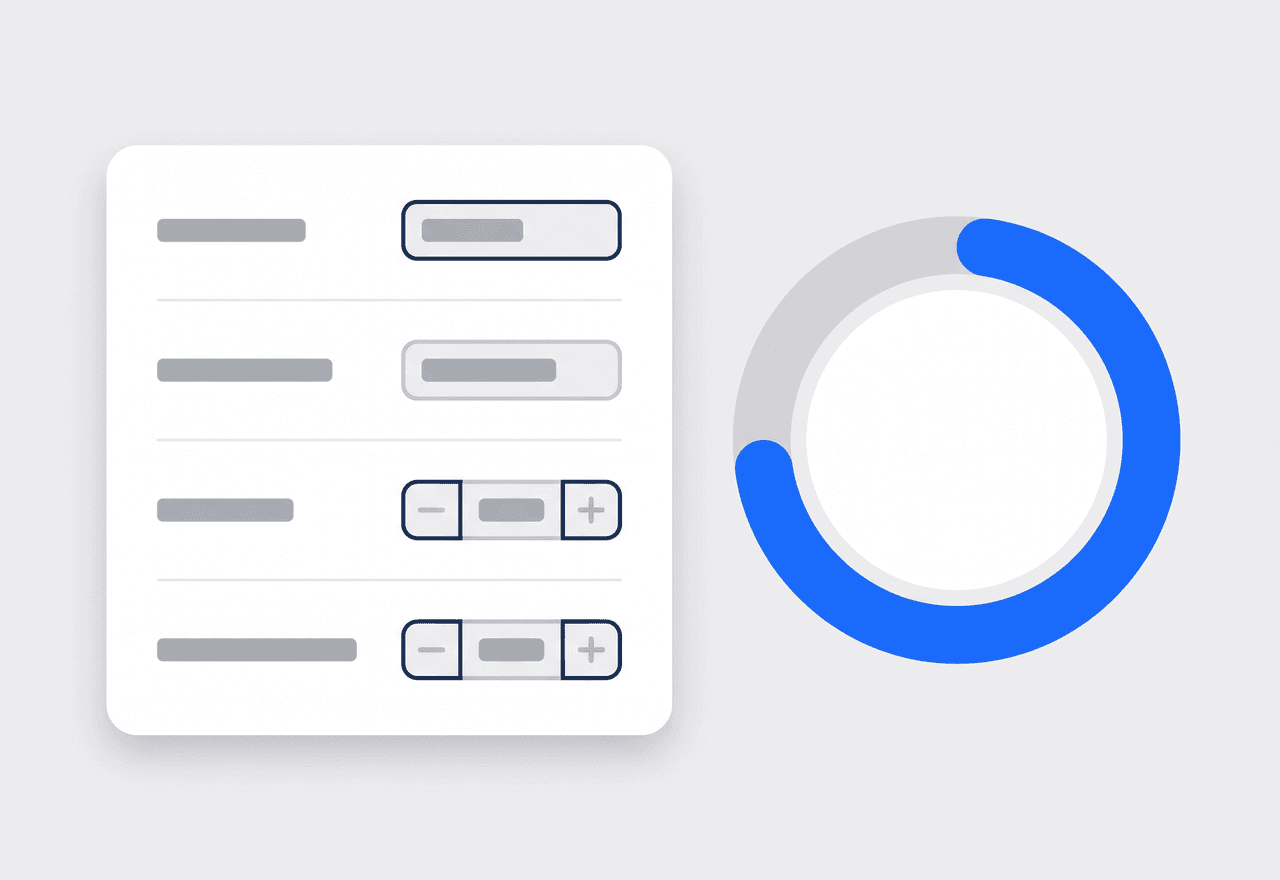
Start with a policy set that already fits
Pick your country and JobTrail loads a full set of leave policies — PTO, sick, parental, and bereavement — with the accrual rules already filled in. Change what you want, keep the rest.
- PTO seeded at 15 days, accruing 1.25 days a month
- Carryover limits, notice periods, and prorating for new hires
- Federal holidays preloaded so nobody has to type them in
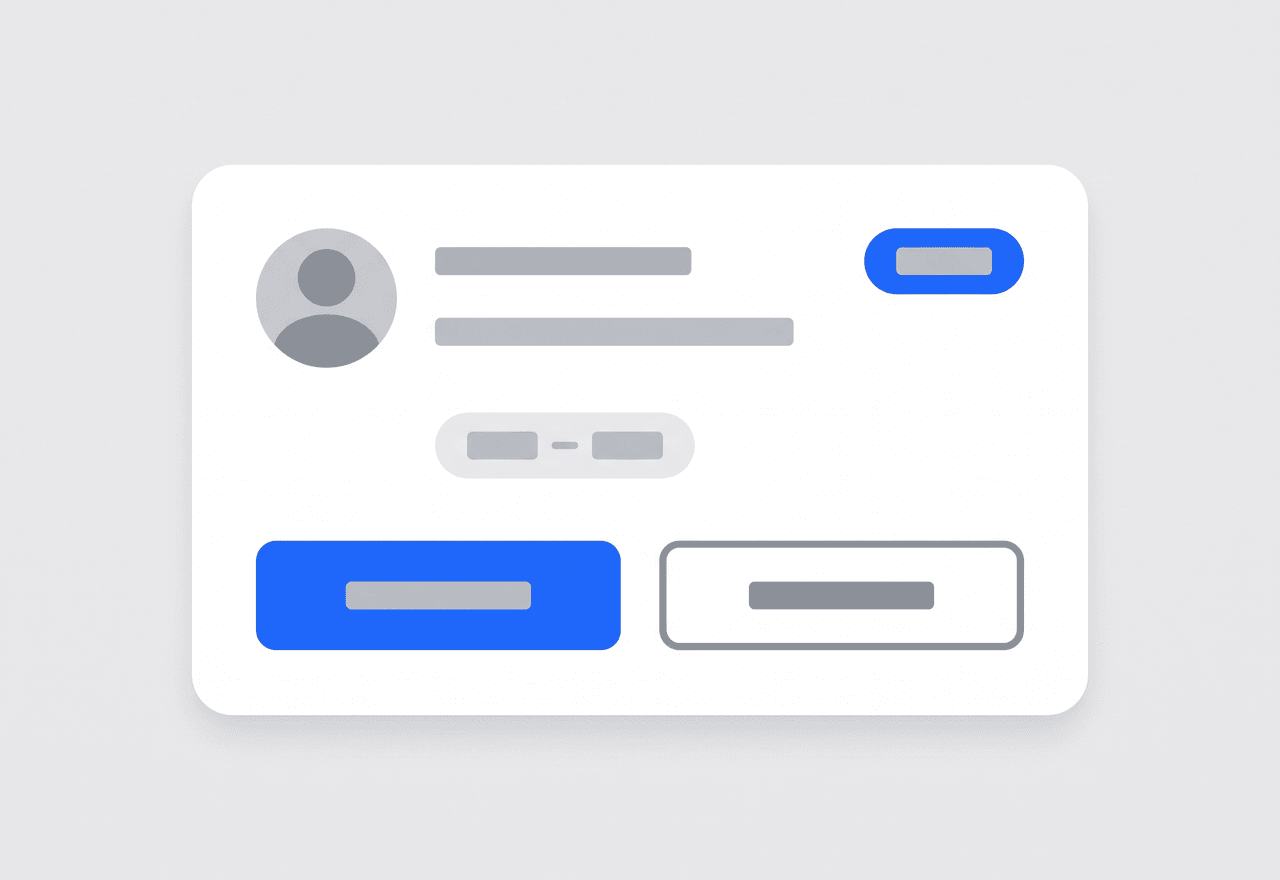
Ask, approve, done
An employee picks a type and dates — a full day, or just a morning — and it lands with their manager. Managers see their own crew, HR sees the whole company, and every decision stays on the record.
- Request against any policy you have set up, PTO through bereavement
- Half days supported — morning or afternoon, not just whole days
- Pending, approved, rejected, or cancelled, with a decision history
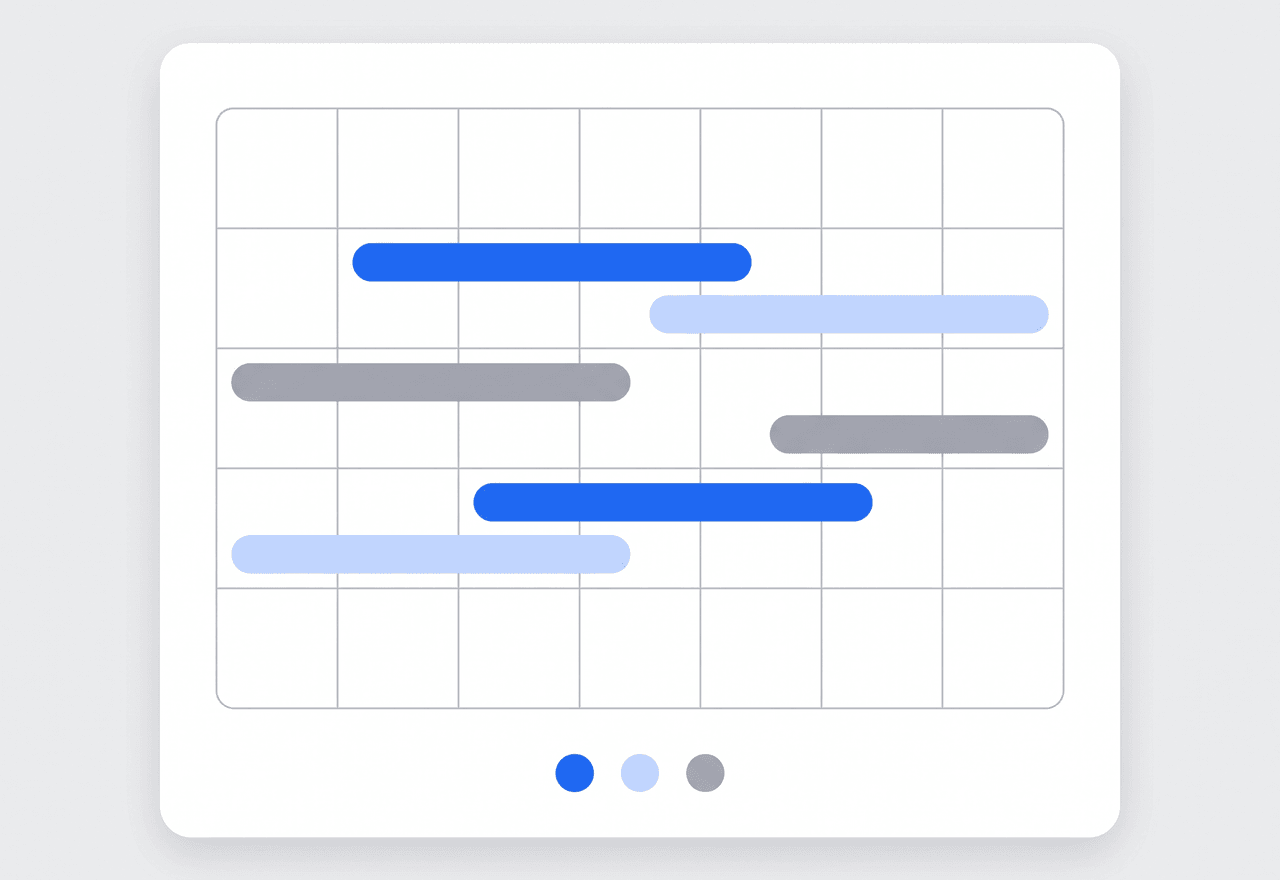
See who is out before you promise a date
One calendar shows approved leave across everyone, color-coded by type, with company holidays sitting right alongside. Check the month before you commit to a customer, not after.
- Approved leave for the whole company on a single calendar
- Color-coded by leave type so patterns jump out
- Company holidays shown next to booked time off
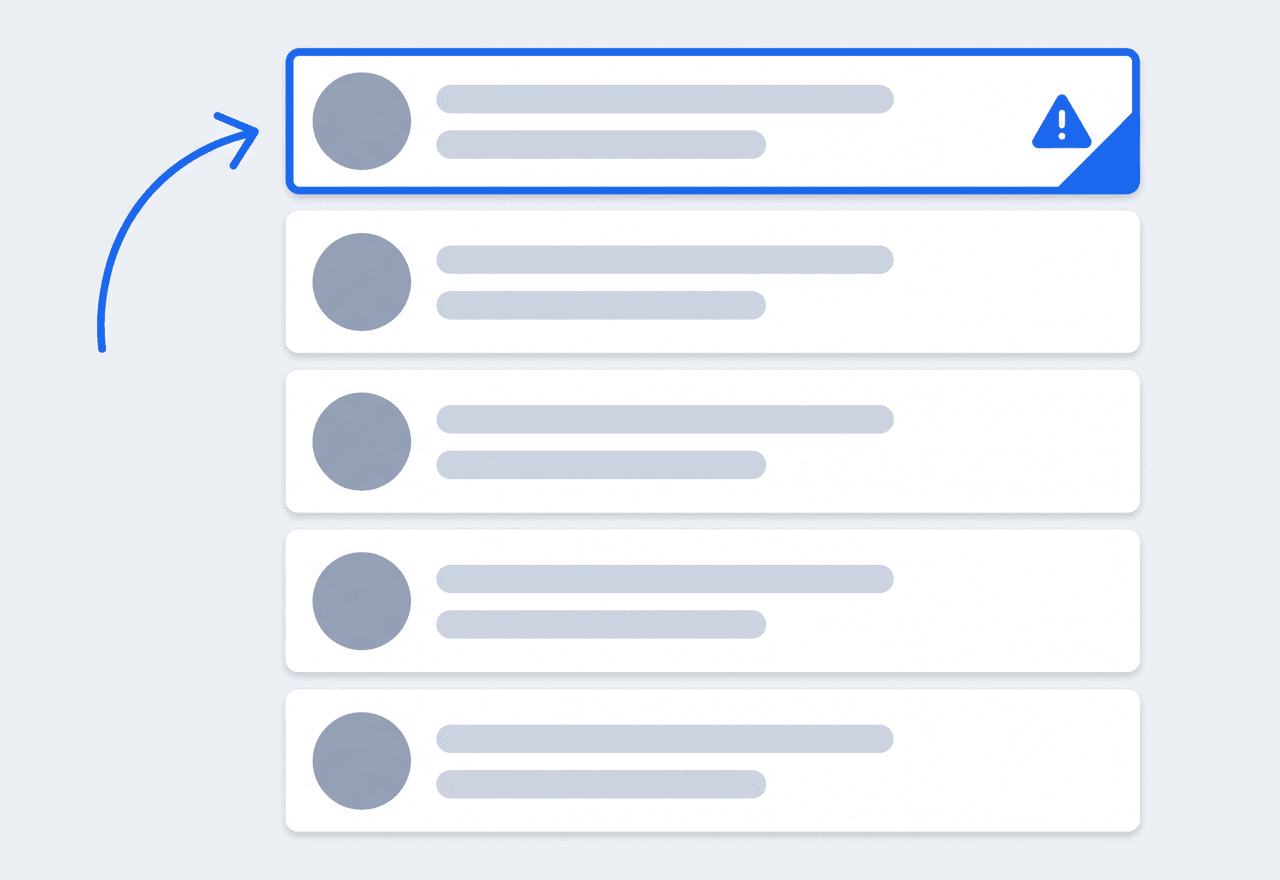
Your schedule already knows who is off
This is the part other tools cannot do, because their HR lives in a different app. When you build a crew in JobTrail, anyone with leave that day is flagged right in the picker — and pushed to the top of the list so you cannot miss them.
- Approved leave, pending leave, and already-busy all flagged as you pick
- Conflicts sort to the top of the crew list instead of hiding at the bottom
- Unpaid days flow into the pay run, so the deduction is already there
“I used to book someone on a Thursday and find out Wednesday night she had the day off. Now it warns me while I am picking the crew — that alone paid for the software.”

Sarah Mitchell
Owner, Bright Spark Cleaning
Retire the time-off spreadsheet
Start your free trial and load your leave policies in one step. No credit card, no feature limits.
14-day free trial · No credit card required
Beyond time off — everything built in
HR & Payroll
One employee record from hire to pay run — the only field service platform with HR built in, not bolted on.
Team Management
Color-coded crews and dated roster changes when someone is out.
AI Assistant
Ask in plain English and see a preview before anything saves.
Employee Documents
Photograph an ID and let JobTrail read the details into the employee record — with expiry warnings built in.
Frequently asked questions
Leave management software handles time-off requests from the moment someone asks to the moment their balance changes. Employees request PTO or sick days, managers approve, and balances recalculate on their own — so you are not maintaining a spreadsheet or digging through texts to remember who is off next Tuesday.
From the policy and the hire date. A policy sets the yearly entitlement and how it accrues — the default PTO policy grants 15 days at 1.25 days a month — and JobTrail works out where each person stands today. Carryover limits and expiry are handled the same way, and you can override the entitlement for a specific employee when someone negotiated different terms.
Yes. Every request carries a period as well as dates, so an employee can book a full day, a morning, or an afternoon. That matters in field service, where a tech taking a morning off is a very different scheduling problem from one taking the whole day.
It does, and this is the reason to keep leave in the same system as your jobs. When you build a crew, anyone with approved or pending leave for that date is flagged in the picker and sorted to the top of the list. Unpaid leave also carries into the pay run, so the deduction is calculated for you instead of remembered later.