Team Communication Software
Group texts lose things. Six months later nobody can say what was agreed, or which job that photo came from. In JobTrail the conversation lives on the record — so the answer is still there when you need it.
14-day free trial · No credit card required





Join 14,000+ pros

Built In AI Assistant
Powered by Google Gemini

You were mentioned
Photos added on JOB-142
💬 On the job, not in a group text
Every record
Has Its Own Thread
Mentions
Pull People In
Direct
And Group Messages
JOB-142
Becomes A Link
The thread outlives the job, so a question in March has an answer from last August.
How team messaging works in JobTrail
Open
Every job, estimate, invoice, payment, and customer already has a thread. Nothing to create, nothing to name.
Talk
Mention a teammate to pull them in, drop in photos from site, and type a job number to turn it into a link.
Catch up
Your inbox gathers every thread you belong to, with unread counts, filters, and search across all of them.
Everything you need to keep the crew in the loop

Every job comes with its own thread
Jobs, estimates, invoices, payments, requests, and customers each carry a conversation. Nothing to set up and nothing to name — the thread is already there when you open the record.
- Reply to a specific message so two topics do not tangle
- Drag photos straight in, then flick through them full screen
- A Files view per thread collects every attachment in one place
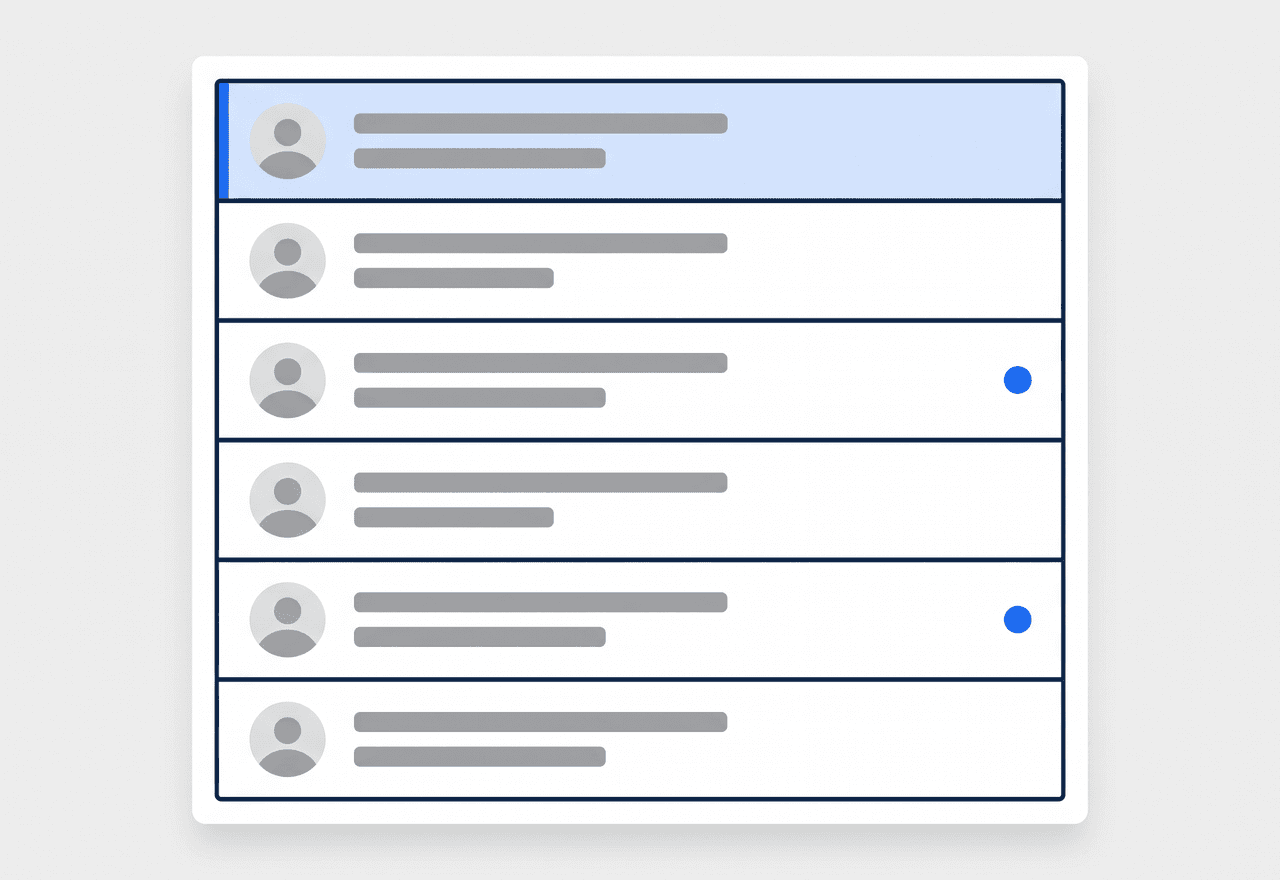
One inbox, and it knows why you are in it
Mention a teammate by name to pull them in. Your inbox gathers every thread you belong to and tells you how you got there — you wrote in it, you were mentioned, you created the record, or you are assigned to it.
- Type a name to mention someone and bring them into the thread
- Unread counts, filters, and search across every conversation
- Follow a thread you care about, or dismiss one you do not
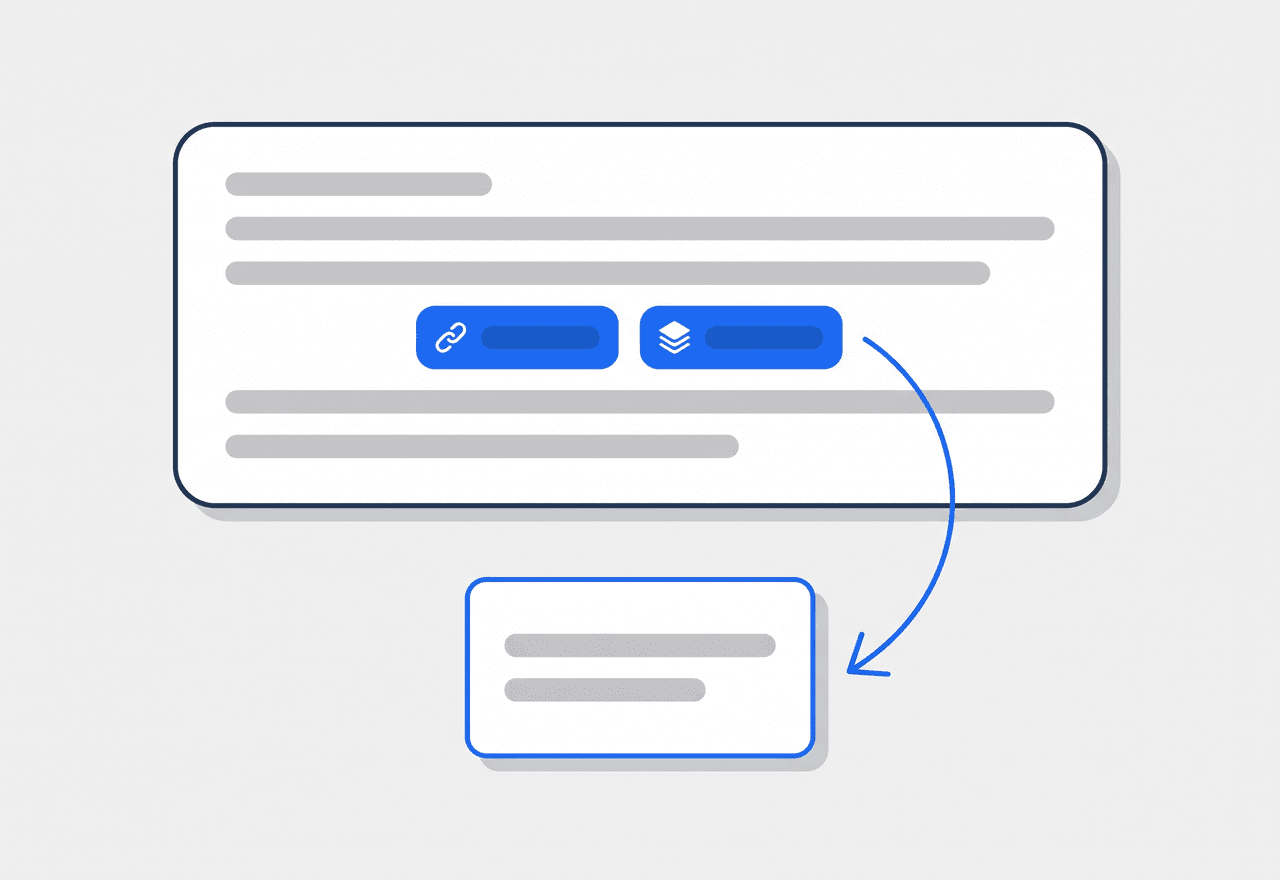
Type a job number, get a link
Write JOB-142 in a message and it turns into a chip your team can tap to open the job. The same works for estimates, invoices, payments, and requests — so a conversation can point at the paperwork it is about.
- Job, estimate, invoice, payment, and request codes all link up
- Tap a chip to jump straight to the record being discussed
- Link several records to one thread when a job spans paperwork

The record writes its own history
When a job changes status or an invoice gets paid, JobTrail drops a line into that record’s thread by itself. The history and the discussion sit together — and log entries never light up anyone’s unread badge.
- Status changes and key events logged without anyone typing
- Discussion and audit trail in one place, not two systems
- Log entries stay quiet — they never trigger an unread count
“A customer asked what we swapped out last spring. I opened the job, scrolled the thread, and there were the photos and the whole conversation. Try that in a group text.”

Marcus Reed
Owner, Reed HVAC Services
Get the job chatter out of your texts
Start your free trial and put your next conversation where you will be able to find it. No credit card, no feature limits.
14-day free trial · No credit card required
Beyond messaging — everything built in
AI Assistant
Powered by Google Gemini. Look up a job, create or update a customer, and ask about a photo — in plain English.
Job Reports
Turn the photos from that thread into a branded PDF for the customer.
Customer Management
Every job, quote, and conversation on one customer profile.
Incident Tracking
When a conversation turns into a real problem, log it properly with photos, actions, and follow-up notes.
Frequently asked questions
It is messaging that stays attached to the work. Instead of one long group chat covering forty jobs, each job, estimate, invoice, and customer has its own thread — so the answer to “what did we agree on the Riverside job?” is on the Riverside job, months later, without anyone scrolling.
A group text forgets. Nobody can tell which job a photo belonged to, a new hire sees none of the history, and the person who needed to know was not in the thread. In JobTrail the conversation lives on the record, anyone with access to that record can read back through it, and mentioning someone brings them in properly.
No. You are only in a thread for a reason — you wrote in it, someone mentioned you, you created the record, or you are assigned to it. You can follow a thread you want to keep an eye on, mute one that is noisy, or dismiss it from your inbox entirely. Automatic status-change entries never count as unread.
No — conversations live inside JobTrail, on the web and on a phone. That is deliberate: the value comes from every message being attached to a record you can look up later, which a text thread cannot do. Customer-facing documents like estimates, invoices, and job reports still go out by email or a share link.