Employee Document Management
Onboarding should not mean an hour of typing numbers off a photocopy. Snap the ID, let JobTrail read it, check what it found — and the new hire is on file before their coffee gets cold.
14-day free trial · No credit card required





Join 14,000+ pros

Built In AI Assistant
Powered by Google Gemini

Document read
6 fields ready to review
🔍 Nothing saves until you approve
Scanned
Not Typed
You approve
Before Anything Saves
6 months
Expiry Warning
One record
Files And Employee
The paperwork lives with the person, not in a drawer nobody opens until an inspector asks.
How document scanning works in JobTrail
Upload
Photograph an ID, license, or passport — front and back — or drop a multi-page contract straight in.
Review
JobTrail reads the document and shows you what it found. Nothing reaches the employee record until you approve it.
File
Details land on the employee, the file is stored against them, and the expiry date starts counting down.
Everything you need to keep the paperwork straight
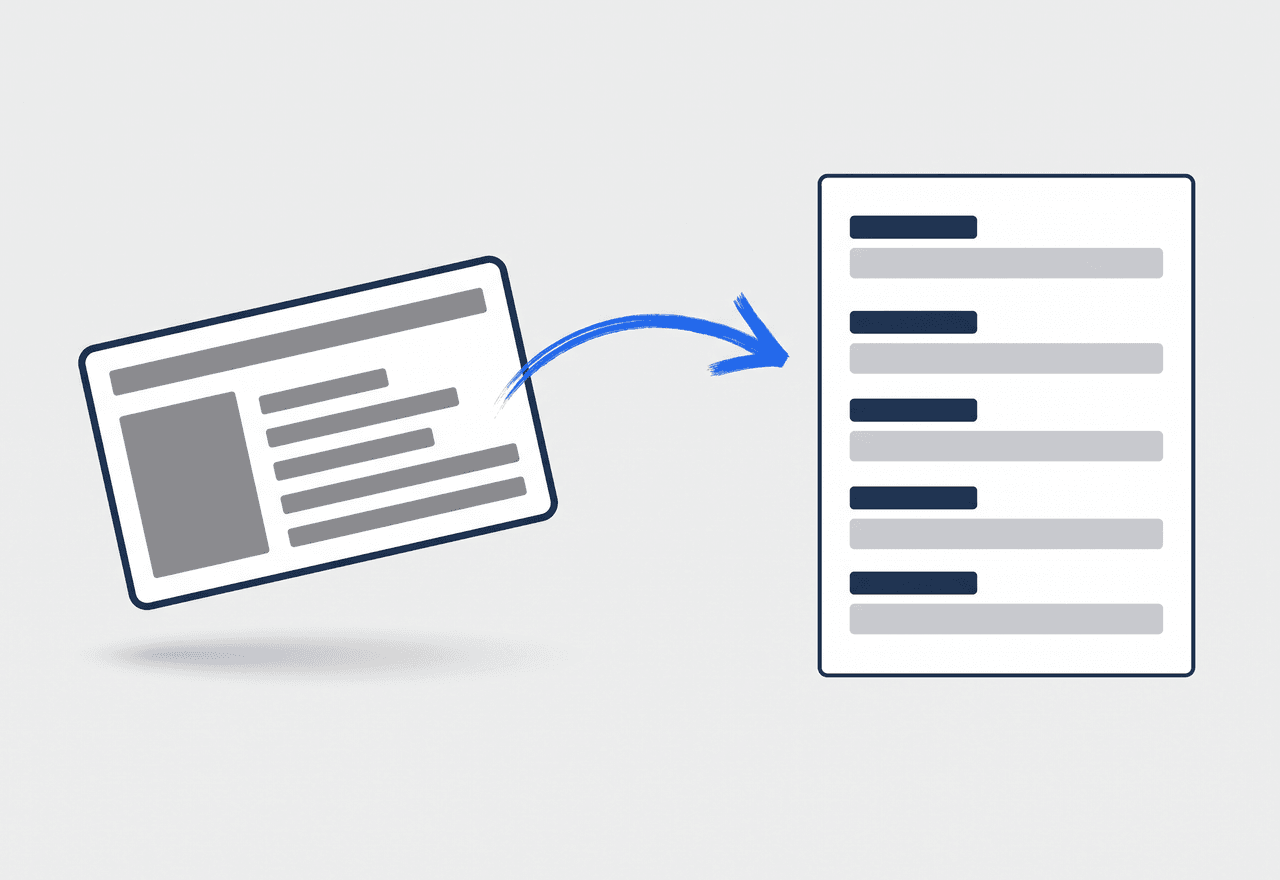
Photograph it, do not type it
Upload a passport, government ID, or driving license and JobTrail reads it — the number, the name, the dates. Two-sided cards take a front and a back. Contracts can go up as a whole stack of pages at once.
- Document number, issue date, and expiry date pulled off the page
- Front and back captured together for two-sided cards
- Multi-page employment contracts uploaded in one go
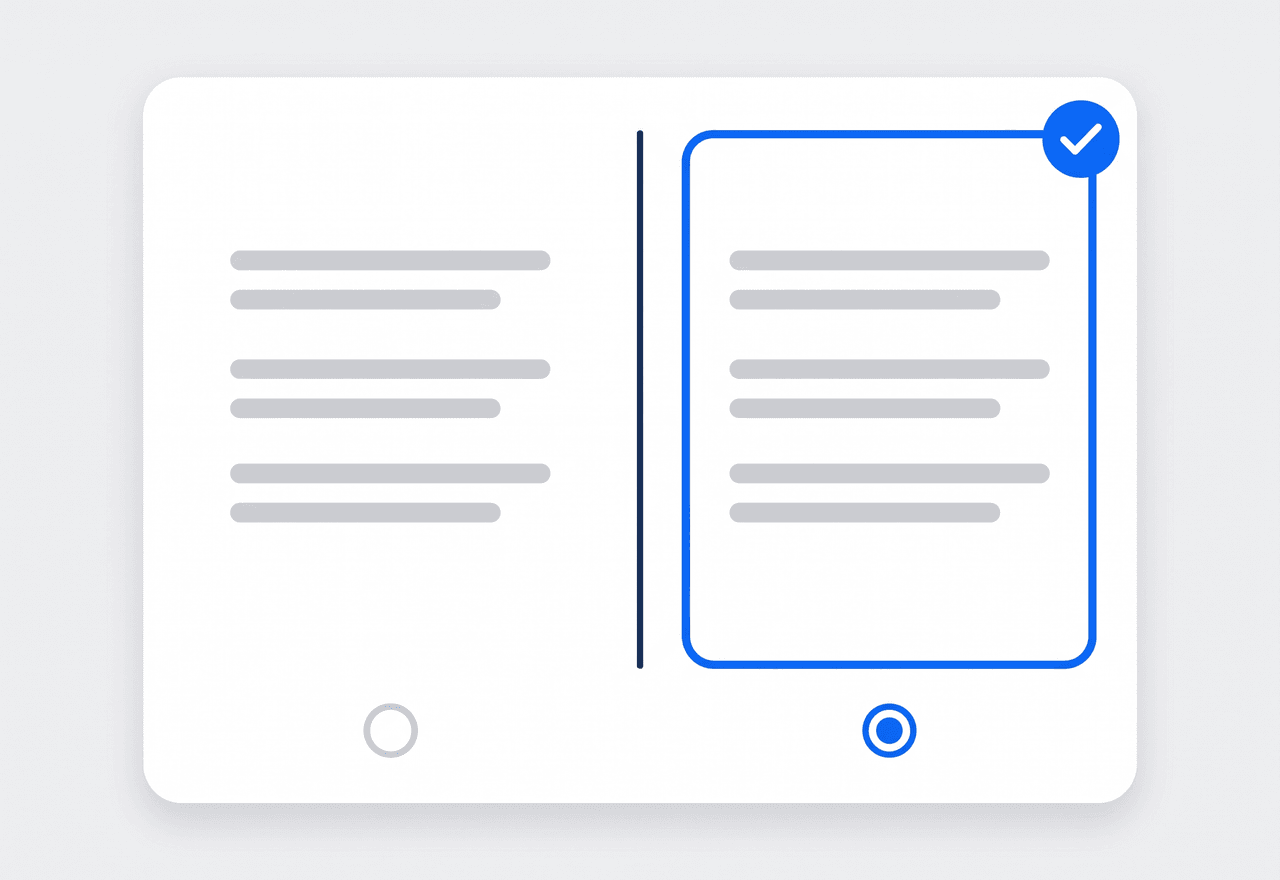
You approve what goes on the record
Extracted values are shown to you first, not written behind your back. If something the document says clashes with what is already on the employee, JobTrail puts the two side by side and asks which one is right.
- Every field editable before it touches the employee record
- Conflicts shown side by side instead of silently overwritten
- JobTrail remembers which document each detail came from

Catch a lapsed license before the customer does
Every document carries its expiry date, and JobTrail marks it as it gets close. An amber badge appears six months out and turns red once the date passes — on the document and on the employee overview.
- Amber warning from six months out, red once expired
- Expiry shown on the employee overview, not buried in a folder
- Works across licenses, IDs, passports, and work authorization
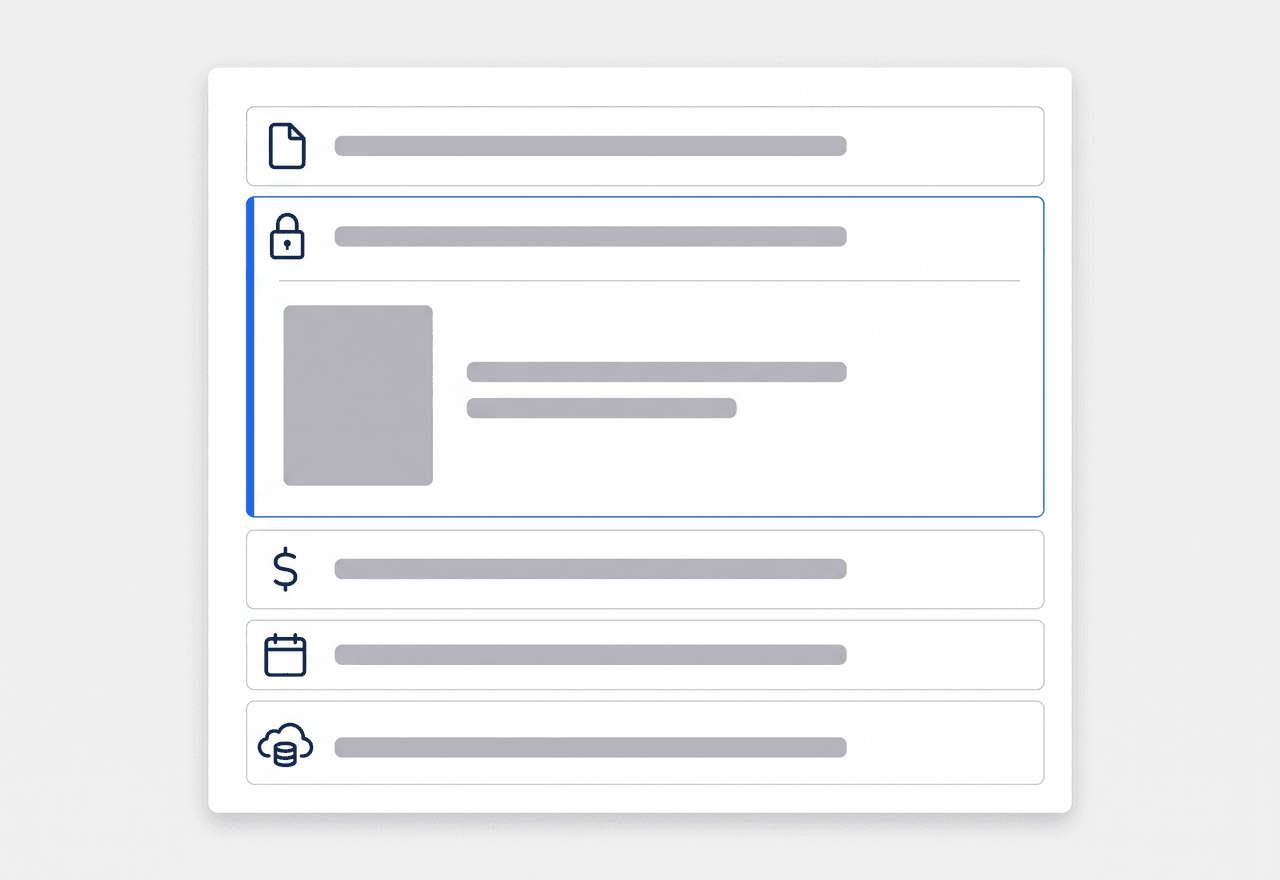
A slot for every piece of paper
Each document type gets its own section on the employee, so nobody has to guess where the driving license went. Anything that does not fit a slot goes in Other, with the file kept against the employee just the same.
- Employment contract, passport, government ID, and work authorization
- Driving license kept with the employee, alongside their vehicle
- An Other section for certificates and anything one-off
“Onboarding a new plumber used to be twenty minutes of squinting at a photocopy. I take two pictures now and check the numbers it pulled — done before he finishes the forms.”

David Chen
Owner, Chen Plumbing Co.
Onboard your next hire in minutes
Start your free trial and scan your first document today. No credit card, no feature limits.
14-day free trial · No credit card required
Beyond documents — everything built in
AI Assistant
The same Google Gemini models that read your documents also answer questions about your customers and jobs.
HR & Payroll
One employee record from hire to pay run, jobs included.
Leave & Time Off
Balances that accrue themselves and conflicts flagged as you schedule.
Fleet Management
Registration and insurance dates tracked the same way — snap the paperwork, and the vehicle keeps it.
Frequently asked questions
It is where you keep the paperwork that proves your crew can legally do the work — IDs, licenses, work authorization, signed contracts — attached to the employee instead of scattered across a filing cabinet and someone’s phone. JobTrail adds scanning on top, so the details on the document also end up on the employee record without anyone typing them.
The identifying details: the document number, the name, the issue and expiry dates, and nationality where the document carries it. Passports are read from the machine-readable strip at the bottom, which is why they come out so clean. Everything it finds is shown to you before it is applied.
You fix it before it saves. Extracted values land in an editable review step, so a misread digit is a quick correction rather than a bad record. If a scanned value disagrees with something already on the employee, JobTrail shows both and lets you pick — it will not quietly overwrite what you entered.
On screen, yes. Any document within six months of expiry gets an amber badge, and an expired one turns red — both on the document itself and on the employee overview, so a lapsed license is visible the moment you open the record. JobTrail does not send expiry emails today.