Work Permit Tracking Software
Nothing burns a morning like a crew turned away at the gate. JobTrail matches the permit process to the job address while you are still booking the work — so the paperwork is handled before anyone loads the van.
14-day free trial · No credit card required





Join 14,000+ pros

Built In AI Assistant
Powered by Google Gemini

Permit process matched
Riverside Tower access permit
📍 Matched from the job address
Once
Set Up Per Process
By address
Matched Automatically
Every job
Shows Permit Status
Included
In Every Plan
The permit is sorted before the truck leaves, because the job address already knows which one it needs.
How permit tracking works in JobTrail
Define
Build each permit process once: the areas it covers, who submits it, who issues it, and the documents they want.
Match
Enter a job address and JobTrail suggests the process that covers it, with a score showing how sure it is.
Track
Move the permit from Needed to Requested to Obtained. The status rides along on your job list.
Everything you need to stay cleared for work
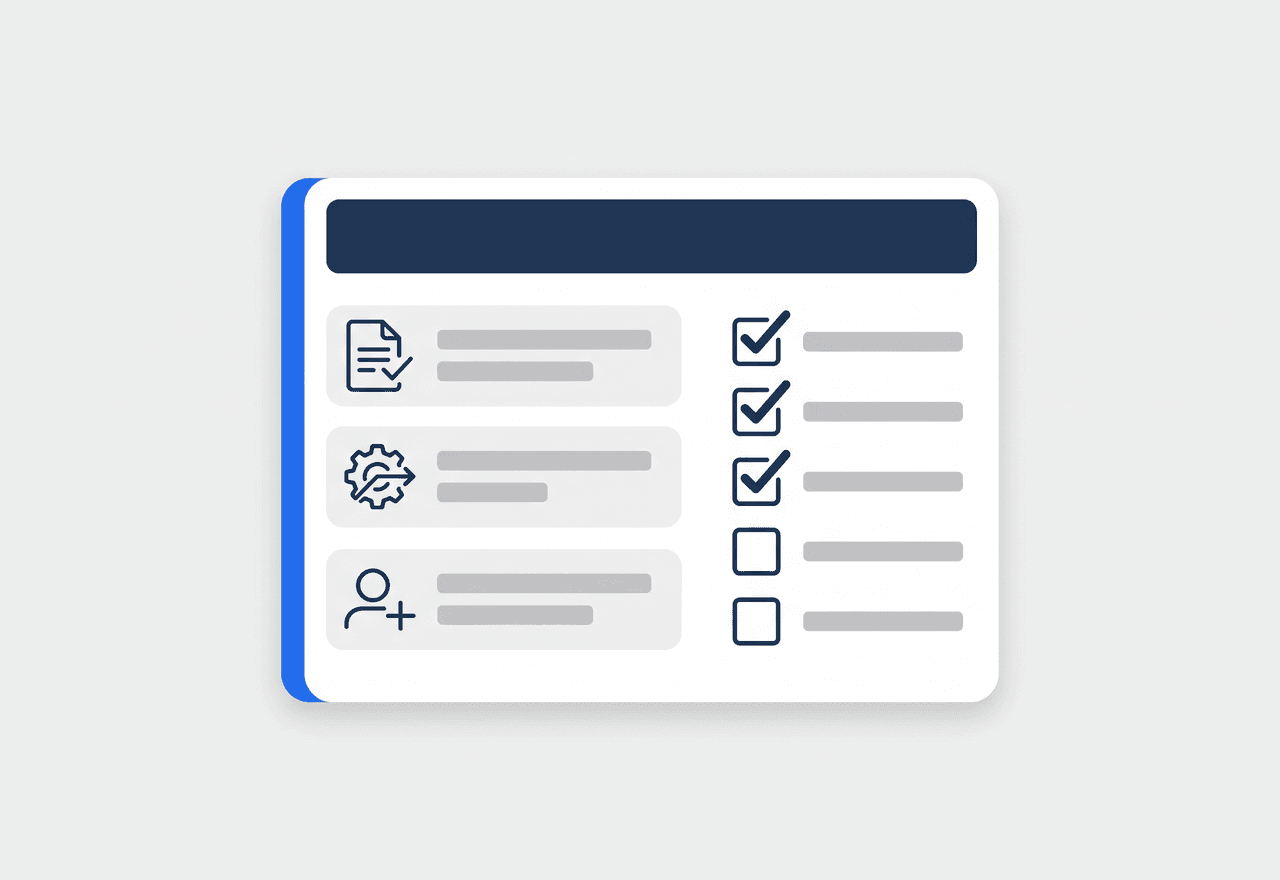
Set up each permit once
Every building, community, and property manager has its own way of doing things. Build each one as a permit process — who submits it, who issues it, what they need from you — and reuse it on every job in that area.
- Say who submits: your company, the client, or site security
- Pick the issuer — property management, security desk, association, or authority
- Save issuer contacts, a fee amount, and the blank permit form

The job address picks the permit
Type the address on a job and JobTrail looks across your coverage areas for a process that fits, scores how confident the match is, and offers it to you. One click applies it.
- Coverage areas built from communities and the buildings inside them
- Suggested process with a match score — you approve it, not the software
- A heads-up when no process covers an address yet

Know what to bring before you go
Each process carries its own checklist of paperwork. Tick what this issuer asks for, add your own items, and attach the signed permit to the job so the crew can pull it up on site.
- Checklist covering permit form, worker IDs, insurance, and vehicle registration
- Add custom document requirements for issuers with their own rules
- Attach the approved permit and supporting files right on the job

See what is still waiting on paper
A permit moves through three states: Needed, Requested, Obtained. The current one shows on the job itself and on your job list, so you can spot a crew that is about to roll out without approval.
- Needed, Requested, and Obtained — no invented workflow to learn
- Permit status visible on the job list, not buried in a tab
- The permit fee recorded on the job, so it is not a surprise later
“Half the towers we work in want something different at the desk. Now the address pulls up the right process and the document list, and my guys stopped getting sent home.”

Jason Torres
Owner, Torres Electrical
Stop losing mornings to paperwork
Start your free trial and set up your first permit process in minutes. No credit card, no feature limits.
14-day free trial · No credit card required
Beyond permits — everything built in
AI Assistant
Powered by Google Gemini. Look up a job, create or update a customer, and ask about a photo — in plain English.
Job Reports
Turn job photos into a branded PDF your customer will actually read.
Fleet Management
Track every vehicle, log maintenance, and get service-due reminders.
Team Collaboration
Keep the back-and-forth about a permit on the job it belongs to, not in a group text.
Frequently asked questions
Work permit software keeps track of the approvals your crew needs before it can start a job — building access permits, property management sign-off, association approval, or an authority permit. Instead of a shared folder and a lot of remembering, you define each permit process once and the job tells you which one applies.
You set coverage areas on each permit process — the communities and buildings it applies to. When you enter a job address, JobTrail compares it against those areas and suggests the process that fits, along with a match score. You approve the suggestion before anything is applied, and JobTrail tells you when no process covers an address yet.
Yes. Every permit process carries a checklist — the permit form itself, worker IDs, insurance, vehicle registration — and you can add your own items for issuers with unusual rules. You can also upload the blank permit form so nobody has to hunt for it, and attach the approved permit to the job once it comes back.
No. JobTrail organizes the process and tracks where each permit stands — Needed, Requested, or Obtained — but you still submit to the issuer the way they want it. What changes is that nobody has to remember which building needs what, and no crew rolls out on a job whose permit is still sitting at Requested.