Field Service Report Software
Your crew already photographs every job. Turn those photos into a branded report the customer actually reads — built on a real page, not a form.
14-day free trial · No credit card required





Join 14,000+ pros

Built In AI Assistant
Powered by Google Gemini

Report opened
Rooftop membrane repair
🔗 Link viewed twice this week
Drag & drop
Page Builder
Auto-labeled
Job Photos
Signed off
On The Page
Expiring
Share Links
Proof of work you can hand over — and still find the day a customer disputes it.
How job reports work in JobTrail
Shoot
Your crew photographs the work from the field and tags what each shot is — before, after, a defect.
Build
Drop the photos onto the page, add the checklist and the sign-off, and drag the pages into order.
Send
Download the PDF or send a link that expires when you say. You can see when they opened it.
Everything you need to document the job
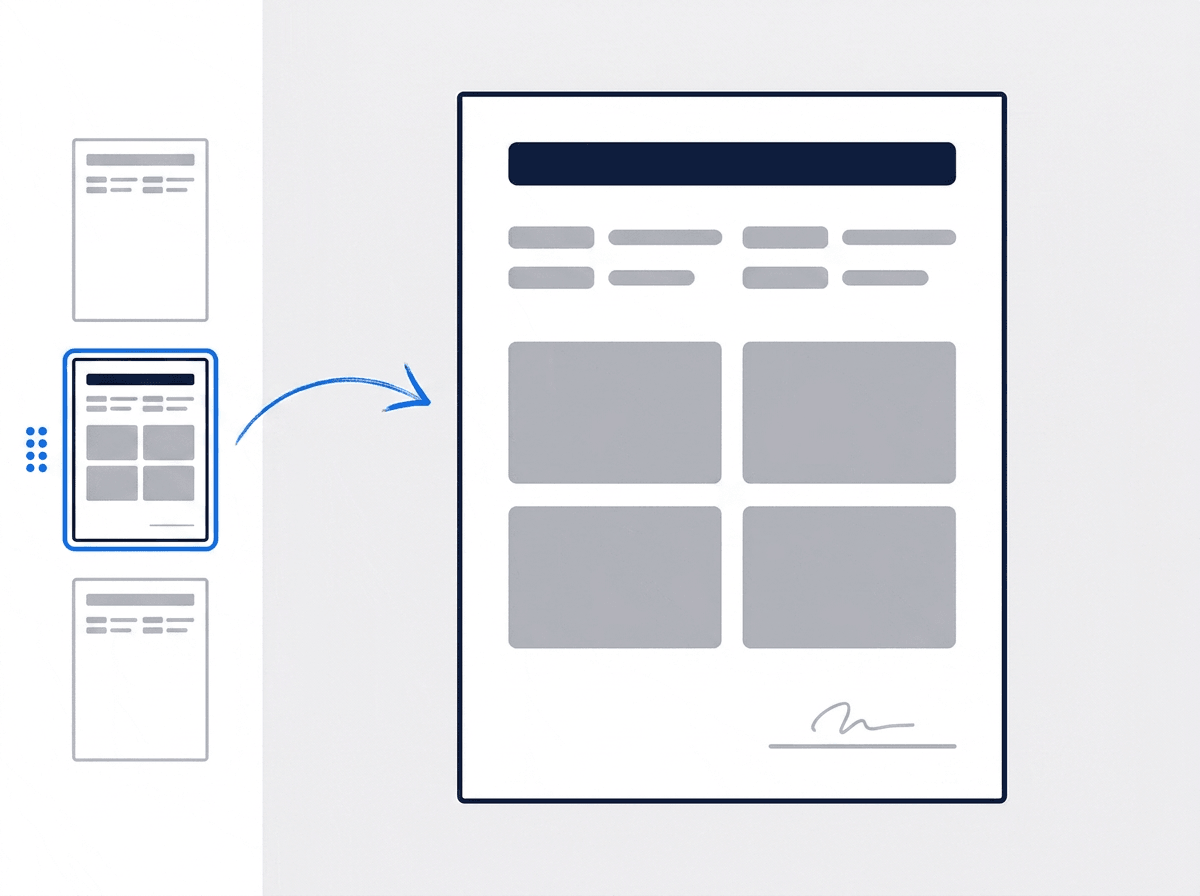
A real page, not a form to fill in
Build the report on the page itself. Drop in headings, photo grids, checklists, and signature rows, then drag the pages into the order you want.
- Drag to reorder, duplicate, or delete any page
- Undo and redo the whole way back
- Preview the finished PDF in one click
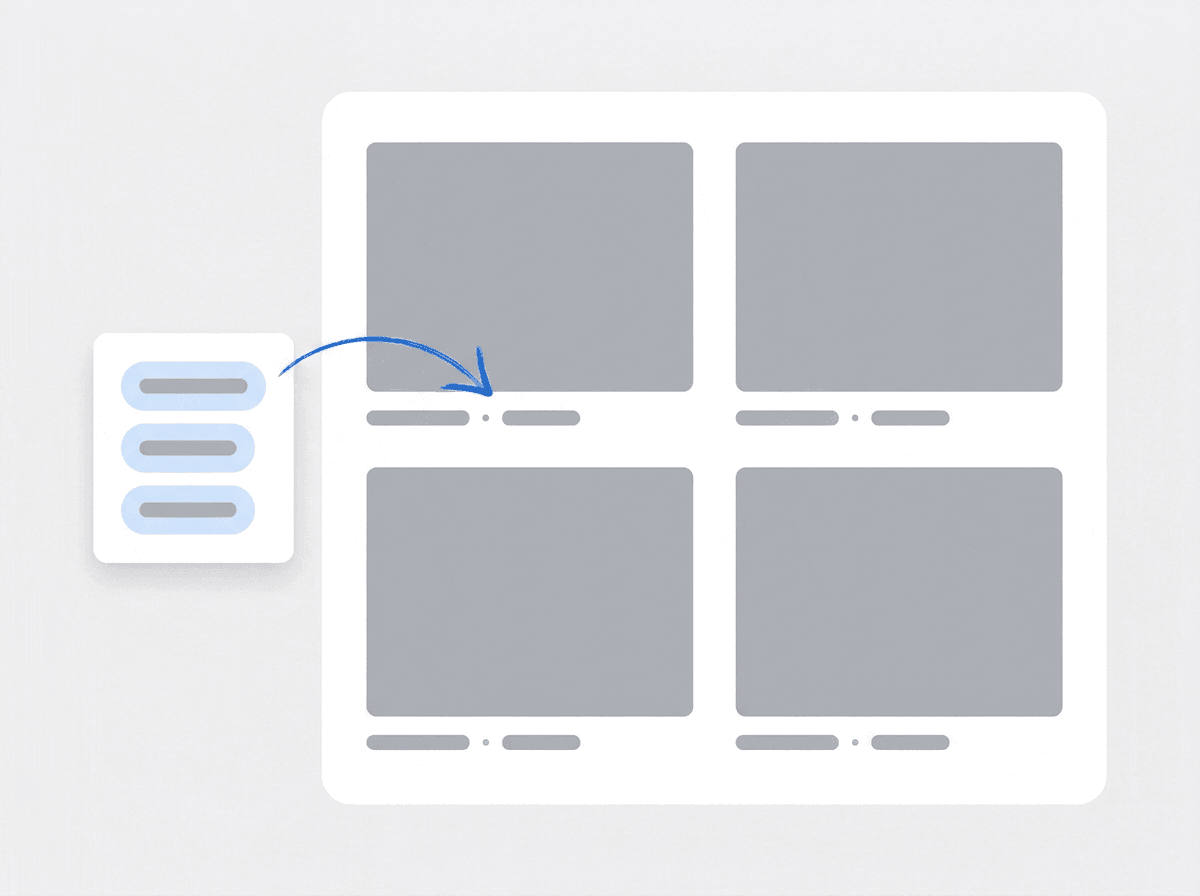
Photos that label themselves
Pull in the photos your crew already uploaded to the job. The tags they were filed under become the label under each photo — so the customer knows what they are looking at.
- Pick from the job’s own photos, filtered by tag
- Labels like Before · Interior · Defect written for you
- Add your own caption on any photo
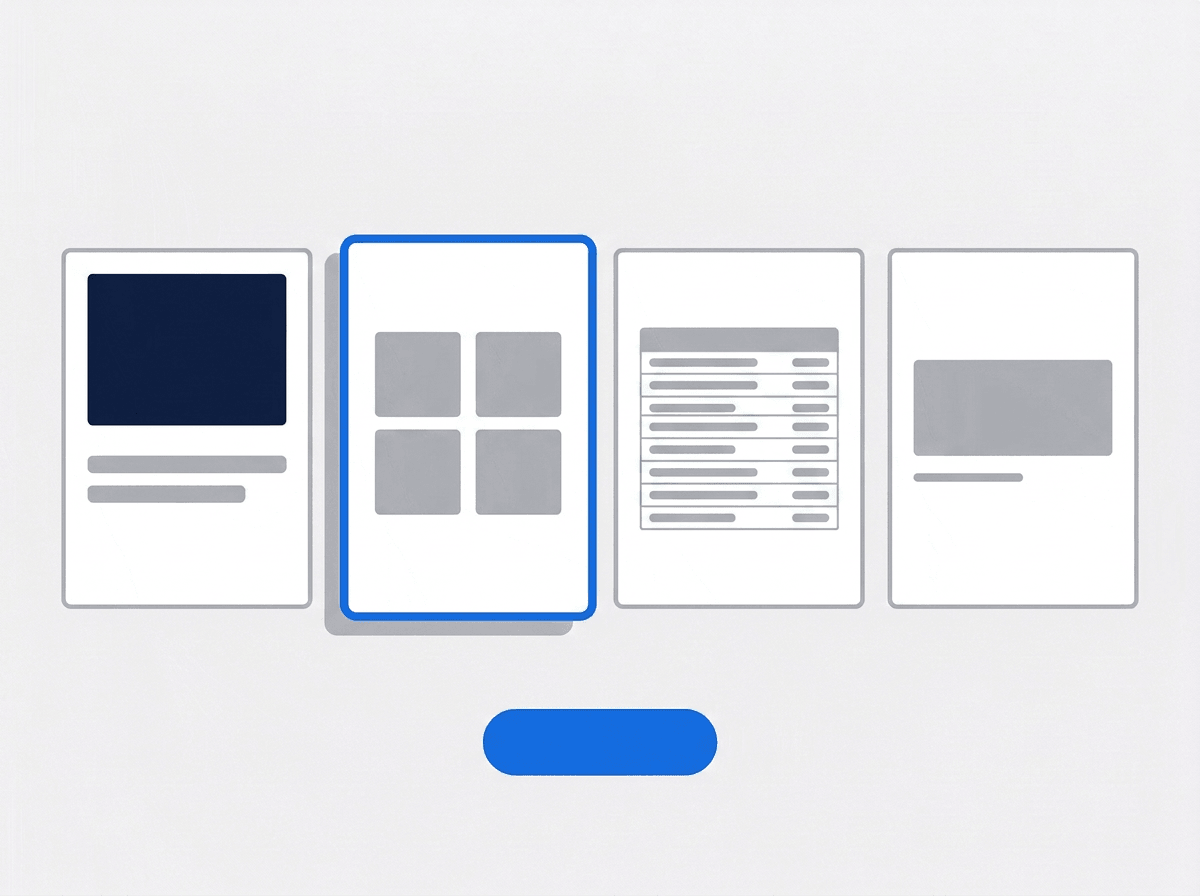
The second report takes seconds
Save any report you have built as a template. Start the next one from it and the whole layout is already there — you are only swapping the photos and the words.
- Save the report you just built as a reusable template
- Start a page from a cover, checklist, or thank-you preset
- Update a template from the report you are working on
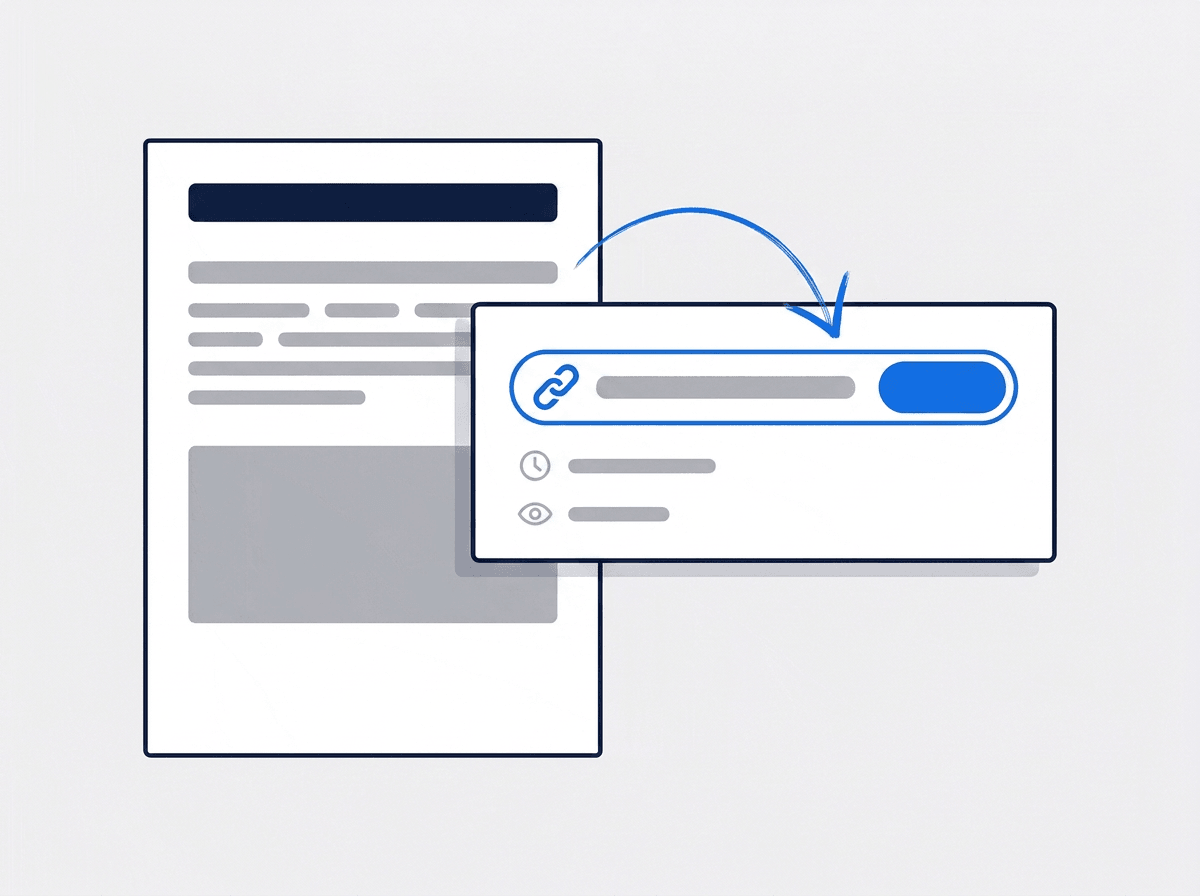
Send it as a link or a PDF
Download the PDF, or send a link the customer opens in their browser — no login, no app. You choose when the link stops working.
- Links expire on your terms, from a week to a year
- See how many times the link has been opened
- Revoke any link the moment you want it closed
“We used to email a folder of photos and hope. Now they get one document with our name on it — and it takes ten minutes.”

Jason Torres
Owner, Torres Electrical
Ready to hand over something better than a photo dump?
Start your free trial and build your first report today. No credit card, no feature limits.
14-day free trial · No credit card required
Beyond reports — everything built in
AI Assistant
Powered by Google Gemini. Look up a job, create or update a customer, and ask about a photo — in plain English.
Team Management
Color-coded crews with dated roster changes — reshuffle without touching your permanent setup.
HR & Payroll
Employee records, time off, and payroll — with leave flagged before you build a crew.
Work Permits
Match permit requirements to the job address. Track the documents each issuer wants, through to approved.
Frequently asked questions
It turns what happened on a job into a document your customer can read. A field service report pulls together the photos your crew took, the checks they ran, and the sign-off at the end, then lays them out as a branded PDF. It is the proof of work you hand over when the job is done — and the record you reach for when someone questions it six months later.
Only the first one. Save any report you have built as a template, and the next job starts with the layout already in place — you swap in the new photos and the new words. You can also start any page from a preset: a cover, a photo page, a checklist, a certificate, or a branded closing page.
They are already there. Reports pull from the photos your crew uploaded to the job, and you filter by tag to find the ones you want. Whatever tags a photo was filed under become the label printed under it in the report, so a shot tagged before and interior comes through labeled that way without you typing it.
Two ways. Download the PDF and send it however you normally do, or generate a share link they open in a browser with no login and no app to install. You set how long the link lasts — a week, a month, three months, or a year — see how many times it has been opened, and revoke it whenever you want.