Painting Contractor Software
JobTrail carries a paint job from the walk-through estimate to the final coat and the invoice — with the colors, the crew, and the before-and-after photos attached. Payroll for your painters is built in.
14-day free trial · No credit card required





Join 14,000+ pros

Built In AI Assistant
Powered by Google Gemini

Ongoing
Exterior repaint · Day 2 of 3
Prep complete · 14 photos
15+ hrs
Saved Per Week
2X
Faster Invoicing
47%
Revenue Growth
14,000+
Pros On JobTrail
Built for the way painting contractors work — from the first walk-through to the last touch-up and the signed certificate.
Based on JobTrail customer data, 2026.
Everything a painting business needs
You already juggle estimates, crews, colors, and weather. Most software covers the calendar and stops there. JobTrail puts the estimate, the job, the photos, the crew, and the invoice on one record — with every feature in every plan.
Estimates
Pull priced services from your catalog, add tax and an expiry date, and clone the estimate for a two-coat revision.
Scheduling
Book a three-day interior as one job with three slots. See every crew in team rows before you assign.
Customers
Every address with its Property Details — colors, sheens, brands per room — plus what the customer still owes.
Job reports
Turn Before and After photos into a branded PDF for the homeowner, handed over on an expiring share link.
Invoicing
Convert the accepted estimate, record a partial payment the day the crew starts, and see aging on the balance.
Crews & teams
Color-coded crews with dated roster changes when a painter is out — the default roster stays put.
Time off
Painters request time off, balances accrue, and the crew builder flags who is off before you book.
Job conversations
A thread on each job for the color change, the extra room, or the gate code — with mentions.
Incidents
Log a ladder fall, a damaged floor, or a customer complaint with photos and follow it to closed.
How a paint job runs in JobTrail
Walk it and price it
Build the estimate from your priced services — prep, two coats, trim, ceilings. Set an expiry date, download the PDF, and clone it if the customer changes scope.
Book the crew
Convert the request into a job, add a slot for each day, and assign the crew. Colors and sheens sit on the address for the painters to read in Field Mode.
Finish and invoice
The crew ticks off rooms in the scope, tags After photos, and gets the completion certificate signed. Convert the estimate to an invoice and record the payment.
The parts of a paint job that eat your evenings
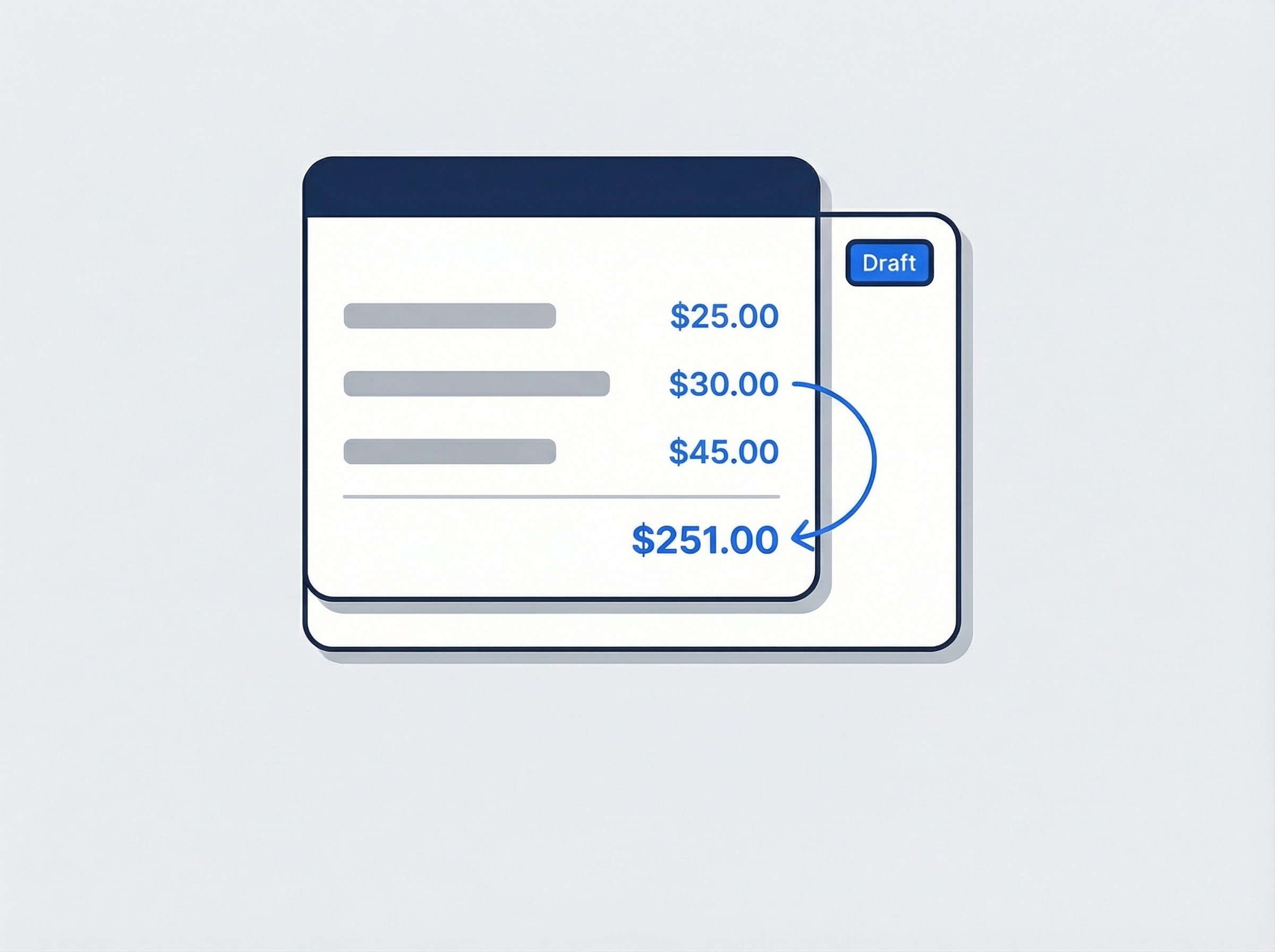
Price the walk-through the same day
Add your services to the items catalog once — wall prep, two coats, trim and doors, ceilings, exterior siding — each with a unit and a price. Build the estimate by picking lines, set the tax and an expiry date, and download the PDF before you leave the driveway.
- Line items from a priced catalog, nothing retyped
- Clone the estimate for a revision or a second color option
- Expiry date flips it to Expired on its own
Every color and sheen, on the address
Add Property Details to the address — living room color, sheen, brand and base, front door color, the year you painted it. Set the fields up once in Settings. When the customer calls for a touch-up three years later, the answer is on the record, not in a photo of a paint lid.
- Custom fields as text, number, or dropdown per address
- Painters read them in Field Mode before opening a can
- Past jobs at that address sit on the customer record
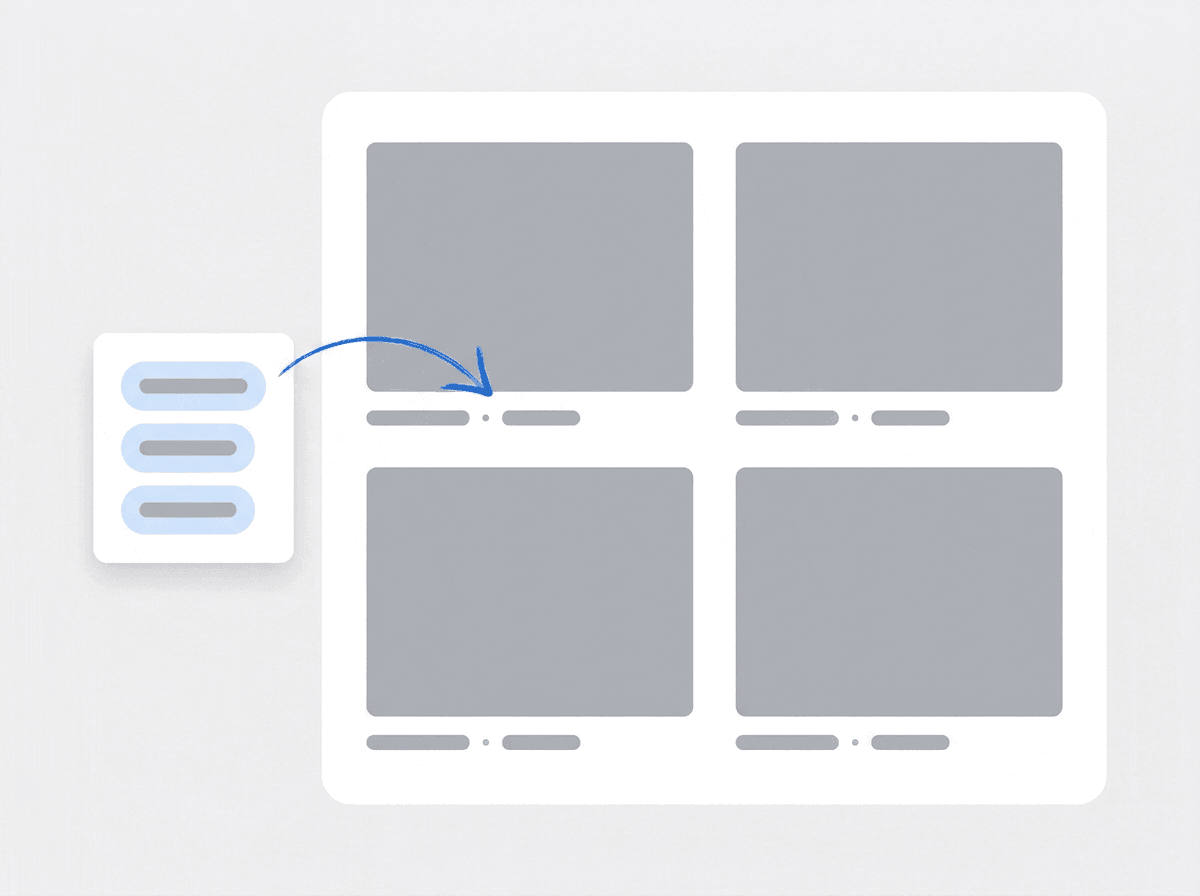
A photo report the homeowner shares
The crew tags photos Before, During, After, and Final as they work. Pick them from the job in the report builder, drop them into a photo grid page, and add your logo. Download the PDF or hand over a share link with an expiry and a view count.
- Photos pulled from the job by stage tag, captions optional
- Page presets — cover, photo grid, thank you
- Save the layout as a template for the next repaint
Crews that survive a sick day
Build each crew with a name and a color. When a painter is out for a week, create a dated roster change and pick who fills in — the default roster is untouched and the schedule updates itself. Approved time off is flagged in the crew builder before you assign anyone.
- Color-coded crews shown as rows on the Schedule view
- Dated roster changes for a day or a date range
- Leave conflicts flagged while you build the crew

One estimate, one job, one invoice — no retyping
A homeowner calls about a whole-house interior. Log the request, walk the rooms, and build the estimate from your priced services. When they say yes, the request becomes the job with the services carried over, and the accepted estimate converts into an invoice in one click — line items, tax, customer, and address already filled in. Record a partial payment when they hand you a check on day one and the balance when the last coat is dry. Anything still owed shows up in receivables with an aging breakdown, so you know which invoices to follow up on first.
- Request to job with services carried across
- Estimate to invoice in one click, tax included
- Partial payments and aging on the balance due

Colors and sheens recorded where the house is
Every painter has been asked to match a wall from a job nobody wrote down. Property Details fix that. Define the fields once in Settings — room, color name, brand, sheen, base, date painted — and they appear on every address you service. Add the values when the job closes. Three years later the customer wants the hallway touched up and the exact eggshell is on the record. Your crew sees the same fields in Field Mode, so nobody drives back for a paint lid. Anything sensitive, like an alarm code, can be hidden from a role with field visibility.
- Text, number, or dropdown fields per address
- Visible to the crew in Field Mode on site
- Hide sensitive fields from specific roles

Run the crew and pay the crew from one place
A painting company lives and dies by who shows up. Build crews with a color each and see them as rows on the Schedule view. When rain pushes an exterior back a day, flip the job to Reschedule and move the slots. When a painter is out, set a dated roster change instead of rebuilding the team. Time off is requested and approved in the same system, and the crew builder flags who is off before you assign them. At the end of the pay period, run payroll in one grid — base pay and allowances pre-filled, unpaid leave already deducted.
- Dated roster changes leave the default crew intact
- Time off flagged before a painter is booked
- Payroll grid with unpaid leave deducted for you
“We used to keep colors on the back of the estimate, and I'd lose it by the second job. Now every room's color and sheen sits on the address — when a customer calls about a scuff two years later, I read it off my phone.”

Greg Sullivan
Owner, Sullivan Painting Co.
Ready to run your painting business from one place?
Start your free trial and price a real job today. Every feature is open from day one — no card, no module upsell, no higher plan to unlock.
14-day free trial · No credit card required
Beyond painting jobs — everything built in
AI Assistant
Powered by Google Gemini. Look up a job, create or update a customer, and ask about a photo — in plain English.
HR & Payroll
Employee records, leave that accrues itself, and a pay run in one grid.
Fleet Management
Assign vans to crews, log every service, and set service reminders.
Work Permits
Match permit requirements to the job address. Track the documents each issuer wants, through to approved.
What is painting contractor software?
The system a painting company uses to estimate, schedule, document, and bill its work. The real difference between tools is how much of a paint job they carry from walk-through to final coat.
| What a painting contractor runs on | SheetsCalendar + spreadsheets | Sched. onlyScheduling-only tools | JobTrailJobTrail |
|---|---|---|---|
| Estimates from a priced catalogReuse services, clone for revisions | No | Yes | Yes |
| Multi-day job, one recordA three-day repaint keeps one history | No | Partly | Yes |
| Colors recorded on the addressRoom, color, sheen, brand — read in the field | Partly | Partly | Yes |
| Before-and-after photo reportTagged photos into a PDF with a share link | No | Partly | Yes |
| Payroll, leave and attendancePeople on leave flagged as you build a crew | No | No | Yes |
| Vehicle maintenance and work permitsService reminders, permit paperwork by address | No | No | Yes |
Yes CoveredPartly Varies by productNo Not covered
Why the last two rows change the real price
Plenty of tools will schedule a job and send an invoice. Then you pay for a separate payroll app to pay the crew, another to track time off, and a spreadsheet for the van. Add those subscriptions together and the cheap tool is not cheap. JobTrail includes payroll, leave, vehicle maintenance, and permits in every plan, so the number on the pricing page is the whole number.
A painting week is not one shape. A crew might spend three days inside a colonial, then lose Thursday to rain on an exterior and pick it back up Friday. In between, the office prices two walk-throughs and clones an estimate for a customer who wants the trim in a different sheen. Software that covers only the calendar leaves the rest on paper.
The paint job that costs you is the one nobody documented
A customer says the crew never primed the patched drywall, and there are no During photos. Another asks for a touch-up and nobody recorded the color, so a painter drives out to scrape a chip and match it. A repaint gets bid from memory because the last estimate lived in someone’s texts. Every one of those is a record-keeping gap before it is a painting problem.
Painting companies also run two speeds at once. Fast estimates keep the pipeline full, and long multi-day jobs keep the crew busy. The two collide when a three-day interior is split into three separate jobs and the After photos land on the wrong one. Keep the whole repaint on one job with one slot per day, and the estimate, the photos, and the invoice stay together.
Painting contractor software questions, answered
The one that carries a job from the estimate to the invoice without a second app for the crew. A two-painter operation and a fifteen-person company both need fast estimates, a job record with photos, and a way to bill. The smaller company feels the gaps sooner, because a separate payroll tool and a separate photo app add cost and admin fast. Compare the shortlist on total price with everything switched on, and on whether a painter can tag photos and tick off rooms from a phone.
Yes. Add your services to the items catalog once — prep, patch and sand, two coats, trim and doors, ceilings, exterior siding — each with a unit and a selling price. Build the estimate by picking lines and quantities, set tax and an expiry date, and download the PDF. Clone it for a revision. Note that JobTrail does not calculate square footage or paint quantities for you. You bring the takeoff; JobTrail turns it into a priced estimate and later an invoice.
Keep it as one job with several time slots. Use Range mode for consecutive days, or add separate slots when a job spans a weekend or waits on a dry day. Every slot shows on the calendar with the crew assigned, and the photos, scope, and notes stay on that one job. When weather pushes an exterior back, set the status to Reschedule and move the slots. A follow-up touch-up is a Revisit linked to the original job.
Right on the address, as Property Details. Define fields in Settings — the room, the color name and brand, the sheen and base, the date it went on — as text, number, or dropdown, and they appear on every address you serve. Fill them in as the job closes. Painters see the same fields in Field Mode. JobTrail stores the color you type in; it does not visualize colors on a photo or order paint from a supplier.
Yes. The crew tags photos Before, During, After, and Final as they work. In the report builder you pick photos from the job by tag, drop them into a photo grid page, add a heading and your logo, and preview the PDF. Download it or create a share link with an expiry of 7 to 365 days and a view count. JobTrail does not email the report from the app — you send the link or the file yourself.
Yes. Field Mode is a stripped-down phone screen built for the crew. A painter opens it and sees only their assigned jobs, the scope, and the Property Details for that address. They tick off rooms as they finish, and the job moves from Scheduled to Ongoing to Completed on its own. They upload photos by stage, raise a flag with a photo when they find water damage behind the wallpaper, and get the completion certificate signed on site.
Yes. Every employee has a record with a payroll profile — base pay, payment frequency, allowances, and deductions. Time off runs through leave requests with balances that accrue. When the pay period ends you run payroll in one editable grid, one row per painter, with base pay pre-filled and unpaid leave already deducted. You add overtime or a bonus and see net pay. JobTrail does not file payroll taxes or send direct deposits.
Yes, and it works best for the weekly kind. Switch a job schedule to Weekly, pick the weekdays with Repeat On, and set a start and end date — every visit lands on the calendar. For a property manager who wants a repaint every year, put the next visit on the calendar as a slot on the same job, so the history stays in one place. Weekly mode schedules the visits; it does not bill them — you still raise each invoice.
Plans start at $39 a month for a solo operator and scale with your team. Every plan includes every feature — scheduling, jobs, estimates, invoicing, HR and payroll, fleet, permits, and the AI assistant. There are no add-on modules and nothing is locked behind a higher tier, so the price you see is for the whole platform. The tiers run Solo at $39 a month for one user, Team at $139 for up to five, Growth at $199 for up to ten, and Scale at $299 for up to fifteen, each with a 14-day free trial.
Yes. JobTrail offers a 14-day free trial with full access to every feature and no credit card required. Set up your customers, put a week of real jobs on the calendar, and send a live invoice before you decide.
Put your next paint job in JobTrail
Every feature on every plan. Price a walk-through from your catalog, book a three-day interior as one job, and build a before-and-after PDF — all inside the trial.
14-day free trial · No credit card required