Pest Control Business Software
JobTrail runs the whole account from one place — the quarterly plan, the weekly restaurant stop, the photos of what you found, and the service report the customer opens. Payroll and your trucks come built in.
14-day free trial · No credit card required





Join 14,000+ pros

Built In AI Assistant
Powered by Google Gemini

Completed
Quarterly perimeter service · 11:15 AM
Bait stations checked · 5 photos
15+ hrs
Saved Per Week
2X
Faster Invoicing
47%
Revenue Growth
14,000+
Pros On JobTrail
Built for the way pest control runs — from the first service call to the report the customer opens.
Based on JobTrail customer data, 2026.
Everything a pest control company needs
Pest control tools tend to cover the route and the invoice, then leave your people, your trucks, and your paperwork to three other apps. JobTrail keeps all of it in one place, and every plan includes everything.
Scheduling
Day, week, month, and team-row views. A warning before you double-book a tech, and a My Schedule view for each one.
Customers
Every property, contact, and site note in one record — plus what each account still owes you.
Estimates
Line items, tax, and expiry for termite work and exclusion jobs. Convert to an invoice in one click.
Invoicing
Invoice on completion, record partial payments, apply credits, and see which accounts are past 30 days.
Job reports
Turn the visit photos into a branded PDF service report, then share a link the customer opens.
Crews & teams
Color-coded crews, dated roster changes when a tech is out, and a team-row view of every tech’s day.
Job conversations
Ask about the visit on the job itself. Mentions, an inbox, and the answer still there next quarter.
Assessments
Score a ride-along or a site inspection against your own checklist template — item by item, with a total.
Incidents
Log an exposure, a dog bite, damaged equipment, or a customer complaint, and track it through to closed.
How a pest control job runs in JobTrail
Book the visit
Click a time slot, pick the customer and property, and set the tech. A one-time service call, a four-visit quarterly plan, or a weekly restaurant account.
Treat and document
The tech opens Field Mode, reads the site notes, and works down the treatment checklist. Photos land under Before, During, After, and Final.
Bill the account
Invoice from the visit or the accepted estimate, record the payment when it lands, and pull a statement for the commercial accounts that pay monthly.
Where a pest control week actually goes
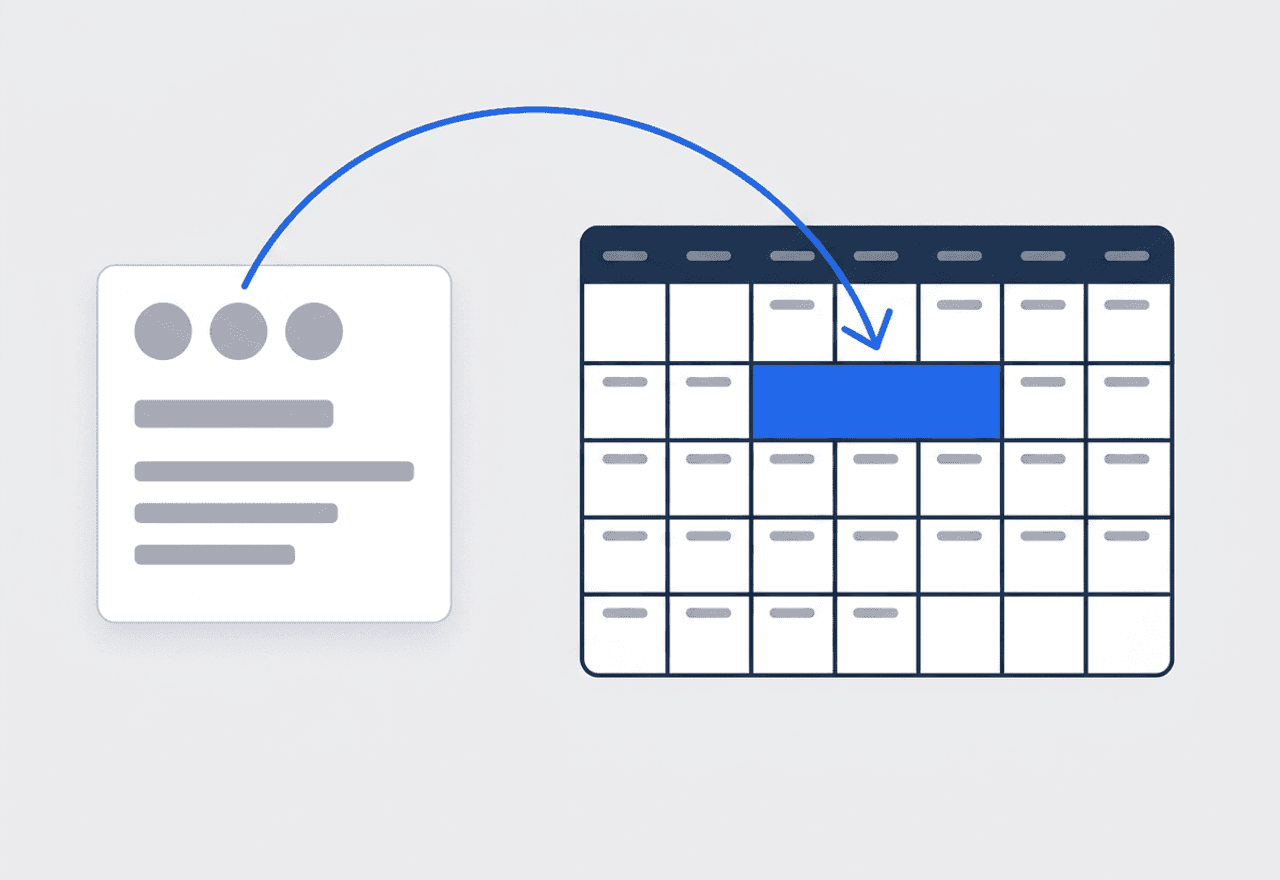
One job, four visits, one history
Set up a quarterly plan as one job and add a time slot for each visit. Every visit lands on the calendar, and every photo and note stays on the same job. Weekly commercial accounts use Weekly mode instead — pick the weekdays and the date range.
- Several time slots on one job for a quarterly plan
- Weekly mode with Repeat On for restaurants and warehouses
- Range mode for a multi-day termite or bed bug job
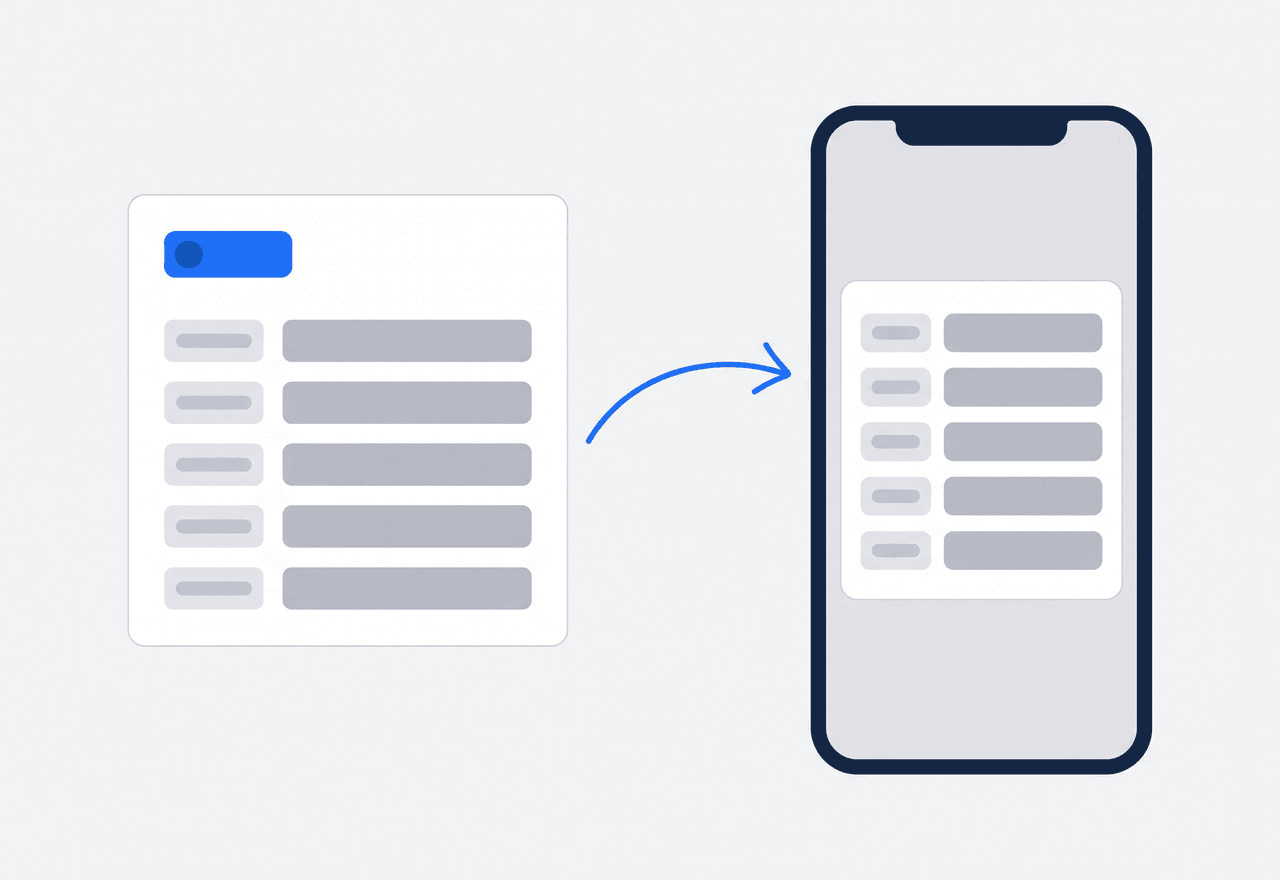
Station locations and gate codes on the address
Add Property Details to any address — bait station count and where they sit, the activity zones, the dog in the backyard, the gate code, and “call before arriving”. Set the fields up once in Settings; every address you service then carries them.
- Text, number, or dropdown fields you define once
- The tech reads them in Field Mode before the gate
- Every past visit sits on the customer record
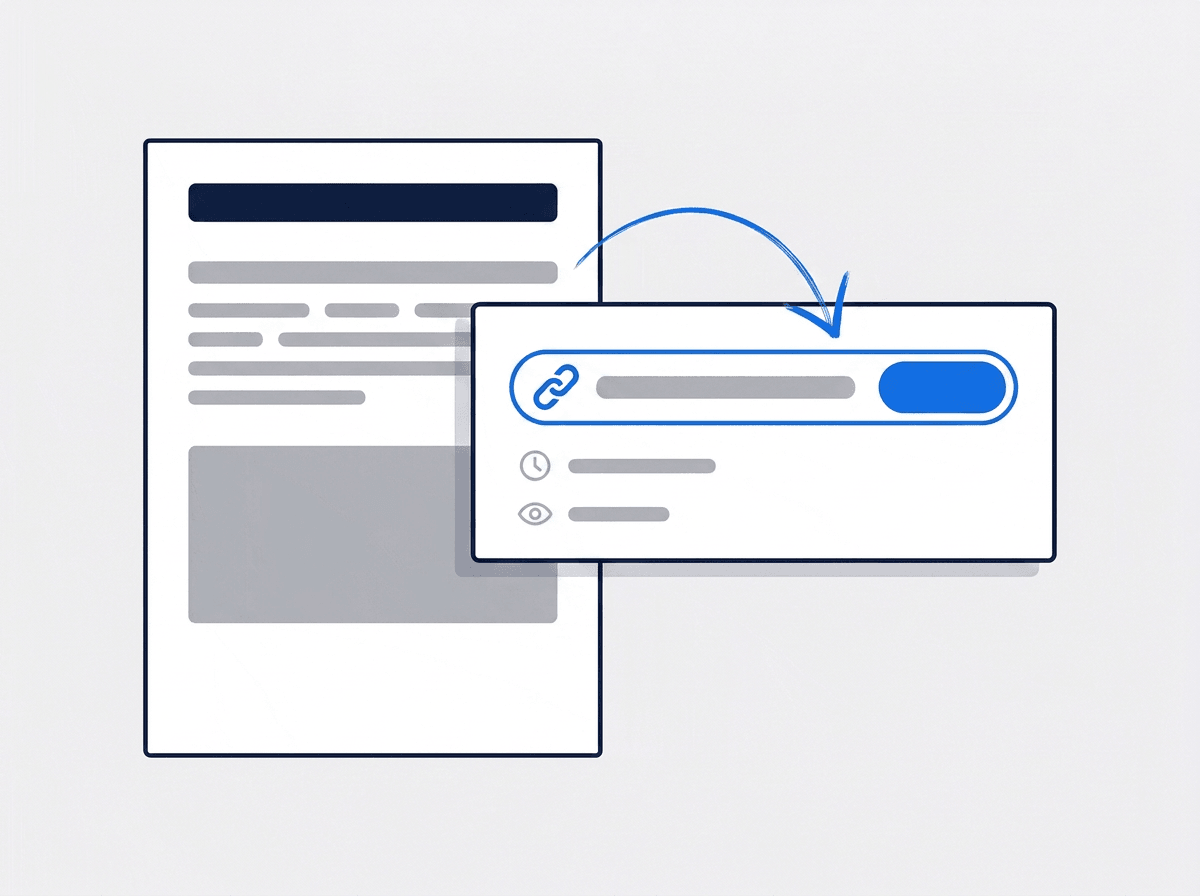
A service report the customer actually opens
Build the report from the photos the tech already took — target pest, what was found, what was treated, and your recommendations. Save the layout as a template and the next report is a two-minute job. Share a link with an expiry, and watch the view count.
- Page presets and saved templates for every service type
- Photo captions resolve from their stage and location tags
- Share links with a 7 to 365 day expiry and a view count
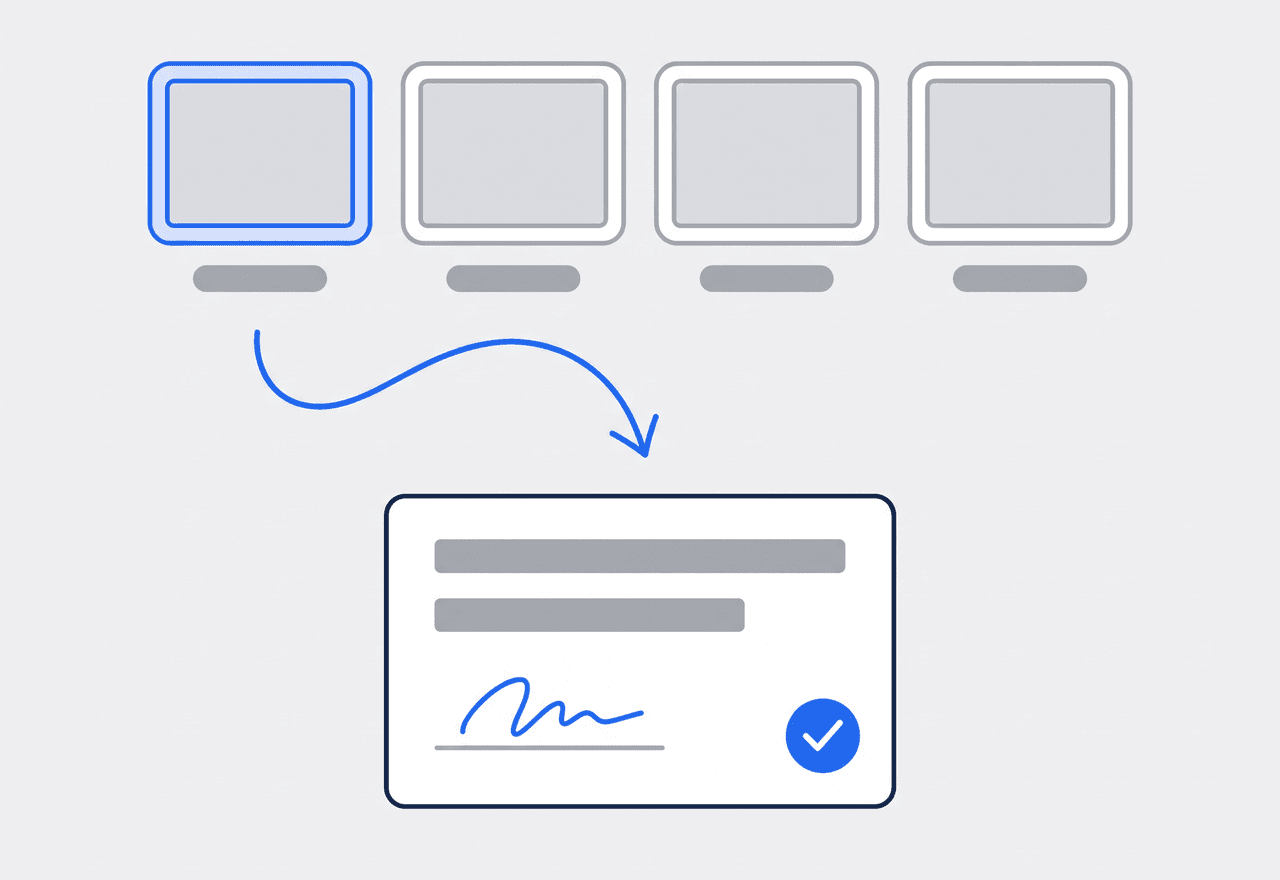
The treatment checklist, ticked line by line
The tech sees only their assigned visits. They tick off each treatment step as they finish it, and the status walks itself from Scheduled to Ongoing to Completed. Photos upload by stage. Termite damage gets a flag with a photo, and the customer signs on the phone.
- Status advances as scope lines are ticked off
- Flags for structural damage and work that needs a quote
- Completion certificate signed on site, drawn or typed
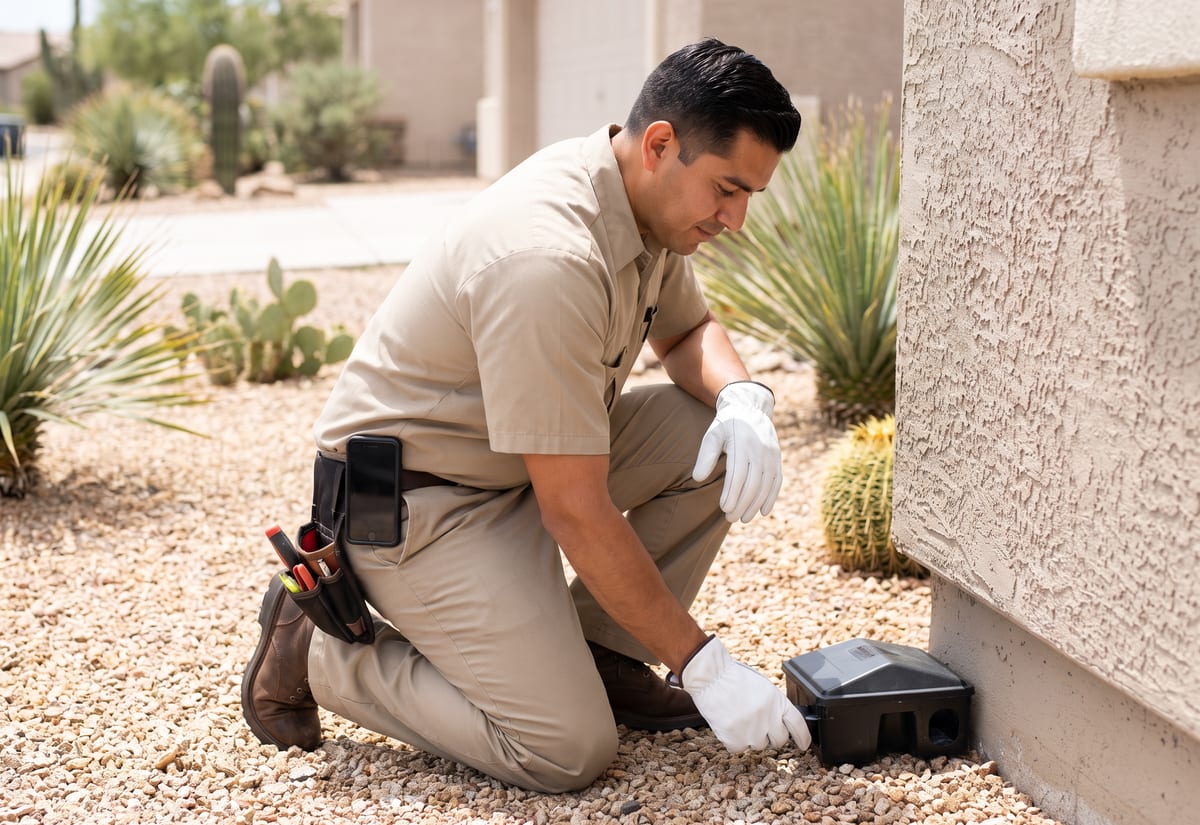
Quarterly plans as one job with several visits
Most of your revenue is planned work — a quarterly perimeter service, a bi-monthly rodent program, a termite bait system checked twice a year. In JobTrail each plan is one job with several time slots, so four visits keep one history and one set of photos. When you go back in the fall, the spring photos and the station notes are already on the job. Weekly commercial accounts run on Weekly mode: tap the weekdays, set the season, and every stop lands on the calendar. A bed bug heat treatment that takes two days is one job in Range mode. You set the year up once instead of rebooking each visit.
- Several visits on one job, one history
- Weekly mode for restaurants, warehouses, and food plants
- Range mode for multi-day termite and bed bug jobs
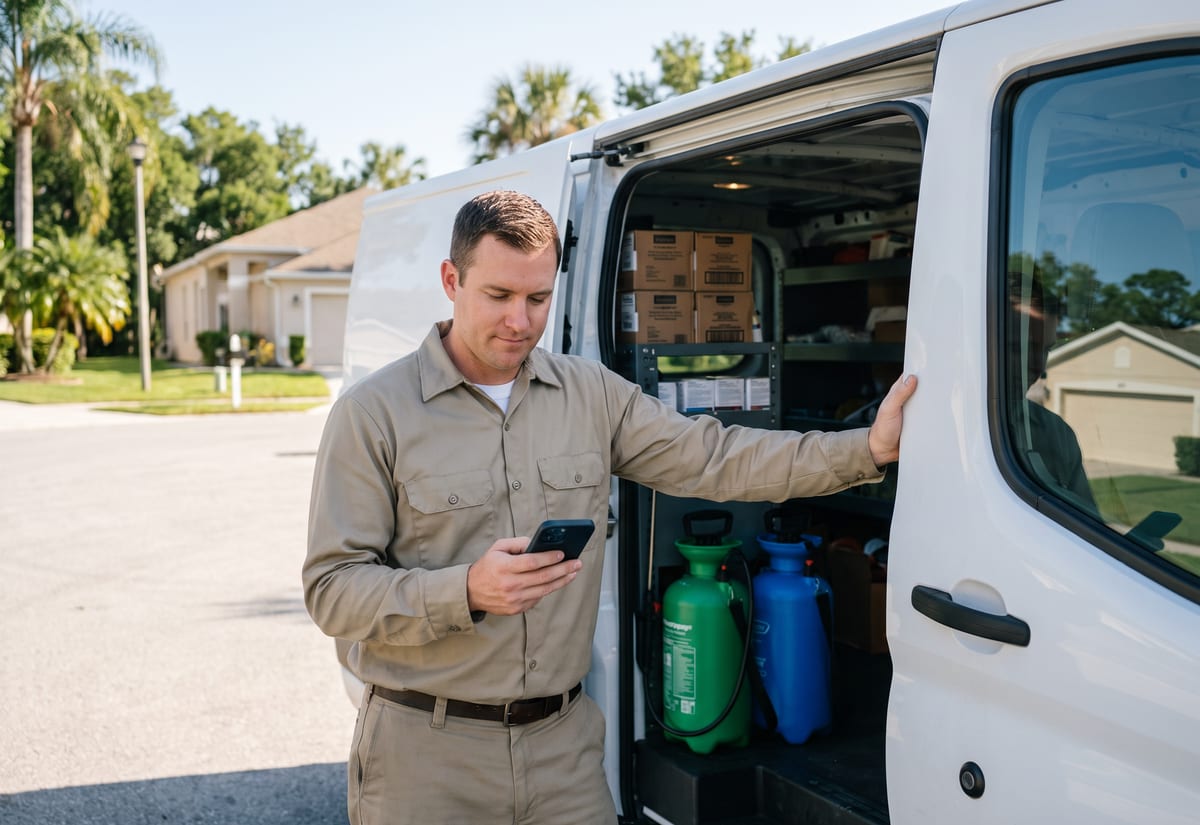
The photos become the report the customer reads
The customer wants to know what you found and what you did about it. In JobTrail the report is built from the photos the tech already took on the visit. Start from a page preset, drop in the Before and After shots, add the target pest and the areas treated, and write your recommendations. Save it as a template and the next quarterly report takes a few minutes. Share it as a link with an expiry, and see how many times it was opened. There is no emailing from the app — you copy the link and send it however you already talk to that customer.
- Photo captions read from their stage and location tags
- Saved templates for general pest, termite, and rodent reports
- Share links that expire, with a view count

Invoice on completion, statements for the accounts
Residential customers pay per visit, commercial accounts pay on terms. JobTrail handles both without a second system. Invoice from the job when the visit is complete, or convert the accepted termite estimate into an invoice in one click. Record the payment — cash, card, check, or bank — as it lands, and partial payments stay tied to the invoice. For a restaurant on Net 30, pull a statement with a running balance. Check the aging across current, 30, 60, and 90+ days before you call. If an account overpays, the difference sits as a credit for the next visit.
- Invoice on completion or from the accepted estimate
- Statements with a running balance for commercial accounts
- Aging breakdown so you know which account to call first
“The service report used to be a printed carbon copy left on the counter. Now the tech's photos are the report — I share the link before he's back in the truck, and I can see the customer opened it.”

Ray Delgado
Owner, Delgado Pest Solutions
Ready to run your pest control company from one place?
Start the free trial and load a real quarterly account. Every feature is switched on, no credit card is needed, and nothing waits behind a bigger plan.
14-day free trial · No credit card required
Beyond pest control scheduling — everything built in
AI Assistant
Powered by Google Gemini. Look up a job, create or update a customer, and ask about a photo — in plain English.
HR & Payroll
Employee records, leave that accrues itself, and a pay run in one grid.
Fleet Management
Assign vans to crews, log every service, and set service reminders.
Work Permits
Match permit requirements to the job address. Track the documents each issuer wants, through to approved.
What is pest control software?
The system a pest control company runs its accounts and visits on. The real question is how much of a service week each kind of tool covers.
| What a pest control company runs on | SheetsCalendar + spreadsheets | Sched. onlyScheduling-only tools | JobTrailJobTrail |
|---|---|---|---|
| Weekly commercial accountsPick the weekdays, set the season once | No | Partly | Yes |
| Quarterly plan as one jobFour visits, one history, one set of photos | No | Partly | Yes |
| Site notes on the addressStation locations, pets, gate code, in Field Mode | No | Partly | Yes |
| Customer-facing service reportPhoto PDF, share link with expiry and views | No | Yes | Yes |
| Payroll, leave and attendancePeople on leave flagged as you build a crew | No | No | Yes |
| Vehicle maintenance and work permitsService reminders, permit paperwork by address | No | No | Yes |
Yes CoveredPartly Varies by productNo Not covered
Why coverage decides what you really pay
Most scheduling tools stop at the calendar and the invoice. Payroll for the techs, their time off, the trucks on a service schedule, and the permit paperwork for a gated community each mean another subscription and another password. Add those up and you have the actual price of the shortlist. JobTrail includes every one of those in every plan, so the comparison is one number against one number.
Pest control is not one kind of week. A company might run weekly restaurant stops on Tuesday and Thursday, a dozen quarterly perimeter visits, a two-day termite job, and a same-day wasp call. Tools that only cover part of that week push the rest onto a clipboard in the truck. The clipboard is the one record nobody can find in the fall.
The visits that hurt are the ones nobody documented
A tech treats a rodent problem, never records where the stations went, and the next tech spends twenty minutes finding them. A customer calls about ants a week after service and there is no photo of what was treated. A termite inspection turns up damage, nobody writes the estimate, and the sale walks out the door. Each of those is a record-keeping problem before it is a pest problem.
Most pest control companies run two operations at once — planned accounts that fill the route, and service calls that come in by phone the same morning. The planned half is where documentation slips, because the visit is routine and the notes feel optional. Put the station locations on the address, tag the photos by stage, and share the report link, and the routine visit documents itself.
Pest control software questions, answered
The one that covers your actual mix — planned accounts, same-day service calls, and the paperwork behind them — at one price. A two-truck operation and a fifteen-tech company both need the calendar, a job record with photos, a service report the customer can open, and invoicing. The smaller company gets hurt by the extras. Payroll in one app, the truck log in a second, and team messages in a third is three bills and three logins. Price the shortlist with everything you need turned on. Then hand a tech a phone and see whether they can run a visit without a walkthrough.
Yes, with one honest detail. There is no monthly or quarterly repeat rule in JobTrail — the recurring mode is Weekly. For a quarterly or bi-monthly plan, set up one job and add a time slot for each visit. All four visits sit on the calendar, and every photo, flag, and note stays on that one job. The fall visit can see what the spring visit found. It is one job, several visits, one history — and one customer record holding all of it.
Yes. Switch the job schedule to Weekly and tap the weekdays with Repeat On — Tuesday and Friday for a restaurant, Monday for a warehouse. Set the start and end dates. Every matching date is generated and listed for review before you save. Assign the tech once and every stop carries the crew. Scheduling is not billing, though — the invoice is still yours to raise, or to clone from last month, when the period closes.
They live on the address as Property Details. Define the fields once in Settings as text, number, or dropdown — bait station count, where the stations sit, activity zones, pets in the yard, gate code, and a “call before arriving” note. From then on every address you service carries those fields. Techs read them in Field Mode before they get out of the truck. A new tech on the route finds the stations without a phone call to the office.
Yes. Build it in the report builder from the photos the tech took on the visit. Before and after shots, the areas treated, and your recommendations go on a branded page. Save it as a template so the next general pest report is quick. Then create a share link with an expiry of 7 to 365 days, copy it, and watch the view count. JobTrail does not email the report from the app; you send the link through whatever channel you already use with that customer.
Log them as a Request. Mark it urgent, note the preferred time, and reserve a tentative calendar block — it shows in orange and stops another booking landing on top of it. When the customer confirms, convert the Request into a job with the services and schedule carried over, or create an estimate from it first. Requests move from New to Contacted, Quoted, Invoiced, and Converted or Lost, so nothing sits forgotten in a voicemail.
Yes. On the visit the tech raises a flag on the job for work that needs a quote. A photo or video of the mud tubes or the damaged sill plate goes on the flag. The office sees the flag, comments on it, and creates an estimate from the job’s Scope section, linked back to the visit. Line items, tax, and an expiry date go on the estimate. When it is accepted it converts to an invoice in one click, and the whole chain stays on the customer record.
You can bill them, but not automatically. JobTrail has no recurring or auto-billing — nothing is generated or charged on its own. What it does have is clone invoice for repeat billing, payment terms that set the due date, and partial payments. Customer statements with a running balance cover the account that wants one document a month. The receivables view shows the aging breakdown, so you know which accounts are past 30 or 60 days before you make the call. There is no online payment processing either.
Plans start at $39 a month for a solo operator and scale with your team. Every plan includes every feature — scheduling, jobs, estimates, invoicing, HR and payroll, fleet, permits, and the AI assistant. There are no add-on modules and nothing is locked behind a higher tier, so the price you see is for the whole platform. The tiers run Solo at $39 a month for one user, Team at $139 for up to five, Growth at $199 for up to ten, and Scale at $299 for up to fifteen, each with a 14-day free trial.
Yes. JobTrail offers a 14-day free trial with full access to every feature and no credit card required. Set up your customers, put a week of real jobs on the calendar, and send a live invoice before you decide.
Put your next pest control job in JobTrail
Nothing is held back in the trial. Load a quarterly account, run a visit in Field Mode, and share a photo service report before you decide.
14-day free trial · No credit card required