Electrical Contractor Software
JobTrail carries the whole electrical job — the tripped-breaker call, the panel upgrade, the permit paperwork, and the invoice — in one record. Payroll and your trucks are already inside, on every plan.
14-day free trial · No credit card required





Join 14,000+ pros

Built In AI Assistant
Powered by Google Gemini
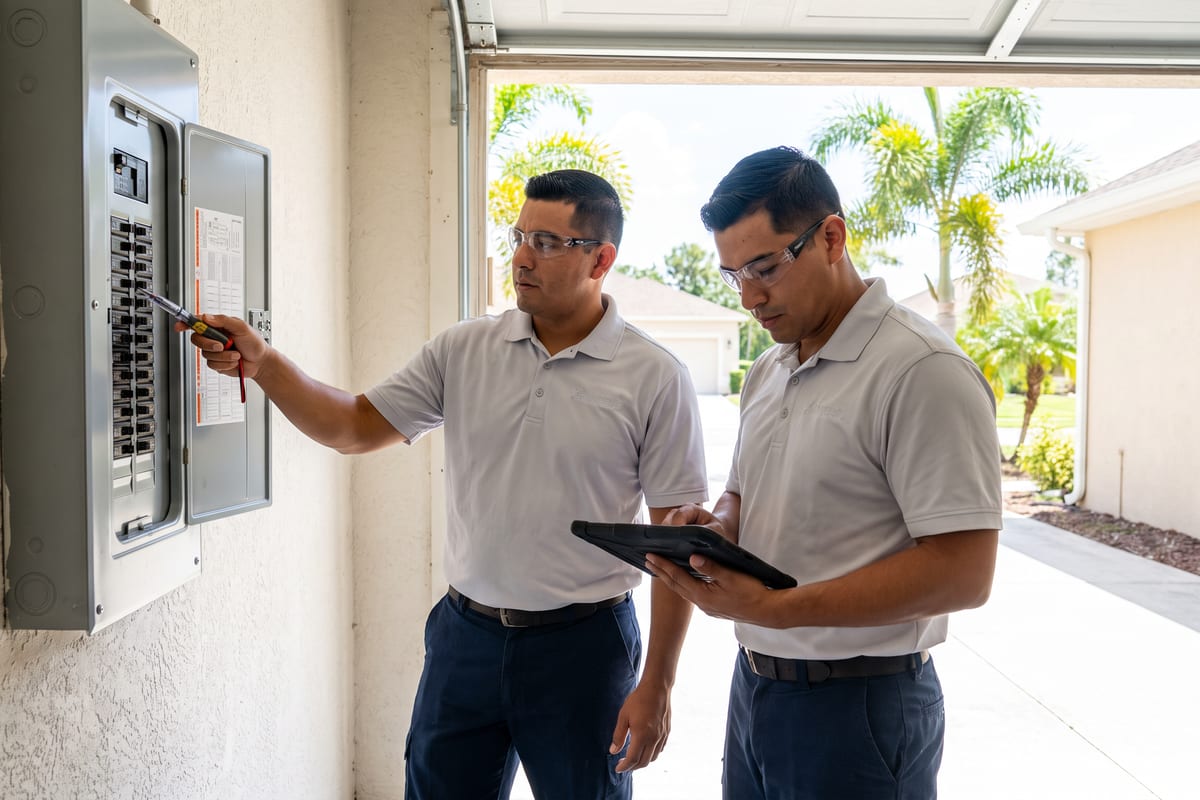
Ongoing
Panel upgrade · 10:15 AM
Permit obtained · Day 1 of 2
15+ hrs
Saved Per Week
2X
Faster Invoicing
47%
Revenue Growth
14,000+
Pros On JobTrail
Built for the way electrical work runs — from the no-power call to the permit, the panel photos, and the final invoice.
Based on JobTrail customer data, 2026.
Everything an electrical business needs
Most tools give you a calendar and an invoice, then leave permits, crews, and payroll to a stack of other apps. JobTrail keeps all of it in one login, and every plan carries every feature.
Scheduling
Book the no-power call between two installs, see every crew by day or week, and catch conflicts first.
Customers
Every address, panel detail, and contact in one record — plus the balance each customer still owes you.
Estimates
Price the panel upgrade line by line, clone it when the scope grows, and convert it to an invoice.
Invoicing
Take a partial payment on a big install, watch aging by 30, 60, and 90 days, and chase what is due.
Job reports
Turn the before-and-after panel photos into a branded PDF and share it with a link that expires.
Crews & teams
Pair the journeyman with the apprentice, swap crews for a date range, and see who is free.
Job conversations
A thread on every job and estimate, with @mentions and an inbox — no more scrolling through texts.
Incidents
Log an arc-flash near miss, a damaged meter base, or a complaint, and track it through to closed.
Documents
Keep licenses and IDs on file, let OCR pull the dates, and see expiries before a permit office does.
How an electrical job runs in JobTrail
Book it and check the permit
Pick a time slot, choose the customer and address, and set the crew. JobTrail matches the address to your permit process and flags that a permit is needed.
Work the panel
Electricians open Field Mode, read the panel details on the property, and tick off scope lines. Before, During, and After photos land on the job as they go.
Invoice and get paid
Convert the accepted estimate to an invoice, record the first partial payment and later the balance, and see who still owes you at a glance.
The parts of the week that eat your margin
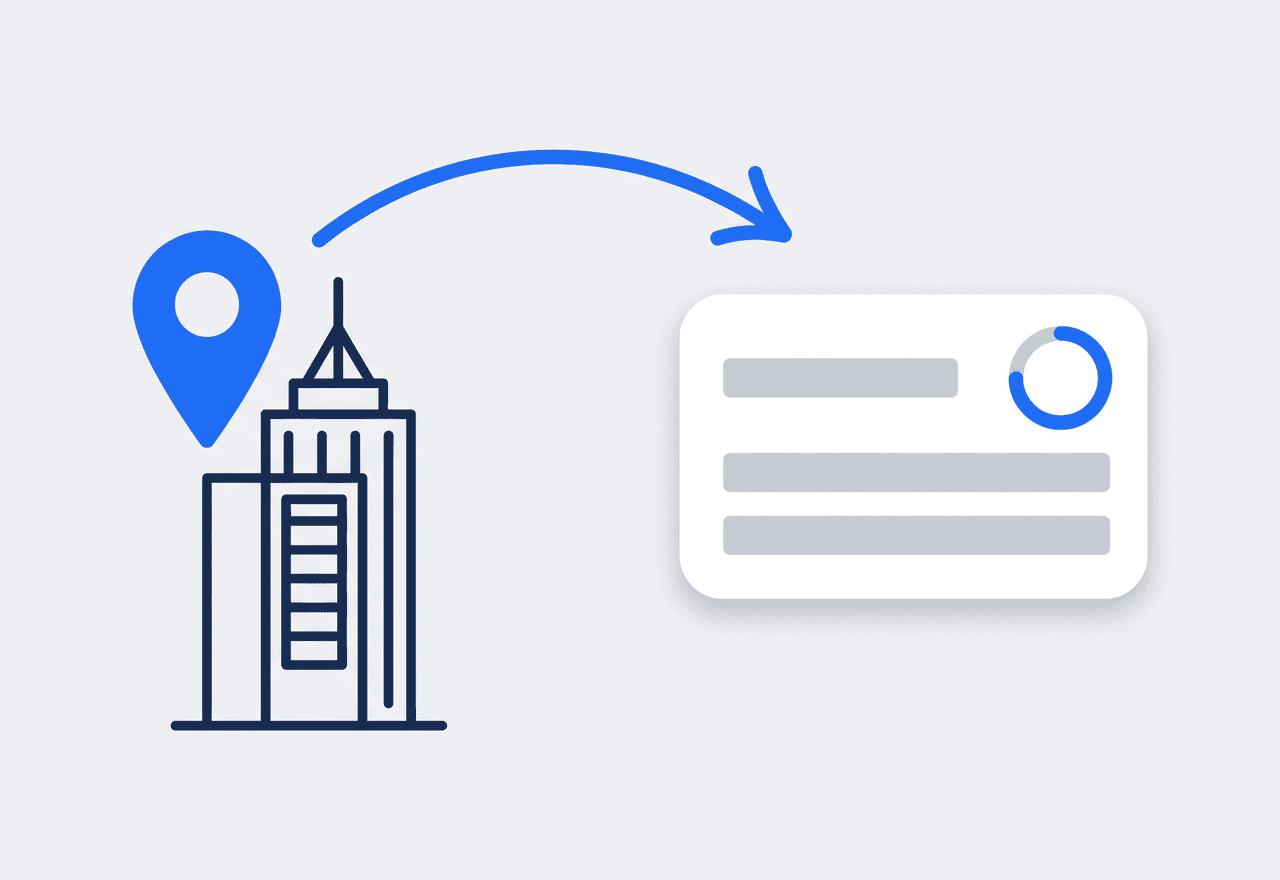
The permit follows the job address
Define a work permit process once — the coverage area, who issues it, which documents they want, and the fee. Book a job at a matching address and JobTrail flags the matching process for you. Apply it and track it Needed, Requested, Obtained on the job.
- Coverage areas by building or community, matched by address
- Required-documents checklist: permit form, worker IDs, insurance
- Permit status sits on the job the crew will run
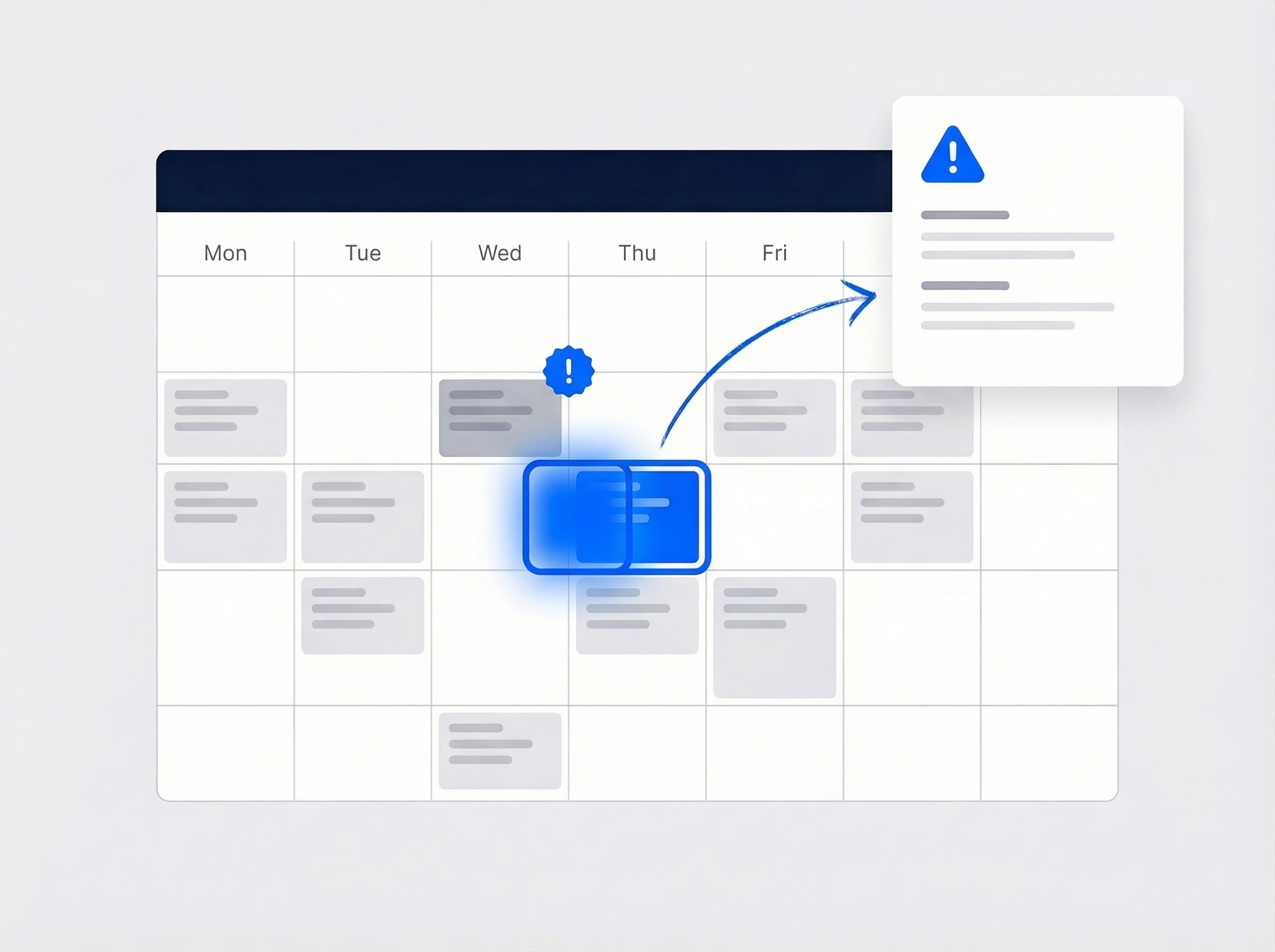
Fit the emergency call between installs
A no-power call lands at 9 AM while both crews are mid-install. Open the week, see every crew, and slot it in. JobTrail warns you before you double-book an electrician who is already on a job, and a tentative Request block holds the time.
- Day, 3-day, week, month, and team-row views
- Conflict warning before you save, not after dispatch
- Tentative Request blocks in orange stop double-booking
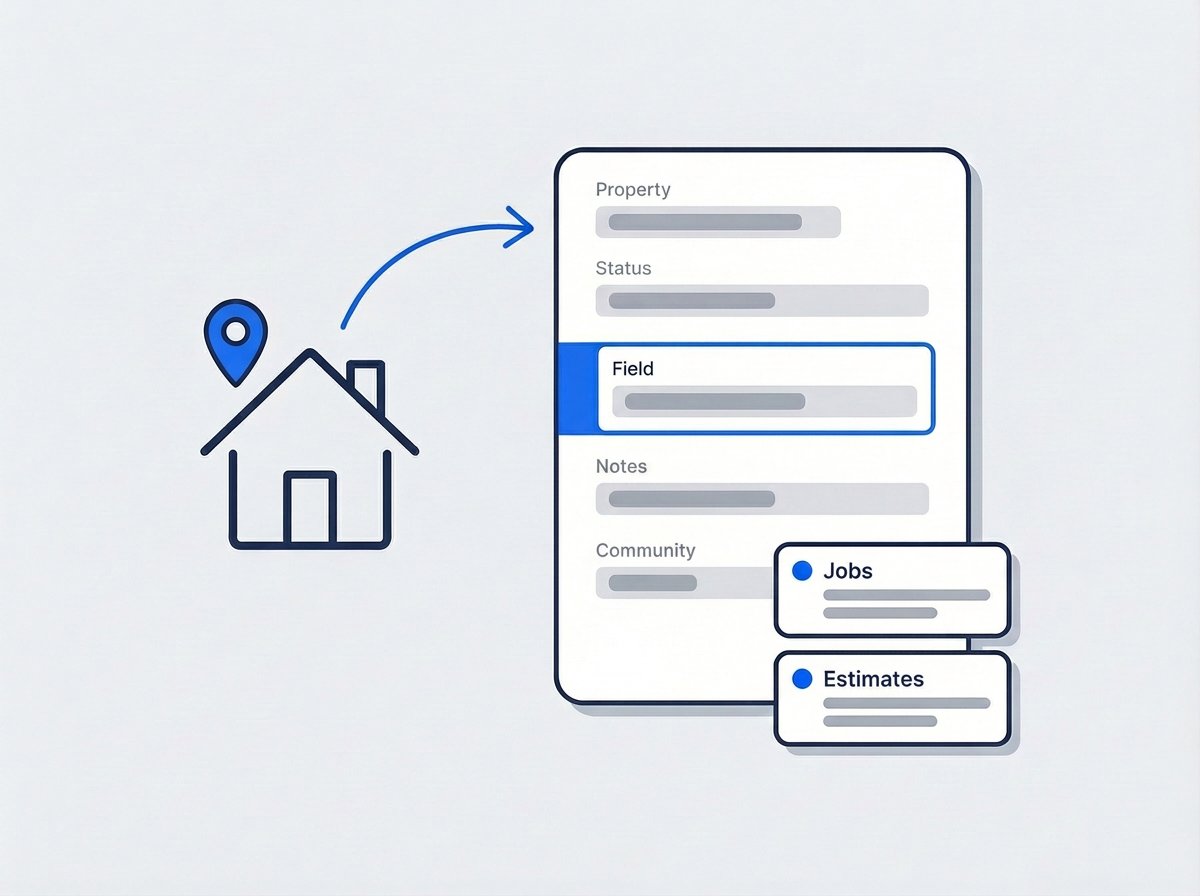
Panel size and brand live on the address
Add Property Details to any address — panel amperage, brand, meter location, breaker map notes, and how to reach the garage. Define the fields once in Settings and every property carries them. Your electrician reads them in Field Mode before the first knock.
- Custom fields as text, number, or dropdown, per address
- Shown on the phone in Field Mode, not just the office
- Past jobs and estimates at that customer, one click away
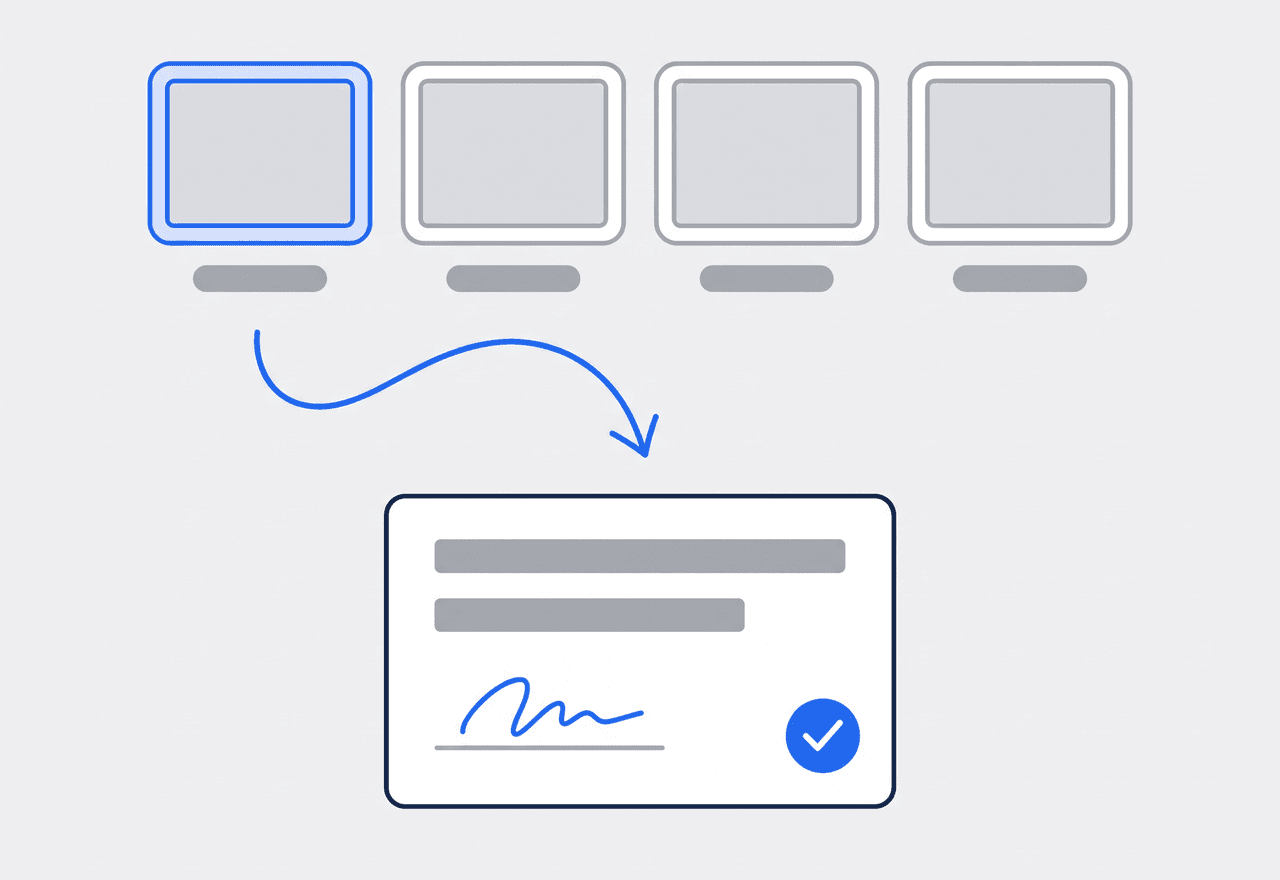
Prove the work behind the cover
Tag photos Before, During, and After so the panel upgrade tells its own story once the dead front goes back on. Raise a flag when you find aluminum branch wiring or a double-tapped breaker. Close the job with a completion certificate signed on site.
- Photo stages plus custom tags like Panel or Attic
- Safety flags with photo and video, commented by the office
- Customer signs the completion certificate on the phone
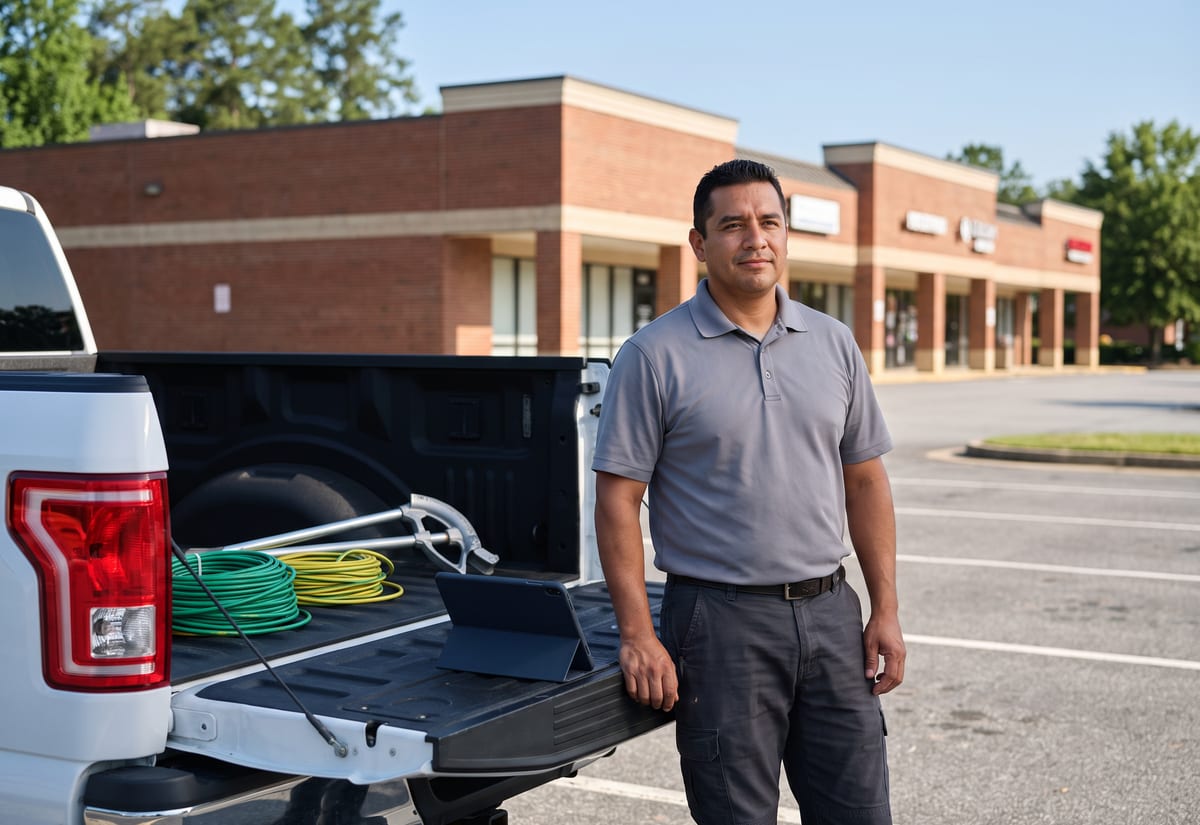
Permits sorted before the truck rolls
Every panel upgrade, service change, and generator hookup needs a permit, and each jurisdiction wants something different. In JobTrail you set up a work permit process per coverage area: the issuer, the required documents, the fee, and the form template. When you book a job at an address inside that area, JobTrail flags the matching process. Apply it and the job shows Needed until you request it and Obtained once it is in hand. Your electrician sees the status on their phone before they leave the yard. Nobody drives out to a rough-in that cannot start.
- One process per area, matched to the job by address
- Required-documents checklist and fee on the process
- Needed → Requested → Obtained tracked on every job
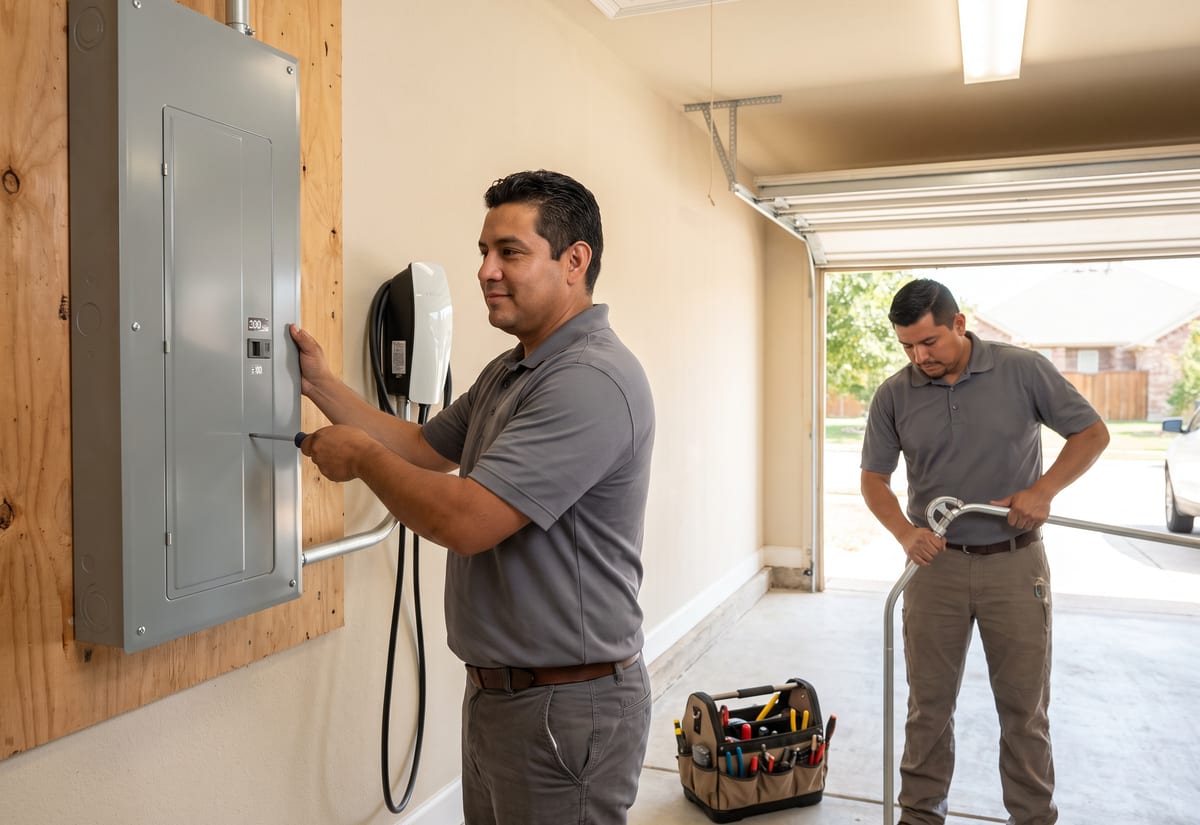
Panel upgrades and rewires as one record
A 200-amp service upgrade runs two days. A whole-house rewire can run two weeks with the drywall crew in between. In JobTrail that is still one job with several time slots — Range mode for consecutive days, separate slots for the return trip after inspection. The scope, the crew, the photos, and the permit stay together on that one record. Before photos of the old panel sit next to After photos of the new one. When the inspector wants to see the rough-in again, you raise a revisit and it links back. The customer record shows the whole install as one history.
- Several time slots on one job, one shared history
- Before, During, and After photos of the panel, tagged
- Revisit for the inspection re-check, linked to the original

Scope grows, the estimate keeps up
You quote an EV charger on a 40-amp circuit. Then you open the panel and the customer needs a service upgrade first. Clone the estimate, add the new lines, and send the revision with a fresh expiry date. When they accept, one click turns it into the invoice with every line item and the tax carried across. Big installs rarely pay in one go, so record a partial payment when the crew starts and the balance when the inspection passes. Anything outstanding shows in your receivables with an aging breakdown. If a customer overpays, the difference becomes a credit for the next job.
- Clone an estimate for the revised scope
- One-click convert to invoice, line items intact
- Partial payments and aging across 30, 60, and 90+ days
“Permits used to be a sticky note on my dash. Now the job tells me it needs one the second I book the address — and my guys can see if it's obtained before they load the truck.”

Jason Torres
Owner, Torres Electrical
Ready to run your electrical business from one place?
Start a free trial and book a real panel upgrade, permit and all. No credit card, no feature limits, and nothing held back for a bigger plan.
14-day free trial · No credit card required
Beyond electrical jobs — everything built in
AI Assistant
Powered by Google Gemini. Look up a job, create or update a customer, and ask about a photo — in plain English.
HR & Payroll
Employee records, leave that accrues itself, and a pay run in one grid.
Fleet Management
Assign vans to crews, log every service, and set service reminders.
Work Permits
Match permit requirements to the job address. Track the documents each issuer wants, through to approved.
What is electrical contractor software?
The system an electrical company uses to book, run, permit, and bill its work. The real difference between tools is how much of a service-and-install week they actually hold.
| What an electrical contractor runs on | SheetsCalendar + spreadsheets | Sched. onlyScheduling-only tools | JobTrailJobTrail |
|---|---|---|---|
| Permits matched by job addressNeeded → Requested → Obtained on the job | No | No | Yes |
| Panel details on the propertyAmperage, brand, meter location — on the phone | No | Partly | Yes |
| Multi-day installs as one jobA two-week rewire keeps one record | No | Partly | Yes |
| Safety flags with photosAluminum wiring, double-taps, scorched outlets | No | Partly | Yes |
| Payroll, leave and attendancePeople on leave flagged as you build a crew | No | No | Yes |
| Vehicle maintenance and work permitsService reminders, permit paperwork by address | No | No | Yes |
Yes CoveredPartly Varies by productNo Not covered
Why the coverage rows set the real price
A scheduling tool that stops at the calendar and the invoice looks cheap on the pricing page. Then you add a payroll app for the crew, a spreadsheet for permits, another for truck maintenance, and a group chat for photos. Each one is a login, a subscription, and a place where a detail goes missing. Compare the whole stack against JobTrail, where every one of those pieces ships in every plan.
Electrical work is two businesses in one. Monday is a dead-outlet call and a ceiling fan swap. Tuesday and Wednesday are a service upgrade with a permit and an inspection. Thursday a generator hookup gets pushed because the transfer switch is late. Software that handles only the short calls sends the projects back to a whiteboard.
The install that hurts is the one nobody documented
An apprentice replaces a breaker and never notes the panel brand, so the next tech guesses at the part. A homeowner disputes what was behind the drywall and there is no Before photo. An inspector asks for the rough-in pictures and they are on a phone that left with the last hire. Each of those is a record-keeping failure long before it is an electrical one.
The permit side fails the same quiet way. The process lives in the owner’s head, the fee is on a receipt in the truck, and the status is a text somebody sent last week. Put the process on the coverage area once, let the address pull it onto the job, and the crew reads Obtained on their phone before they load the ladder.
Electrical contractor software questions, answered
The one that holds both halves of your week — the short service calls and the multi-day installs — without charging per module. A two-truck operation needs the same things a fifteen-electrician company does. That means a calendar with conflict warnings, a job record with photos and a permit status, estimates that become invoices, and payroll for the crew. Judge the shortlist on total cost with every piece switched on, and on whether an electrician can run their part of it from a phone in a crawlspace.
Yes. You define a work permit process for each coverage area: the issuer type, the required documents, and any fee. Documents might be the permit form, worker IDs, insurance, and vehicle registration. When you book a job at an address in that area, JobTrail flags the matching process automatically. Apply it and the permit shows Needed. You move it to Requested and Obtained as you go, and the crew sees the status on the job. JobTrail does not file the permit with the permit office online or track its expiry — it tracks your paperwork and status.
On the address, using Property Details. Define the fields once in Settings — panel amperage, brand, meter location, breaker map notes, garage access — as text, number, or dropdown, and every property you service carries them. They show in Field Mode too, so the electrician reads the panel brand on their phone in the driveway instead of calling the office to check the last job.
Keep it as one job with several time slots. Use Range mode for consecutive days, or add separate slots when the crew comes back after the inspection or the drywall. The scope, crew, photos, and permit status all stay on that one record. The customer history shows the install as one piece of work, not a string of unrelated visits. If the inspector calls you back, raise a revisit and it links to the original job.
Clone the estimate. You quoted an EV charger, then found the panel is full and needs a service upgrade. Duplicate the original estimate, add the new line items, set a new expiry, and send the revision. When the customer accepts, convert it to an invoice in one click with the line items and tax carried over. Note that customers do not approve or sign estimates online in JobTrail — you record the acceptance yourself, and the on-site signature lives on the job completion certificate.
Yes. Record a payment against the invoice for whatever the customer pays at each stage — cash, card, bank transfer, or check — and the invoice moves to Partially Paid, then Paid. Overpayments become a customer credit you can apply to the next job. What JobTrail does not do is process card payments online or send payment reminders; you take the payment your usual way and record it against the invoice.
Yes. In Field Mode an electrician can raise a flag on the job for a defect, a safety issue, work that needs a quote, or a customer complaint, and attach photos or video. Aluminum branch wiring, a double-tapped breaker, a scorched receptacle — each becomes a flag the office can comment on without a phone call. Open flags show on the job list, and photos stay tagged Before, During, or After so the evidence holds if the customer disputes it later.
Yes, on a weekly pattern. Set a job schedule to Weekly, pick the weekdays with Repeat On, set a start and end date, and every visit lands on the calendar. JobTrail does not generate a monthly or quarterly series for a generator test or a lighting round. Add each visit as a time slot on the same job, and it still keeps one history. Recurring visits are scheduled, not billed automatically; you raise each invoice yourself.
Plans start at $39 a month for a solo operator and scale with your team. Every plan includes every feature — scheduling, jobs, estimates, invoicing, HR and payroll, fleet, permits, and the AI assistant. There are no add-on modules and nothing is locked behind a higher tier, so the price you see is for the whole platform. The tiers run Solo at $39 a month for one user, Team at $139 for up to five, Growth at $199 for up to ten, and Scale at $299 for up to fifteen, each with a 14-day free trial.
Yes. JobTrail offers a 14-day free trial with full access to every feature and no credit card required. Set up your customers, put a week of real jobs on the calendar, and send a live invoice before you decide.
Put your next electrical job in JobTrail
Everything included, on every plan. Set up a permit process, book a two-day panel upgrade, and clone an estimate for the revised scope — all inside the trial.
14-day free trial · No credit card required