Fleet Maintenance Software
GPS tells you where the truck is. JobTrail tells you what it costs to keep it running — every service itemized, every renewal flagged, every repair on the vehicle’s record.
14-day free trial · No credit card required





Join 14,000+ pros

Built In AI Assistant
Powered by Google Gemini

Service due soon
Van 04 · Brake service
🔧 In 12 days or 400 miles
Scan
Instead Of Typing
Itemized
Parts & Labor
Date + miles
Service Reminders
30 days
Expiry Warning
No more surprise repair bills — or a truck off the road because a renewal slipped past you.
How fleet management works in JobTrail
Add
Snap the registration document. OCR reads the details and fills in the vehicle record for you.
Log
Upload the garage invoice after a service. It comes back as itemized parts and labor on the vehicle history.
Stay ahead
Set what is due next by date or mileage. Overdue and due-soon flags show up on your fleet list.
Everything you need to keep the fleet running
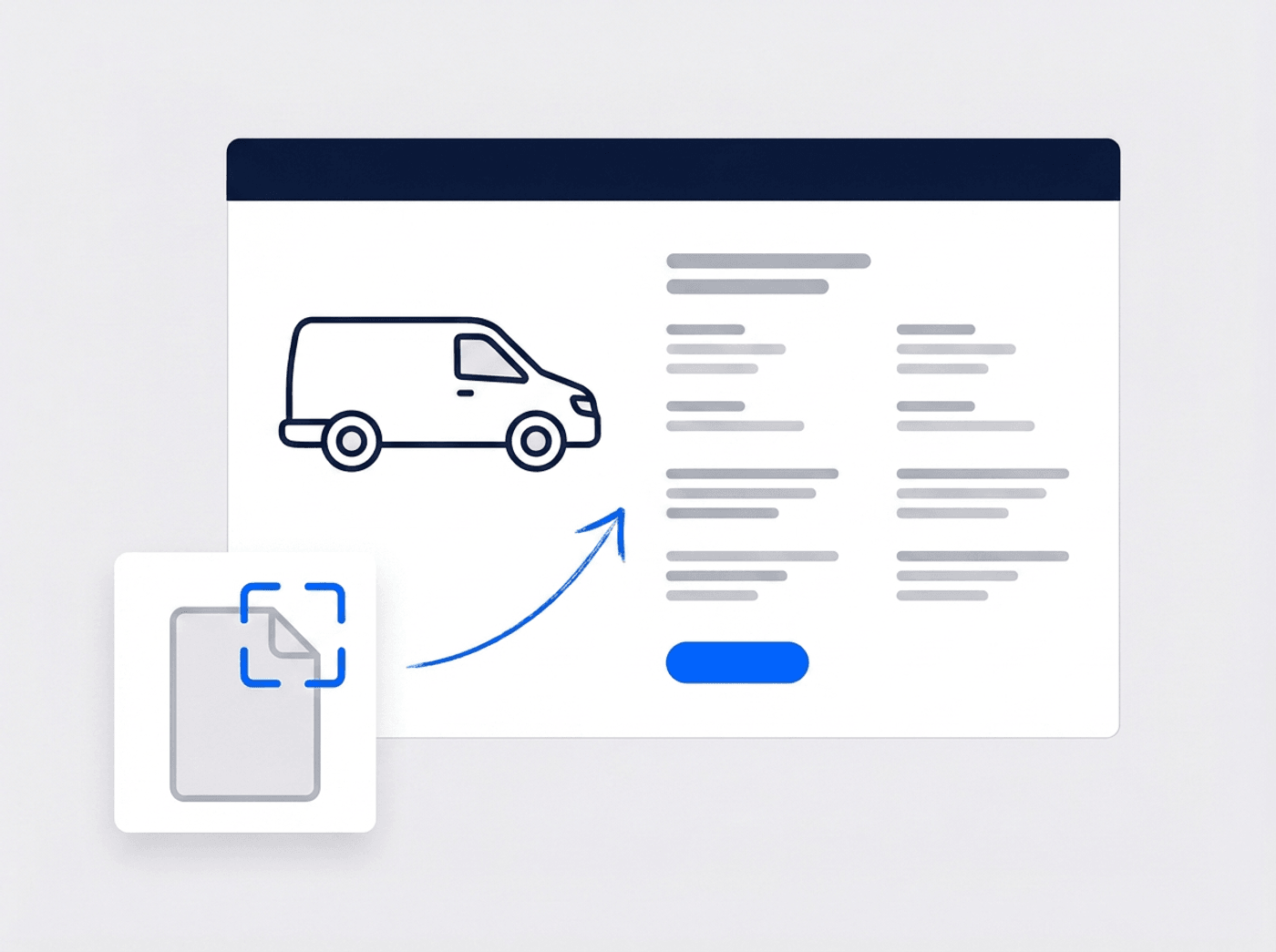
Every vehicle detail in one record
Registration, VIN, plate, mileage, purchase price, financing, warranty, insurance — all on one vehicle. Snap the registration document and OCR fills the fields in for you.
- OCR reads registration documents and fills the form
- Duplicate VINs are caught before you save
- Statuses for active, in maintenance, sold, and more
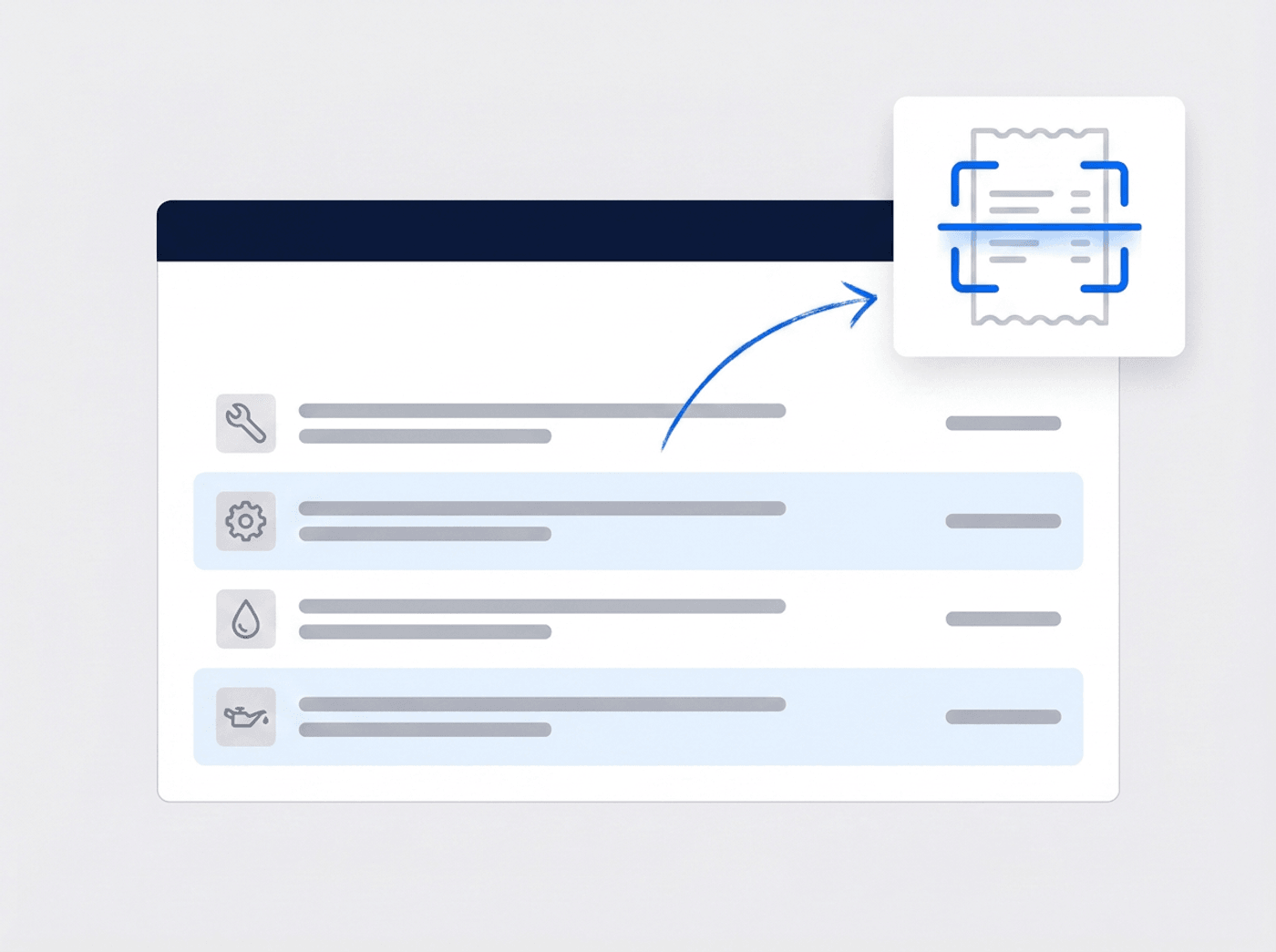
Turn a garage invoice into itemized history
Log a service with the categories it covered, then itemize the parts and labor. Upload the garage invoice and OCR pulls the line items out of it for you.
- Parts and services itemized with quantity and price
- A shared catalog so the same part is named the same way
- Garages save themselves as you use them
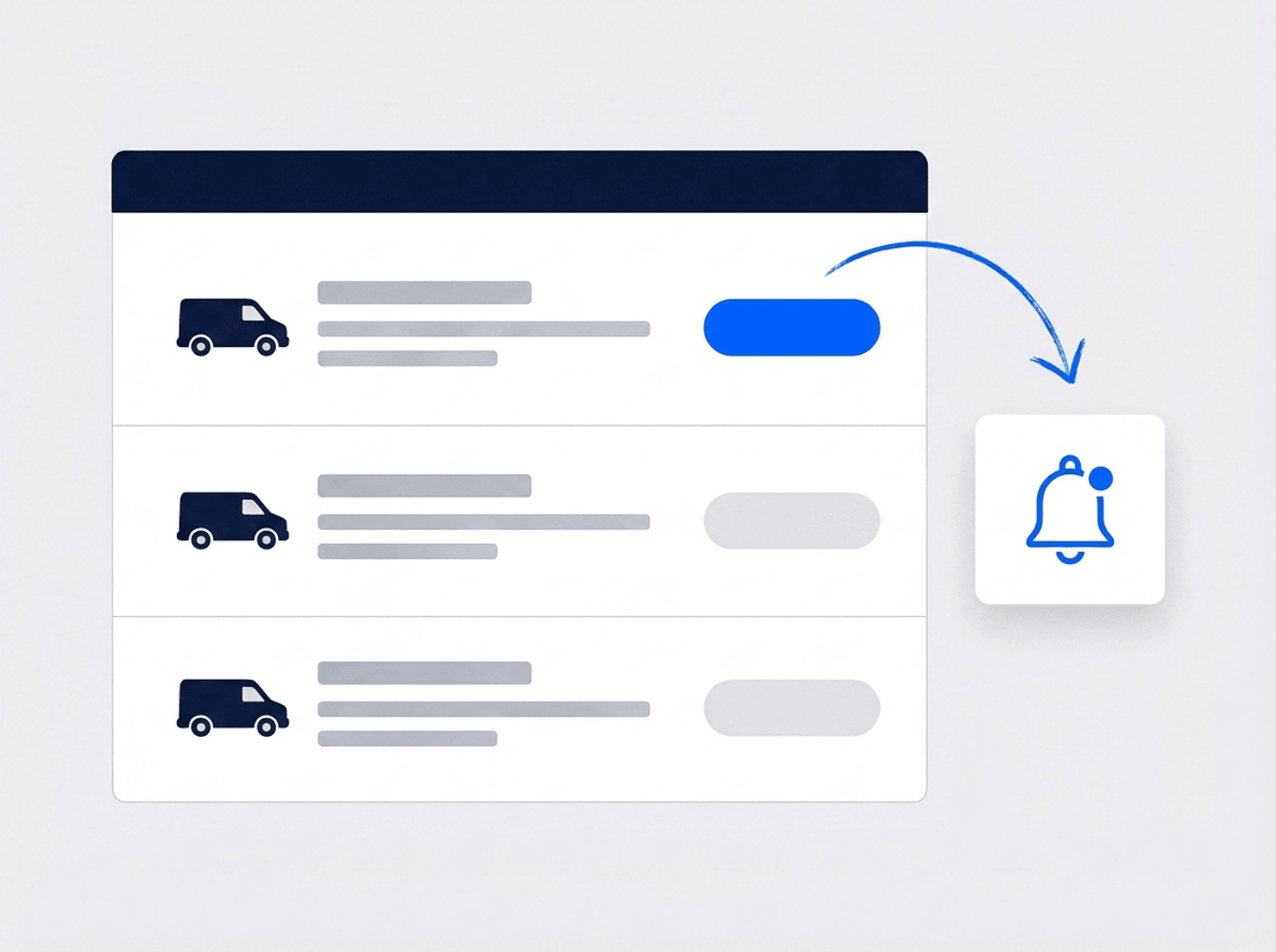
Know what is due before it breaks
Set the next service by date or mileage and JobTrail tracks it for you. Every vehicle shows its earliest reminder as Overdue, Due soon, or Scheduled — right on the fleet list.
- Reminders track both the calendar and the odometer
- Overdue and due-soon flags on the fleet list
- Registration and insurance expiry warnings too
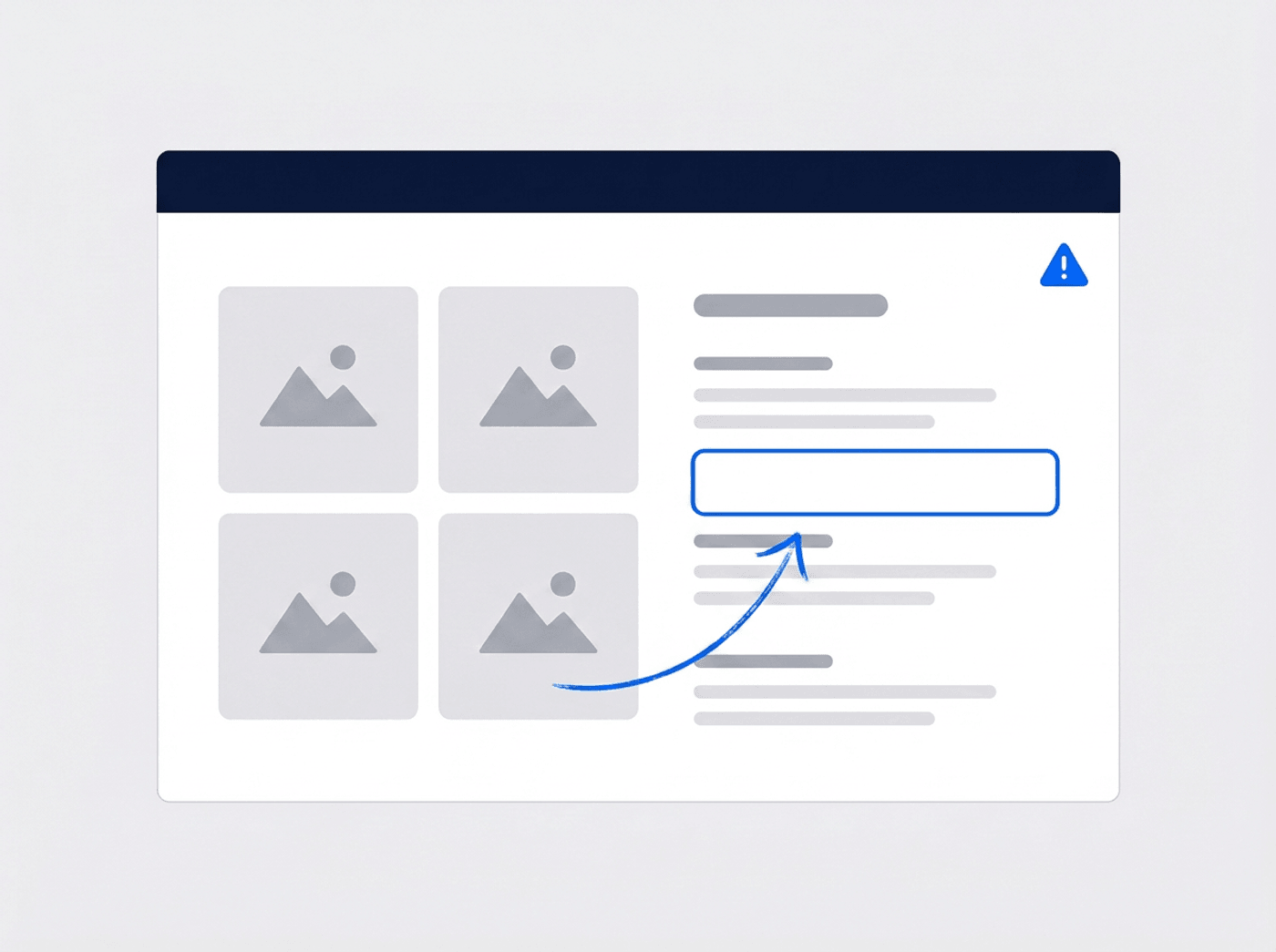
Document an accident properly
Record what happened, how bad it was, who else was involved, and what the insurer said — with the photos attached to the same record. Everything stays with the vehicle.
- Severity, driver, location, and other parties involved
- Police and insurance report details in one place
- Photos and documents attached to the incident
“Our maintenance records used to be a shoebox of garage invoices. Now I photograph the invoice and it lands on the truck’s history, itemized.”

Marcus Reed
Owner, Reed HVAC Services
Ready to get your fleet on the record?
Start your free trial and add your first vehicle in minutes. No credit card, no feature limits.
14-day free trial · No credit card required
Beyond fleet — everything built in
AI Assistant
Powered by Google Gemini. Look up a job, create or update a customer, and ask about a photo — in plain English.
Team Management
Color-coded crews with dated roster changes — and vehicle plates on every field-staff member.
HR & Payroll
Employee records, leave, and payroll — without a separate HR tool.
Work Permits
Match permit requirements to the job address. Track the documents each issuer wants, through to approved.
Frequently asked questions
Fleet management software keeps the record of every work vehicle you own — what it is, what it cost, what has been repaired, and what is due next. For a field service business it answers the questions that cost you money: which truck is overdue for service, whose insurance expires this month, and what you actually spent keeping each vehicle on the road.
No. JobTrail does not do live GPS or location tracking. It handles the paperwork side of your fleet — vehicle records, itemized maintenance history, service-due reminders, expiry dates, and accident records. If you already use a GPS device for live location, JobTrail covers everything that happens off the map.
No. Upload the invoice from the garage and OCR reads it, pulling out the parts and services as itemized lines with quantities and prices. You review what it found, adjust anything you need, and save. The garage saves itself to your list for next time.
When you log a service you set what is due next — by date, by mileage, or both. JobTrail watches both and rolls each vehicle up to its earliest reminder, showing Overdue, Due soon, or Scheduled on the fleet list. Registration and insurance expiry dates are flagged the same way, 30 days ahead.