Remodeling Contractor Software
JobTrail carries a remodel from the first estimate to the last progress payment — every phase, every photo, every invoice on one job. Permits, payroll, and your trucks are already inside, not extra apps.
14-day free trial · No credit card required





Join 14,000+ pros

Built In AI Assistant
Powered by Google Gemini
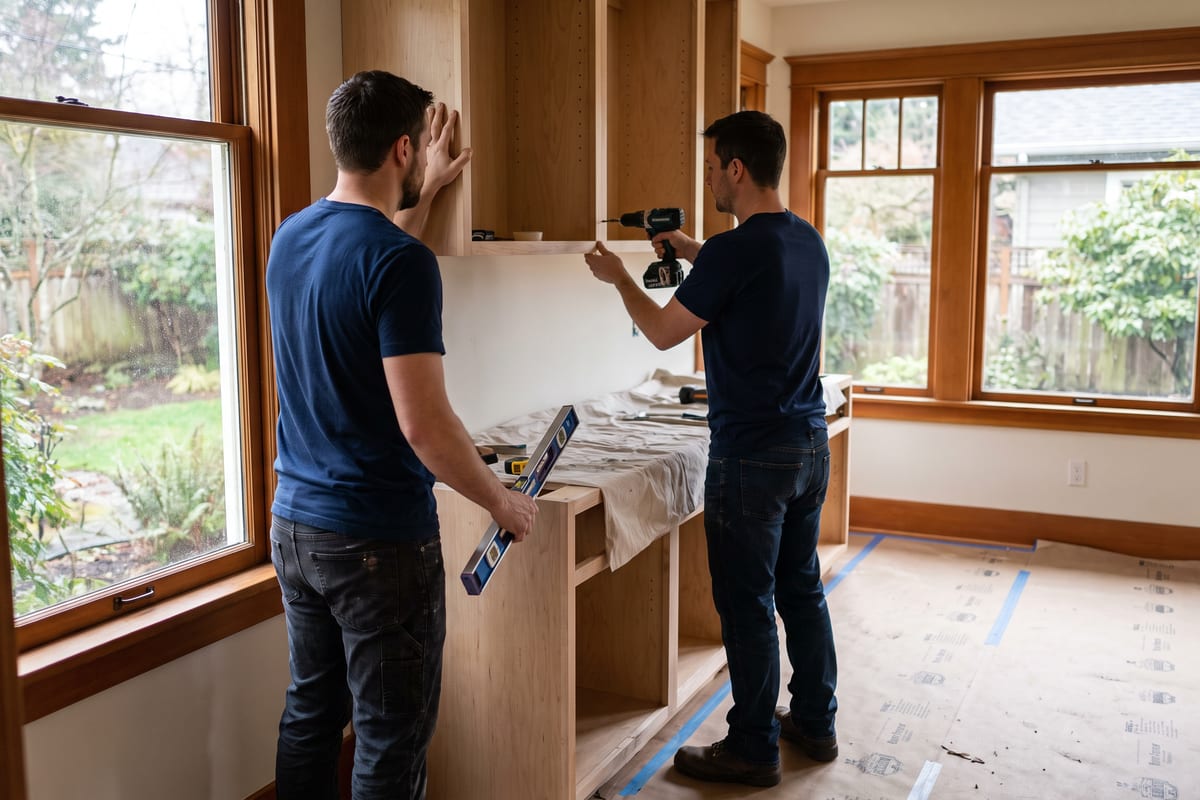
Ongoing
Tile phase · 3:15 PM
Phase: Tile · 12 photos
15+ hrs
Saved Per Week
2X
Faster Invoicing
47%
Revenue Growth
14,000+
Pros On JobTrail
Built for the way remodeling contractors work — from the first walkthrough to the final progress payment.
Based on JobTrail customer data, 2026.
Everything a remodeling business needs
A remodel is an estimate, two revisions, six weeks of phases, and several invoices before the last check clears. Most tools cover one slice and leave the rest to texts and spreadsheets. JobTrail covers the whole job, on every plan.
Scheduling
Book a two-week bath remodel as one job and see every crew in team rows before you assign anyone.
Customers
Every homeowner, address, and property detail — tile SKUs, paint colors, gate codes — plus what they still owe.
Estimates
Line items and tax, clone for a revision, set an expiry, and convert the accepted version to an invoice.
Invoicing
Several invoices on one job for progress payments, partial payments recorded, and aging that shows who is late.
Job reports
Turn phase photos into a before-and-after PDF the homeowner opens from a share link that expires.
Crews & teams
Color-coded crews, dated roster changes when a carpenter is out, and a calendar view by team.
Job conversations
One thread per job for the office and the crew, with @mentions — no more scrolling through group texts.
Assessments
Score a final walkthrough against your own checklist template — item by item, with a total and a percentage.
Incidents
A crew member hurt on site, a broken saw, a homeowner complaint — logged with photos and tracked to closed.
How a remodel runs in JobTrail
Estimate and revise
Build the estimate from your items catalog and send the PDF. When the homeowner swaps the tile, clone it and edit the lines that moved. The accepted version becomes the invoice.
Work the phases
Schedule the job as one record with a time slot for each phase. The crew ticks off scope lines in Field Mode and tags photos by phase as they go.
Bill as you go
Raise a progress invoice from the job at each milestone, record partial payments as checks arrive, and watch the aging breakdown for the balance still owed.
The parts of a remodel that eat your evenings
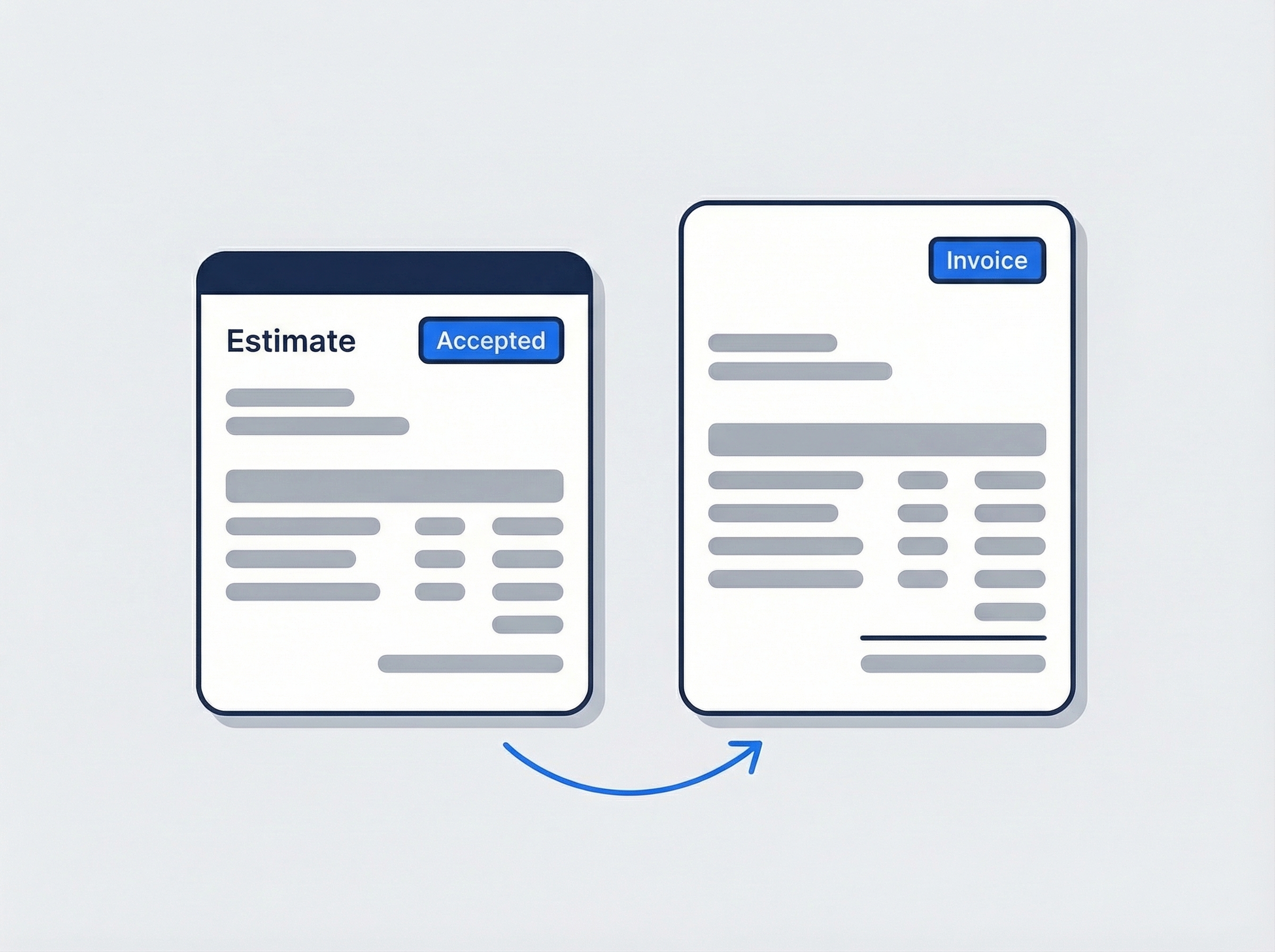
Revise the estimate without starting over
Homeowners change their minds — the vanity, the countertop, the whole layout. Clone the estimate, edit the lines that moved, and send the new PDF. Each version keeps its own status and expiry date. When one is accepted, convert it to the invoice in one click.
- Clone an estimate for a revision, nothing retyped
- Line items, tax, notes, and terms on a branded PDF
- One accepted, one click, and it is the invoice
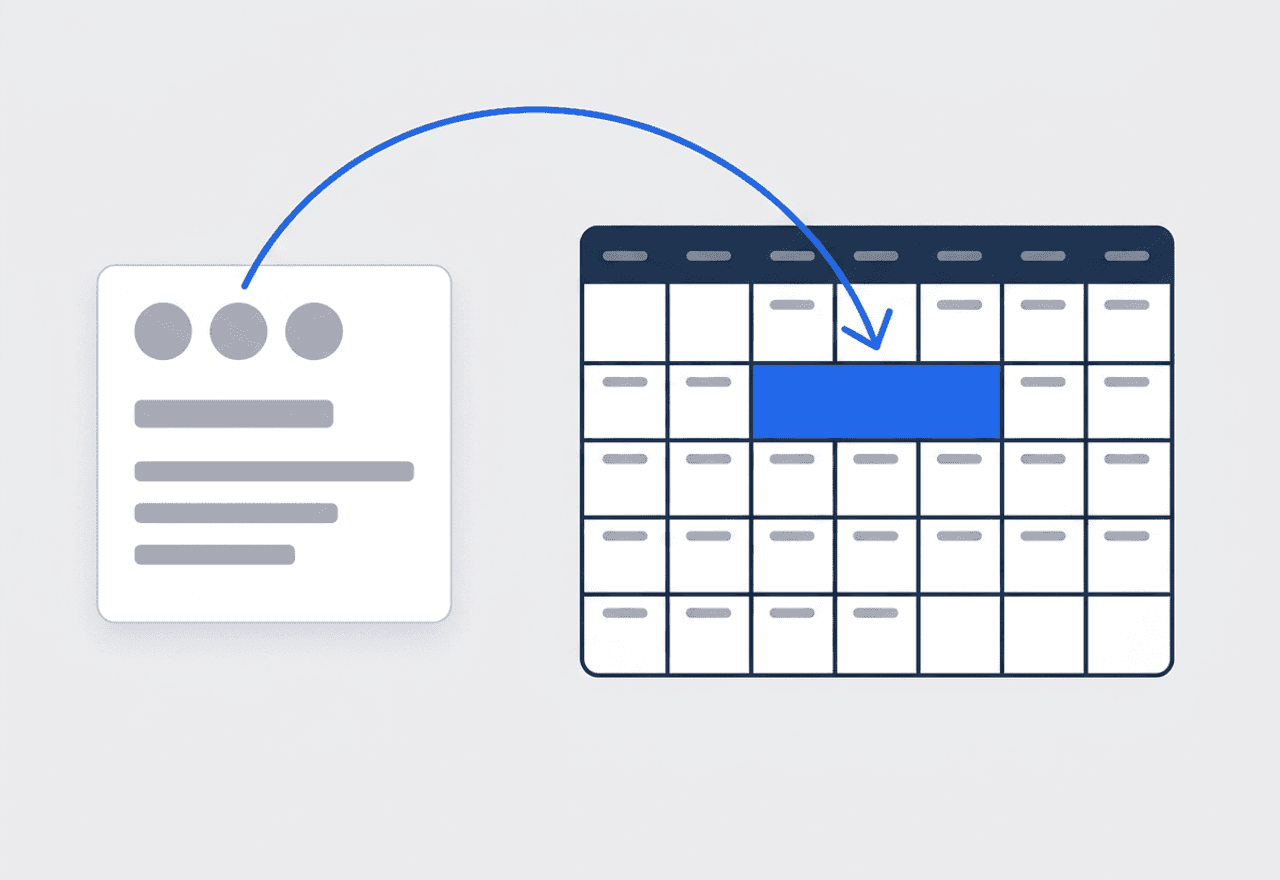
One job, a time slot for every phase
Demo on Monday, rough plumbing on Wednesday, tile the week after. Add a time slot for each phase to the same job and assign the crew that phase needs. The whole remodel sits on the calendar as one record with one history — not five disconnected bookings.
- Multiple time slots per job for demo, rough-in, and finish
- A different crew on each slot when the phase calls for it
- Photos tagged “Phase: Demo” or “Phase: Tile” on the job
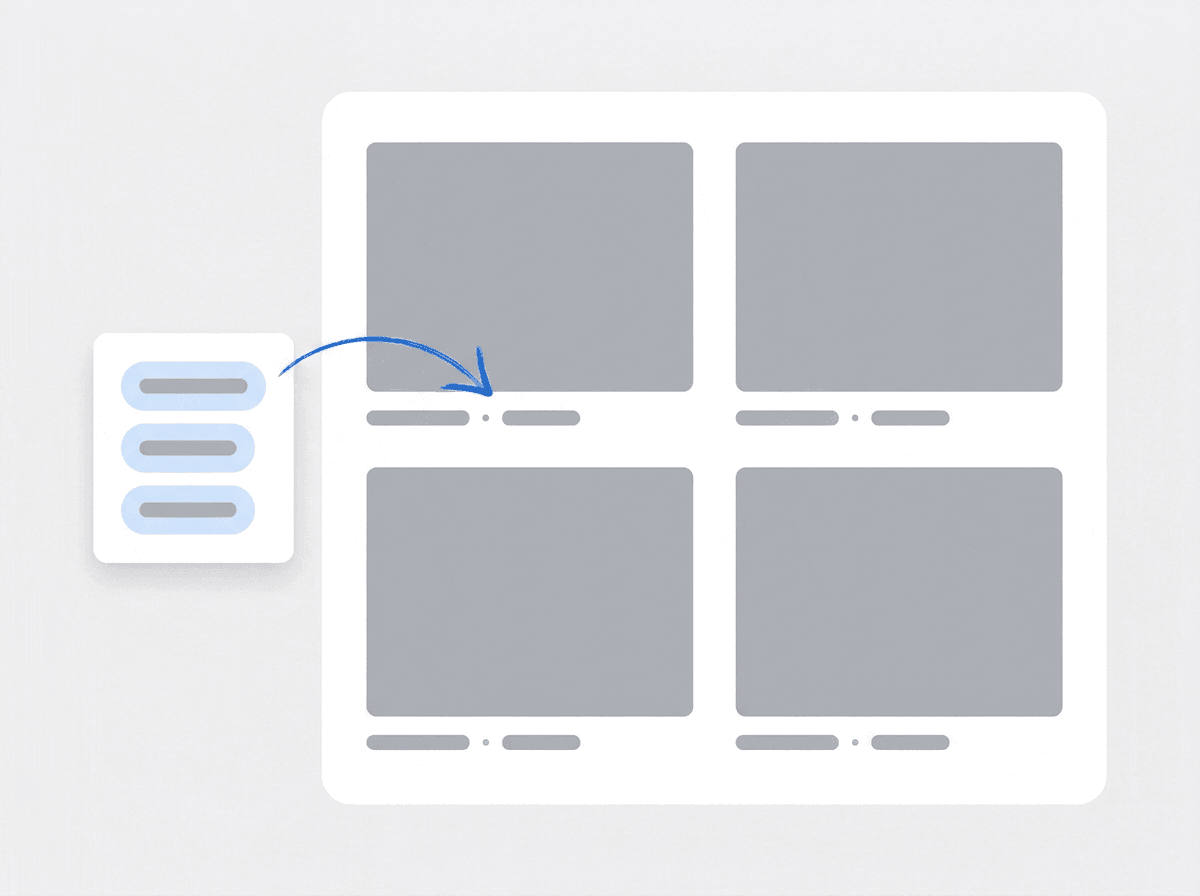
The homeowner’s PDF builds itself from photos
Your crew already took the photos. Pick them from the job, grouped by tag, and drop them into a photo grid page. Captions fill in from the tags — Before · Kitchen · Demo. Save the layout as a template, then share a link with an expiry date and watch the view count.
- Photo grid pages built from the job’s own attachments
- Captions auto-filled from stage and phase tags
- Share link with an expiry and a view count
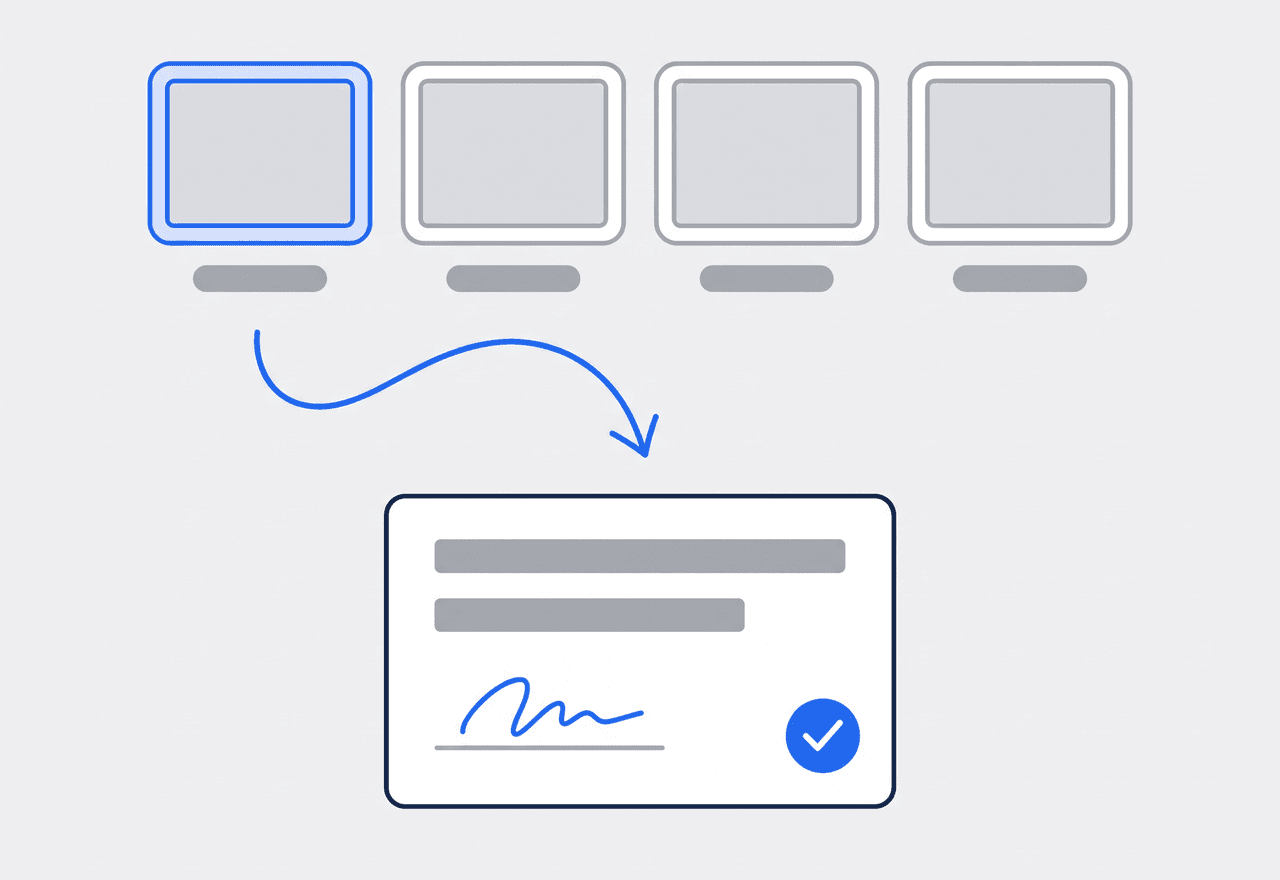
Rot behind the drywall? Raise a flag
Open the wall and find termite damage or a rusted drain line. The crew raises a flag on the job with a photo or video and marks it as work that needs a quote. The office sees it, comments, and builds the estimate. At the end, the completion certificate closes the job with a signature on site.
- Flag hidden rot, a safety issue, or work that needs a quote
- Photo and video attached, office comments on the flag
- Completion certificate signed on the phone, drawn or typed

Bill the remodel in stages, not one lump
A remodel is rarely one invoice. You bill at demo, again after rough-in, and the balance at the final walkthrough. In JobTrail, one job carries several invoices, each linked back to it. The accepted estimate becomes the first invoice with one click, and you clone that invoice for the next draw. Record partial payments as the checks come in — a homeowner paying half now and half on Friday is two entries, not a headache. Anything outstanding shows in receivables with an aging breakdown across current, 30, 60, and 90+ days. If the last check runs over, the extra becomes a credit on the customer, ready for the next project.
- Several invoices on one job for progress billing
- Partial payments recorded as each check clears
- Aging breakdown so you know who to call first

Every phase photographed, then handed to the homeowner
Tag photos as the crew works — Before, During, After, Final — and add your own tags like Phase: Demo or Location: Master Bath. Filter the job’s attachments by tag when the homeowner asks what the subfloor looked like. When the job wraps, open the report builder. Pick photos from the job grouped by tag, drop them into a photo grid or a cover page, and the captions fill in from the tags. Save it as a template so the next bath remodel takes minutes instead of an evening. Then create a share link with an expiry, send it, and see how many times it was opened.
- Custom tags per phase, filtered in one click
- Photo-narrative PDF built from job attachments
- A link that expires on the date you pick, views counted

Know which jobs need paperwork before demo day
Define each work permit process once — the area it covers, who issues it, the documents it wants, and the fee. When you create a job at an address inside that area, JobTrail flags the matching process. Apply it and the job shows the status: Needed, Requested, Obtained. Attach the permit paperwork right on the job. On the calendar, the whole remodel is one job with a slot per phase, and the Schedule view puts every crew in its own row. If a carpenter is out next week, make a dated roster change for that window — the default crew stays exactly as it was.
- Permit processes matched to a job by its address
- Needed, Requested, Obtained tracked on the job
- Dated roster changes when someone is out
“We used to bill a kitchen in one shot at the end and then wait. Now there's an invoice at demo, one at rough-in, one at the walkthrough — and I can see on one screen which homeowner still owes what.”

Dana Whitfield
Owner, Whitfield Remodeling
Ready to run your remodeling business from one place?
Start the free trial, load a real kitchen job, and bill it in stages. No credit card, every feature switched on, nothing held back for a bigger plan.
14-day free trial · No credit card required
Beyond remodeling jobs — everything built in
AI Assistant
Powered by Google Gemini. Look up a job, create or update a customer, and ask about a photo — in plain English.
HR & Payroll
Employee records, leave that accrues itself, and a pay run in one grid.
Fleet Management
Assign vans to crews, log every service, and set service reminders.
Work Permits
Match permit requirements to the job address. Track the documents each issuer wants, through to approved.
What is remodeling software?
The system a remodeling contractor runs its projects on, from estimate to final walkthrough. What separates the categories is how much of a six-week job they actually hold.
| What a remodeling contractor runs on | SheetsCalendar + spreadsheets | Sched. onlyScheduling-only tools | JobTrailJobTrail |
|---|---|---|---|
| Estimate revisionsClone, edit, resend — each version tracked | No | Yes | Yes |
| Progress billing on one jobSeveral invoices, partial payments, aging | No | Partly | Yes |
| Phases as one jobA time slot per phase, one history | No | Partly | Yes |
| Before-and-after PDFBuilt from tagged photos, shared by link | No | Partly | Yes |
| Payroll, leave and attendancePeople on leave flagged as you build a crew | No | No | Yes |
| Vehicle maintenance and work permitsService reminders, permit paperwork by address | No | No | Yes |
Yes CoveredPartly Varies by productNo Not covered
Why the last two rows change the math
Estimating and invoicing tools are easy to find. What they leave out is the rest of running a crew — payroll, time off, the trucks, and the permit paperwork each address needs. Each gap turns into another subscription with its own login and its own invoice. That stack is the real price of the shortlist. JobTrail ships all of it in every plan, so a two-person operation pays for one system instead of five.
Remodeling is not one kind of week either. A contractor might be finishing a bath, starting demo on a kitchen, and walking a basement to build an estimate. Two of those are phased jobs with several crews and several invoices. One is a request that may or may not become work. Software that only holds the calendar leaves the rest on paper.
The remodel that goes wrong went undocumented first
A homeowner disputes the subfloor charge and nobody photographed the rot. The tile SKU from the last bath is in a text thread on a phone that got replaced. The crew found a cracked joist, mentioned it in passing, and the extra work never got quoted. None of those are craftsmanship problems. Each one is a record that was never written down where the next person could find it.
Remodeling also stretches every record over weeks. The estimate has three versions. The job has six phases and two crews. The billing has four invoices and a stack of partial checks. Keep all of that on one job, photos tagged by phase and flags raised on site. That is what makes month three as clear as day one.
Remodeling software questions, answered
The one that holds the whole job, not just the calendar. A remodel runs weeks, has an estimate that gets revised, and gets billed in stages. So it needs estimates you can clone and a job that carries several time slots and several invoices. It needs photos tagged by phase that turn into a report for the homeowner. Then count what is missing — payroll, permits, the trucks — because each gap is another app to pay for. Judge the shortlist on total cost with everything switched on.
Yes. Clone the estimate, edit the lines that changed, and send the new PDF. Each version keeps its own status — Draft, Sent, Accepted, Declined, Expired — and its own expiry date. When one is accepted, convert it to an invoice in one click with the line items and tax carried over. Note that the homeowner accepts by telling you, not by signing online — there is no e-signature or online approval on estimates. Signatures live on the job completion certificate.
Yes. One job can carry several invoices, so you bill at demo, at rough-in, and at the walkthrough, each linked to the same job. Record partial payments as the checks arrive, by cash, card, bank transfer, or check, and the invoice moves to Partially Paid and then Paid. Overdue balances show in receivables with an aging breakdown. JobTrail does not process card payments online or send payment reminders — you record what the homeowner pays you.
Raise a flag. When the crew opens a wall and finds rot or a bad drain line, they flag it on the job in Field Mode. Add a photo or video and mark it as work that needs a quote. The office sees the flag, comments on it, and creates an estimate straight from the job’s Scope section. Once accepted, it converts to an invoice like any other. There is no formal change-order document in JobTrail — the flag plus the estimate is the record.
Yes. Use Range mode for a block of consecutive days, or add several time slots to the same job. One for demo, one for rough-in, one for tile and finish. Each slot can carry a different crew. The job stays one record with one history, one set of photos, and one thread of conversation. In the Schedule view you see each crew in its own row, so a slot that overlaps another booking shows up before you save.
Yes. The report builder turns the job’s photos into a branded PDF on a real page canvas. Pick photos grouped by tag, drop them into a photo grid, a cover, or a certificate page, and the captions fill in from the stage and phase tags. Save the layout as a template for the next project. Then download the PDF or create a share link with an expiry and a view count. JobTrail does not email the report for you — you send the link.
Yes, and this is a piece most tools skip. Define a work permit process for an area — the issuer, the required documents like the permit form, worker IDs, insurance, and vehicle registration, and any fee. When a job lands at an address inside that area, JobTrail flags the matching process. Apply it and the status is tracked from Needed to Requested to Obtained. You attach the paperwork to the job. It does not submit the application to the building department or track permit expiry.
Under Property Details on the address. Define the fields once in Settings — wall color, trim color, tile SKU, faucet model, gate code — as text, number, or dropdown, and they appear on every property. Your crew reads them in Field Mode on site, so nobody calls the office for the grout color a year later. Past jobs, estimates, invoices, and payments for that homeowner sit on the customer record beside them.
Plans start at $39 a month for a solo operator and scale with your team. Every plan includes every feature — scheduling, jobs, estimates, invoicing, HR and payroll, fleet, permits, and the AI assistant. There are no add-on modules and nothing is locked behind a higher tier, so the price you see is for the whole platform. The tiers run Solo at $39 a month for one user, Team at $139 for up to five, Growth at $199 for up to ten, and Scale at $299 for up to fifteen, each with a 14-day free trial.
Yes. JobTrail offers a 14-day free trial with full access to every feature and no credit card required. Set up your customers, put a week of real jobs on the calendar, and send a live invoice before you decide.
Put your next remodel in JobTrail
All features on all plans. Build a kitchen estimate, clone a revision, and bill the first stage from one job — all inside the free trial.
14-day free trial · No credit card required