HR & Payroll Software
Most field service tools send you to a second app to find out who is off. JobTrail flags them while you are building the crew — before the job is booked.
14-day free trial · No credit card required





Join 14,000+ pros

Built In AI Assistant
Powered by Google Gemini

Approved leave
Ray Whitcomb · PTO
⚠️ Flagged when you build the crew
One record
Hire To Payroll
Automatic
Leave Accrual
Flagged
Before You Assign
Scan
IDs And Licenses
No more finding out on the morning of the job — that half the crew booked the same week off.
How HR works in JobTrail
Add
Add the employee once. Photograph their ID and OCR fills in the details, then set their department, pay, and documents.
Approve
People request time off and managers approve it. Balances accrue on their own — there is no spreadsheet to update.
Assign
Build a crew and anyone on leave is already flagged. Then run the pay period with unpaid leave deducted for you.
Everything you need to manage your people
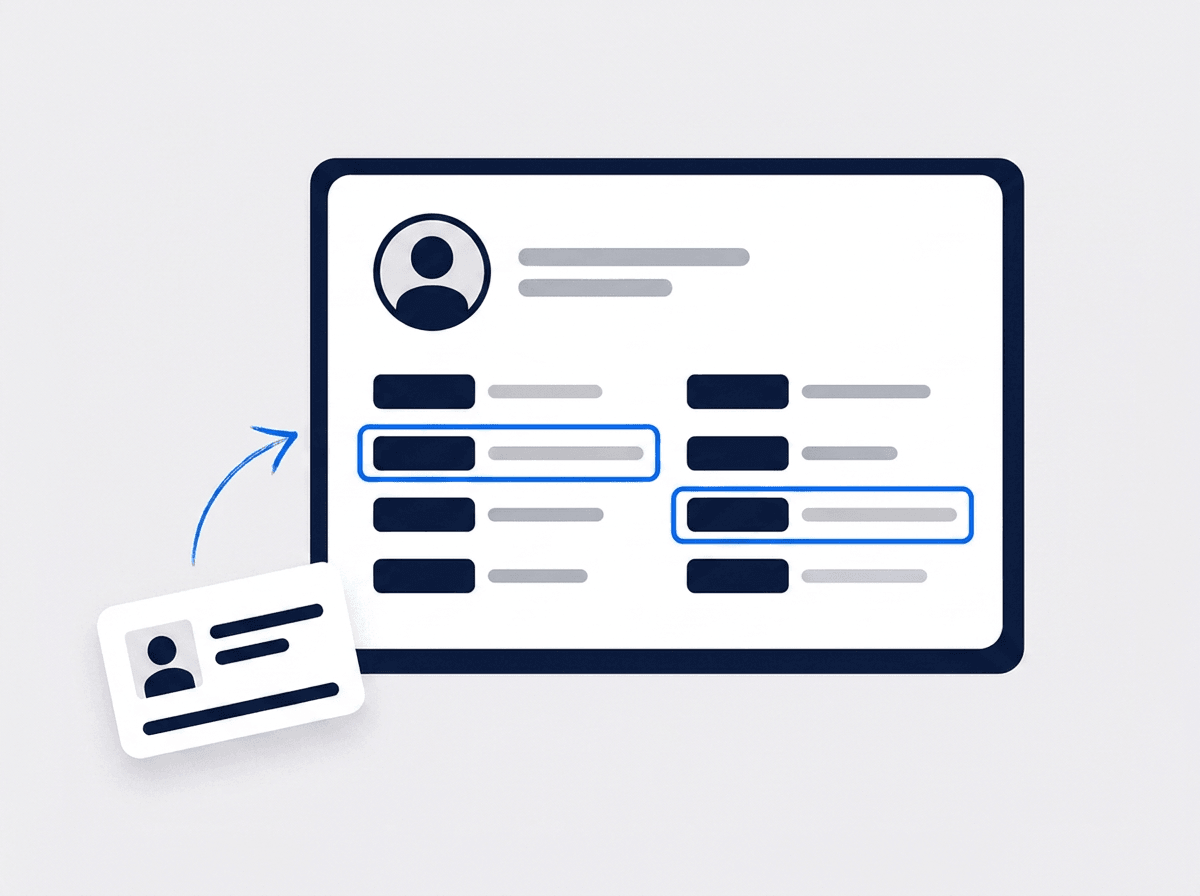
One record from hire to payroll
Personal details, hire date, department, pay setup, documents — all on one employee. Photograph an ID and OCR fills the fields in for you.
- OCR reads IDs and licenses and fills the form
- Departments and positions in an org tree you can drag
- Document expiry dates tracked and flagged
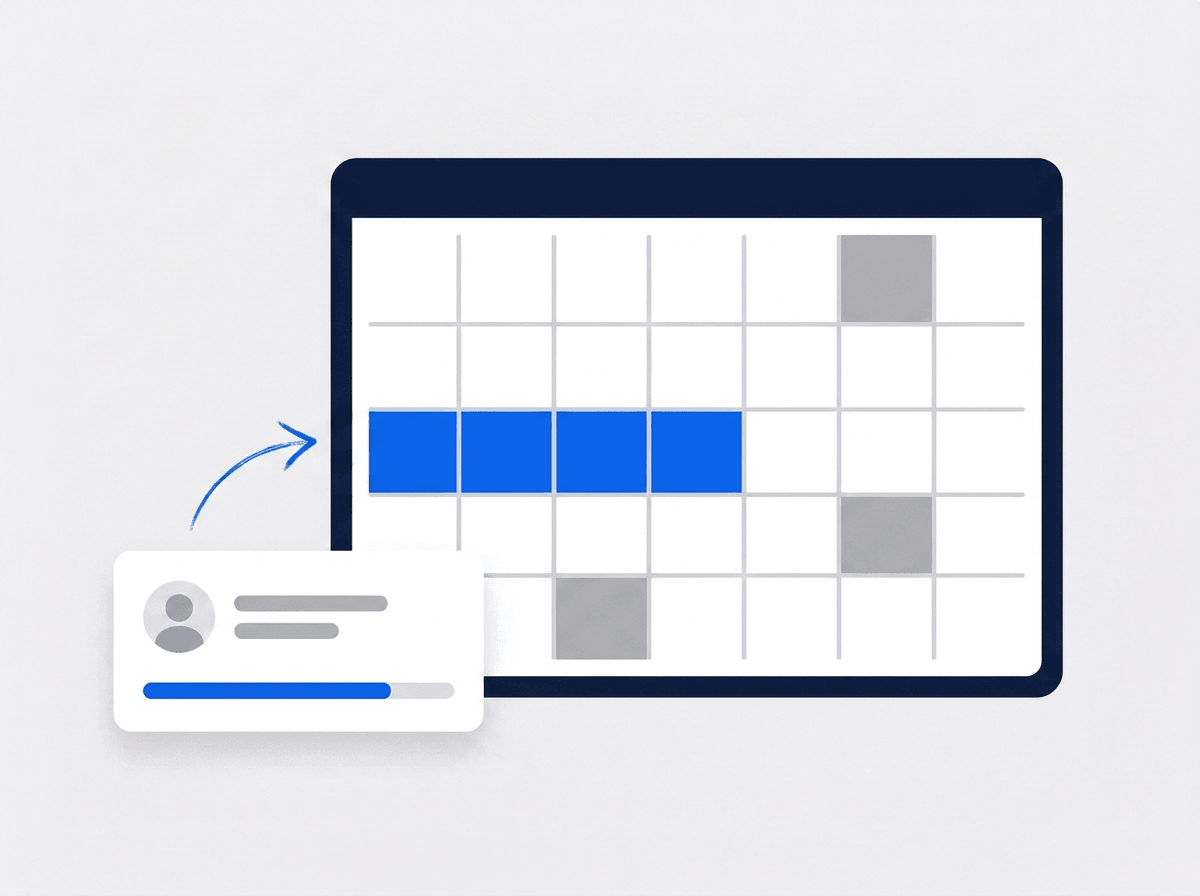
Time off that tracks itself
Start from a policy template built for your country, then let balances accrue on their own. People request, managers approve, the calendar updates.
- PTO, sick, parental, and bereavement policies ready to go
- Balances accrue monthly with the carryover rules you set
- Federal holidays already on the calendar
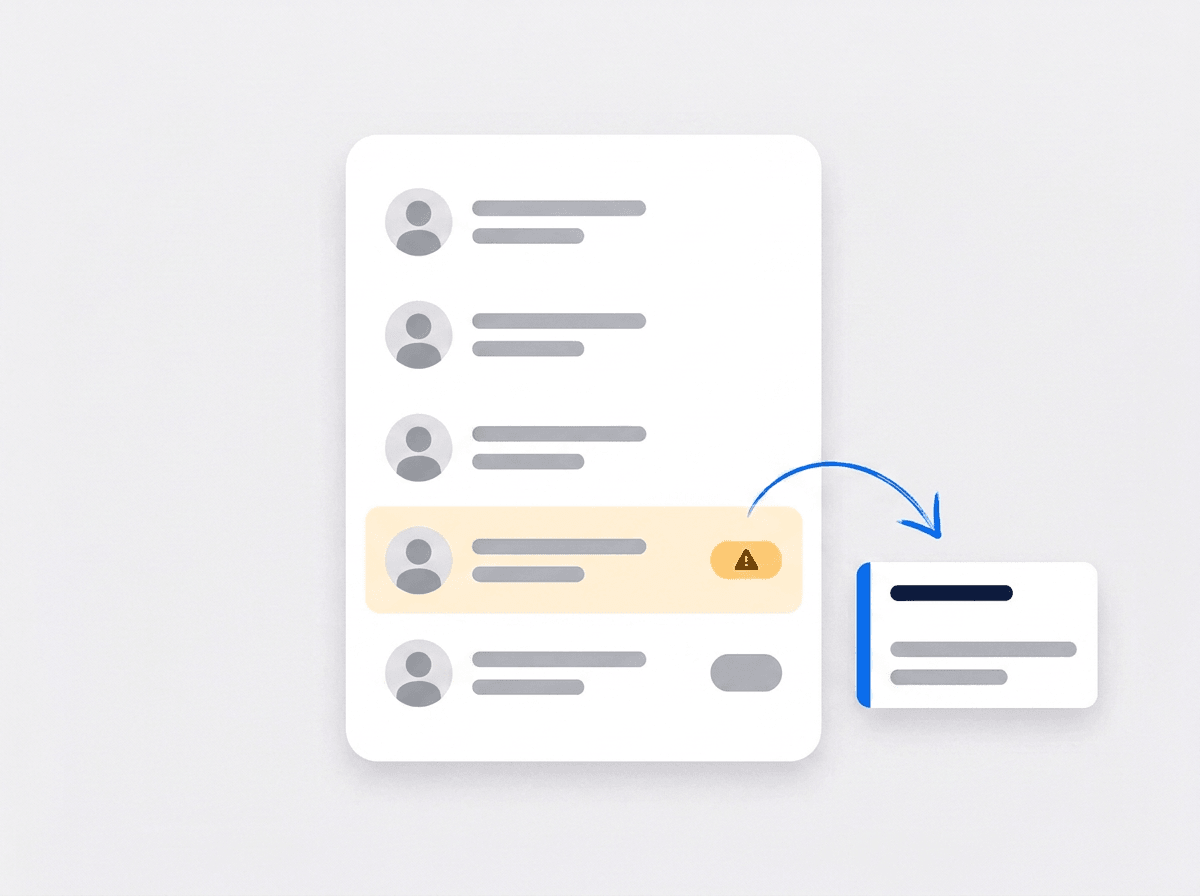
Your schedule already knows who is off
Build a crew and the people who cannot work are flagged before you assign them — approved leave, a pending request, or already booked on another job.
- Approved leave, pending requests, and double-bookings flagged
- Conflicts sort to the top of the crew list
- Nothing to cross-check in a second app
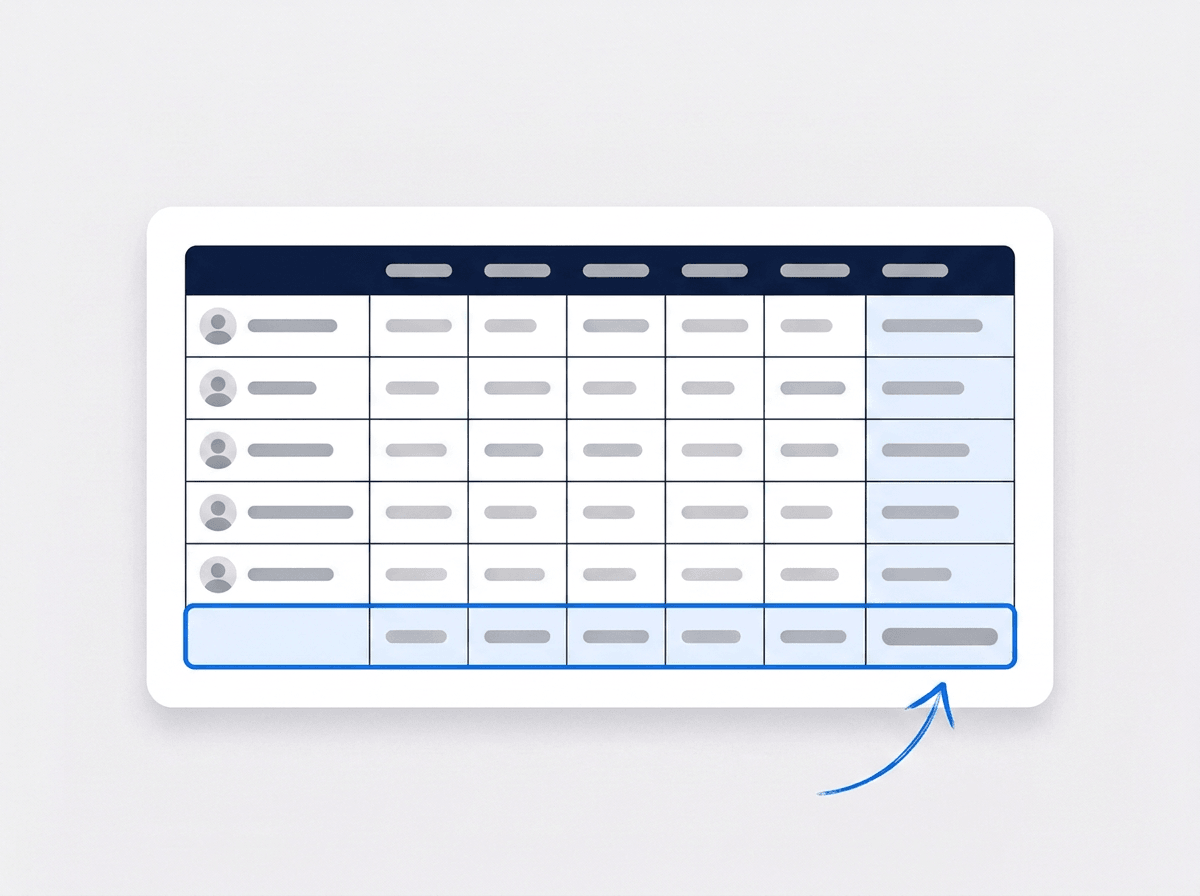
Run the pay period in one grid
Pick the pay period and every employee lands in a single editable grid. Base pay and allowances come from their profile — you fill in the rest.
- Base salary and allowances pulled from each profile
- Add your own earning and deduction columns
- Unpaid leave deducted from the period automatically
“Time off used to live in a spreadsheet I forgot to check. Now the person who is off is flagged while I’m putting the crew together.”

Sarah Mitchell
Owner, Bright Spark Cleaning
Ready to stop running HR on a spreadsheet?
Start your free trial and add your first employee in minutes. No credit card, no feature limits.
14-day free trial · No credit card required
Beyond HR — everything built in
AI Assistant
Powered by Google Gemini. Look up a job, create or update a customer, and ask about a photo — in plain English.
Team Management
Color-coded crews with dated roster changes — reshuffle without touching your permanent setup.
Fleet Management
Itemized maintenance history and service-due reminders on every work vehicle.
Work Permits
Match permit requirements to the job address. Track the documents each issuer wants, through to approved.
Frequently asked questions
It is where you keep the people side of the business: who works for you, what they are paid, what documents they hold, and when they are off. In a field service company that last part decides whether a job goes out the door. HR software built for the trades connects those records to the work, so the crew you build already reflects who is actually available.
No — and that is the point. Time off lives in the same system as your jobs, so when you build a crew, anyone with approved leave or a pending request is flagged right there in the list. You are not checking a second app, a wall calendar, or a group text to find out someone is gone.
Pick the policy template for your country and JobTrail sets up PTO, sick, parental, and bereavement leave with sensible defaults — you adjust anything you want. Balances then accrue on their own each month, carryover follows the limit you set, and federal holidays are already on the calendar. Employees see their own balance without asking you.
You can run the pay period. Pick your dates and every employee lands in one editable grid with their base salary and allowances already filled in from their profile. Add overtime, bonuses, or your own deduction columns, and unpaid leave for the period is deducted for you. JobTrail does not file payroll taxes or move money — it produces the numbers your payroll provider or accountant needs.