Site Assessment Software
“It looked good” is not something a customer can hold you to, or reward you for. Build the checklist you already run in your head, score it on the visit, and hand over a number instead of an opinion.
14-day free trial · No credit card required





Join 14,000+ pros

Built In AI Assistant
Powered by Google Gemini

Assessment complete
Scored on your own checklist
✅ Comparable to the last visit
Your list
Nothing Preset
Weighted
Points Per Item
Reusable
Templates
Per crew
Scores By Team
Quality stops being an argument, once every visit is scored against the same list.
How site assessments work in JobTrail
Build
Write your checklist once — the items you inspect, what each is looking for, and how many points it carries.
Score
On the visit, rate each item, note anything that needs explaining, and record which crew was on site.
Compare
JobTrail totals it into a score and a percentage, so this visit stacks up against the last one.
Everything you need to prove the work was good
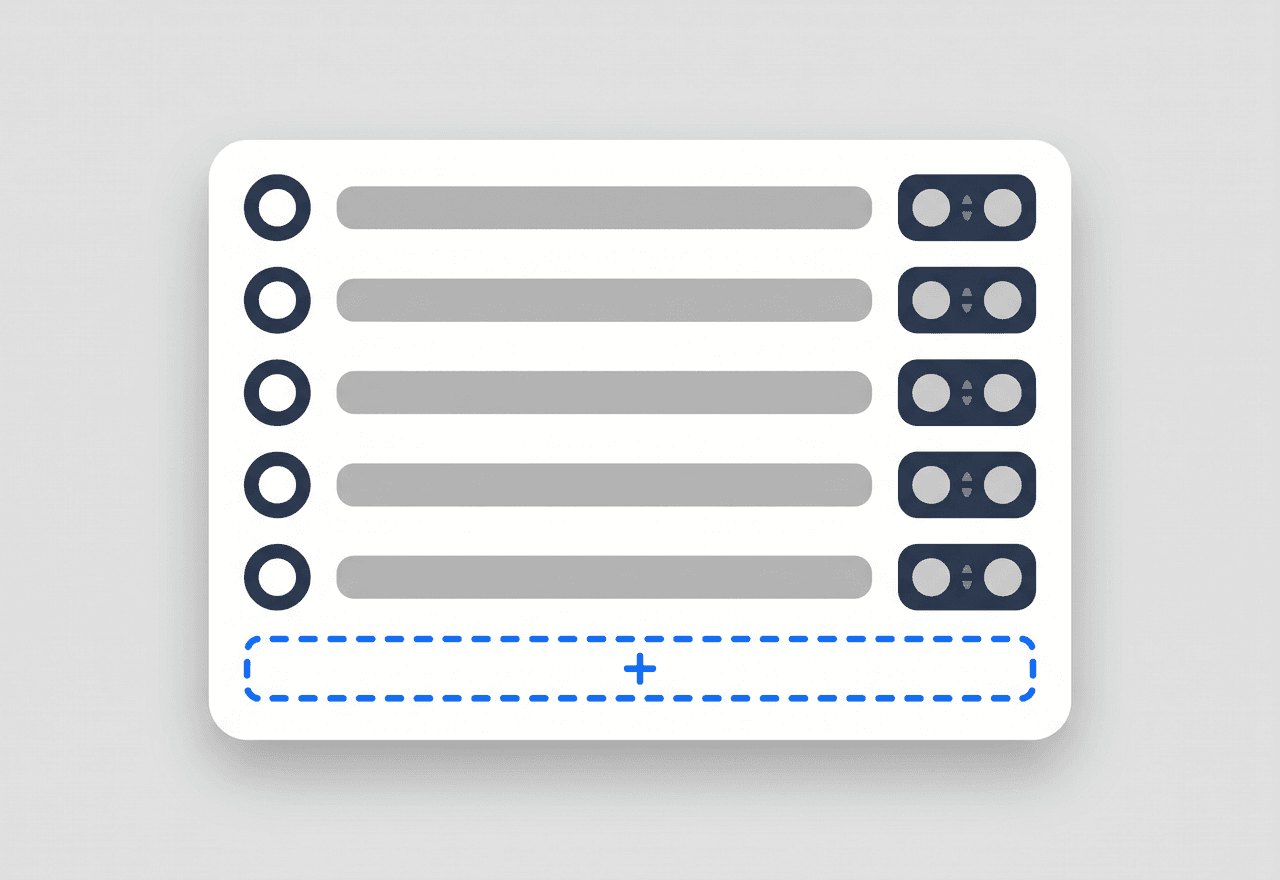
Write your checklist once
Build a template from the things you actually check. Number the items, describe what good looks like, and set what each one is worth — a safety item can carry more weight than a tidy-up item.
- Numbered items with a description of what you are looking for
- Set the points each item is worth, not a flat pass or fail
- Turn on a general comments box when the score needs context
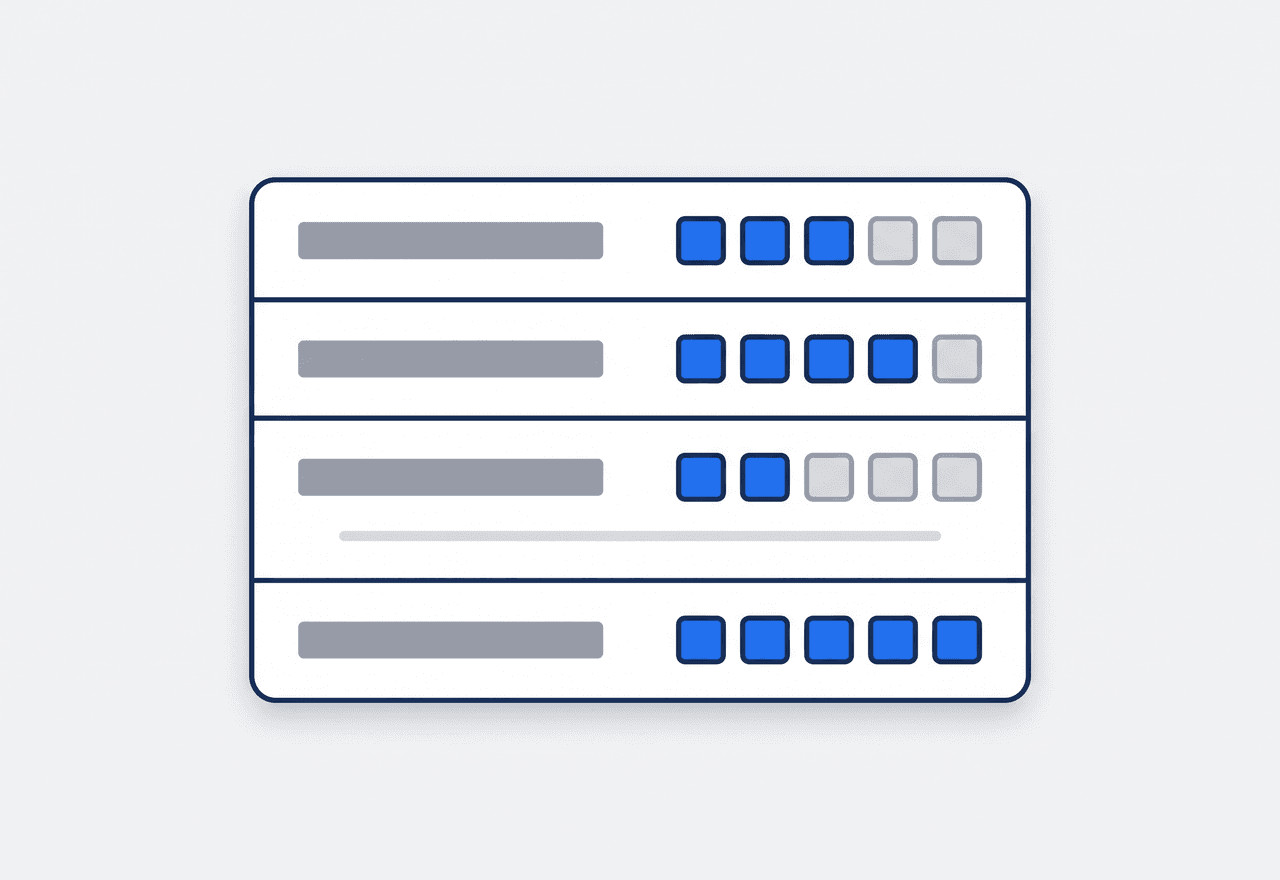
Rate it while you are standing there
Pick the template, set the visit date, and work down the list. Score each item, add a note where something needs explaining, and record which crew was on site that day.
- Per-item score with its own note for anything unusual
- Visit date, team, and the employees who were there
- Whoever ran the assessment is recorded against it

Turn “it went fine” into a percentage
JobTrail totals the score against what was possible and gives you a percentage. That is the difference between telling a customer the site looked good and showing them it scored 92 out of 100, three visits running.
- Total score, total possible, and a percentage on every assessment
- Comparable across visits, because the template did not change
- Every past assessment kept with its scores and notes intact
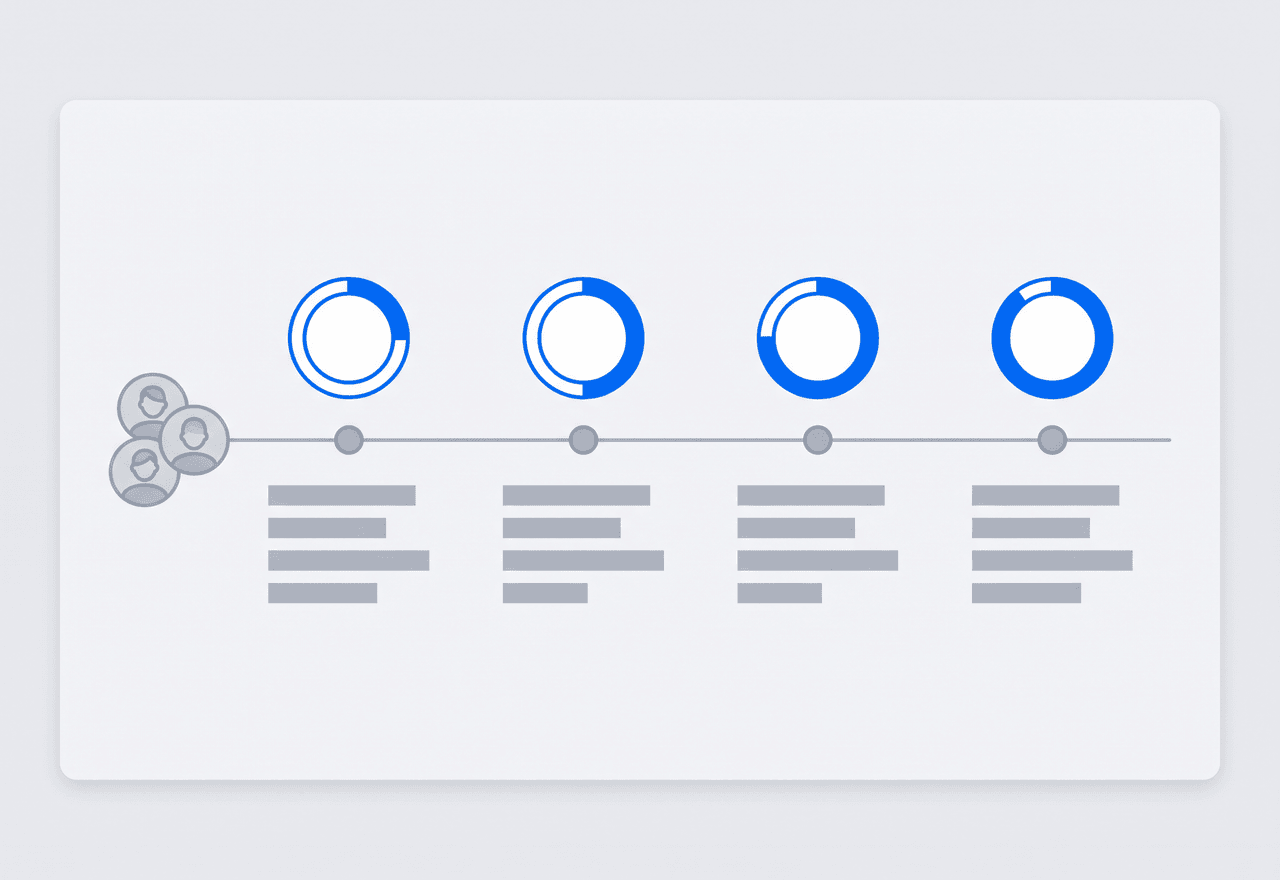
Know whose work you are looking at
An assessment records the team and the people who were on site, so a score is attached to real crew on a real date. Assessments sit alongside incidents in the same workforce area, which is where you go when you want the full picture on a team.
- Team and individual crew members recorded on every assessment
- Scores and incidents for a crew in the same place
- Templates show how often they are used and when they were last run
“Our contracts get reviewed every quarter. Walking in with a scored checklist for every visit, on the same template all year, ended the debate before it started.”

Sarah Mitchell
Owner, Bright Spark Cleaning
Put a number on your quality
Start your free trial and build your first scored checklist in minutes. No credit card, no feature limits.
14-day free trial · No credit card required
Beyond assessments — everything built in
Job Reports
A real page builder for branded PDF reports — job photos that label themselves, reusable templates, and share links that expire.
Incident Tracking
When a check finds something serious, log it with photos and follow-up.
Team Management
Color-coded crews, so a score belongs to a team you can name.
AI Assistant
Powered by Google Gemini. Ask about a customer or a job in plain English, and see a preview before anything saves.
Frequently asked questions
It turns a walk-around into a score. You build the checklist you already use in your head — the things you look at when you inspect finished work — and JobTrail records a rating and a note for each one, then totals it. What you get back is a number you can compare between visits, crews, and sites.
That is the whole idea. Nothing is preset. You add the items you care about, describe what you are looking for on each, and decide what each item is worth — so a missed safety step can cost more points than a smudge on the glass. Save it as a template and it is ready for every visit after that.
Each item has a maximum, and you rate it during the visit. JobTrail adds up what was scored against what was possible and shows both, plus the percentage. Because the template stays the same between visits, this month and last month are actually comparable.
Yes — a template is just a scored list, so the same tool covers a quality audit, a safety walk, or a service evaluation. Give each template a category to keep them straight. If a check turns up something serious rather than a low score, log it as an incident instead, with photos and follow-up.